107
Applying a pre-created color correction
Applying a pre-created color correction
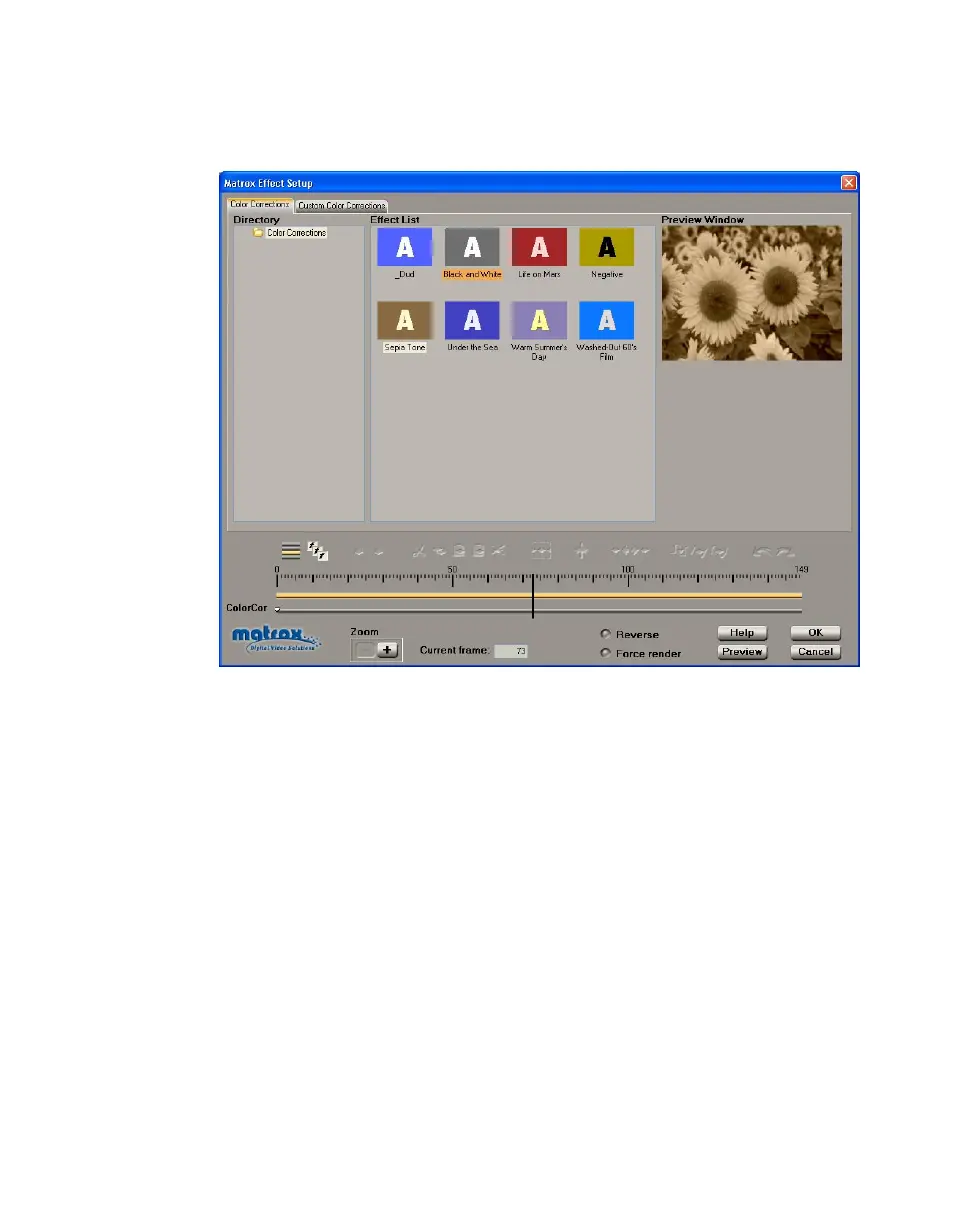
When you apply a Matrox color correction, the Color Corrections page
appears:
¦NoteYou can apply realtime Matrox color corrections to video clips only. If
you apply Matrox color corrections to graphics clips, you’ll need to render. You
can, however, use an image-editing program (such as Adobe Photoshop) to
correct the color of your graphics clips.
°To set up a color correction effect:
1 Click the particular effect you want from the Effect List.
¥Tip If you want to modify your clip without using any of the pre-created
settings, select the
_Dud effect.
2 To change the settings for your selected color correction effect, see “Creating
a custom color correction” on page 108.
3 To see a preview of your effect at any time, click the Preview button.
4 When you are satisfied with your effect, click OK to return to your Timeline.



 To Next Page