99
Creating a custom basic DVE
6 If you want to apply or change various transform settings, such as to change
your clip’s size, position, and rotation settings, see “Transforming your clip”
on page 149.
7 When you are satisfied with your effect, click OK to return to your Timeline.
Creating a custom basic DVE
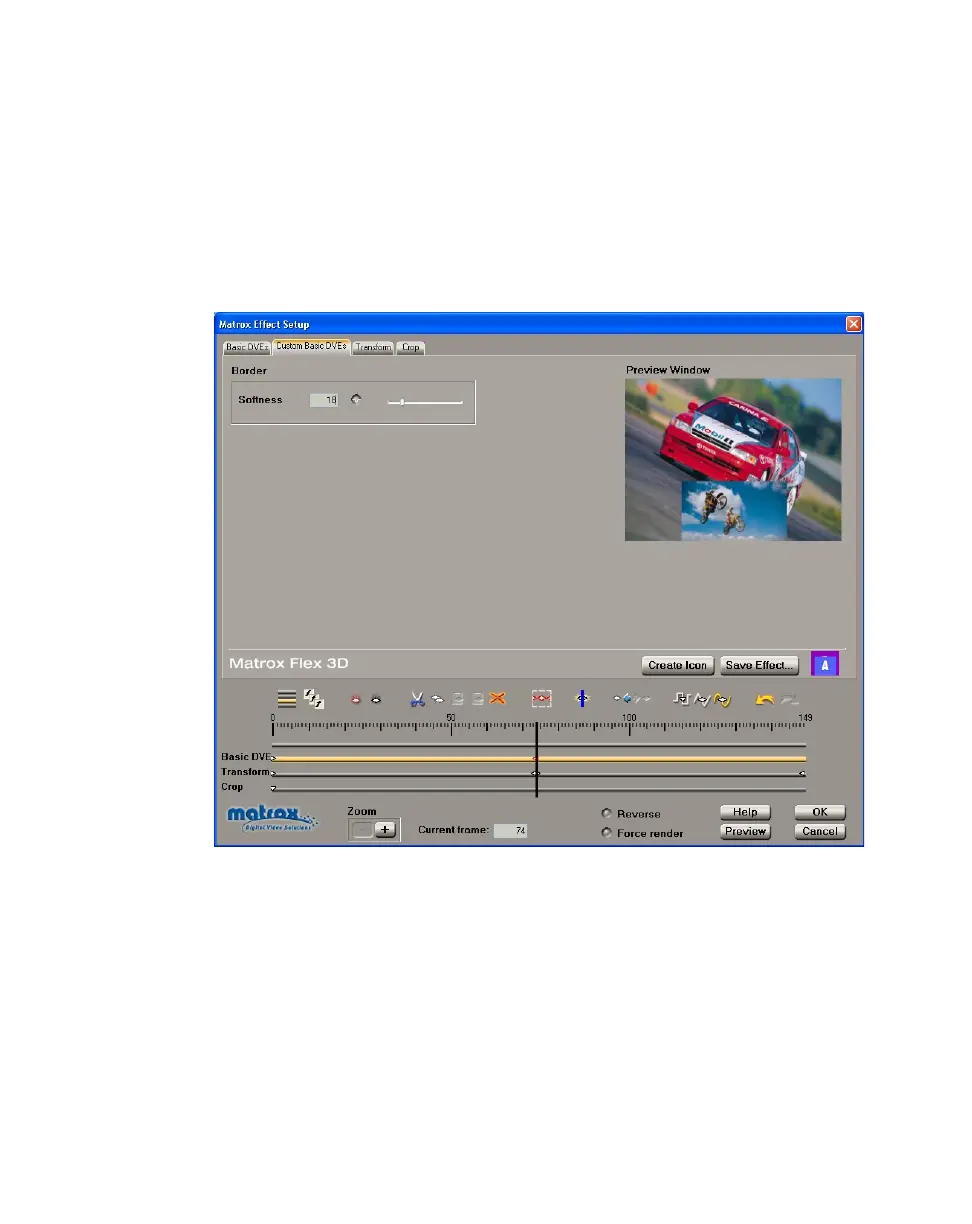
To customize the settings for your basic DVE, click the Custom Basic DVEs tab
or the
Basic DVE track:
Any change you applied to the
Border Softness on the Basic DVEs page is
carried over to the
Custom page. On the Custom page, however, you can create
keyframes to change the border softness at different frames of your clip.



 To Next Page