223
Fine-tuning your customized encoding profiles
$ Video and audio in one file (MPG) Generates an .mpg (MPEG-1 or
MPEG-2 Program) file that incorporates the video and audio portions of
your clip into one file.
$ Video in M1V/M2V, audio in MPA Generates an .m1v (MPEG-1
Elementary) or .m2v (MPEG-2 Elementary) video file and a compressed
.mpa audio file.
$ Video in M1V/M2V, audio in WAV Generates an .m1v (MPEG-1
Elementary) or .m2v (MPEG-2 Elementary) video file and an
uncompressed .wav audio file.
7 Under Video Settings, select the Frame Size, Frame Rate, and Aspect
Ratio
you want to use from the lists provided.
¥Tip You can also modify frame size by typing it in the session window
under the
Frame Size heading.
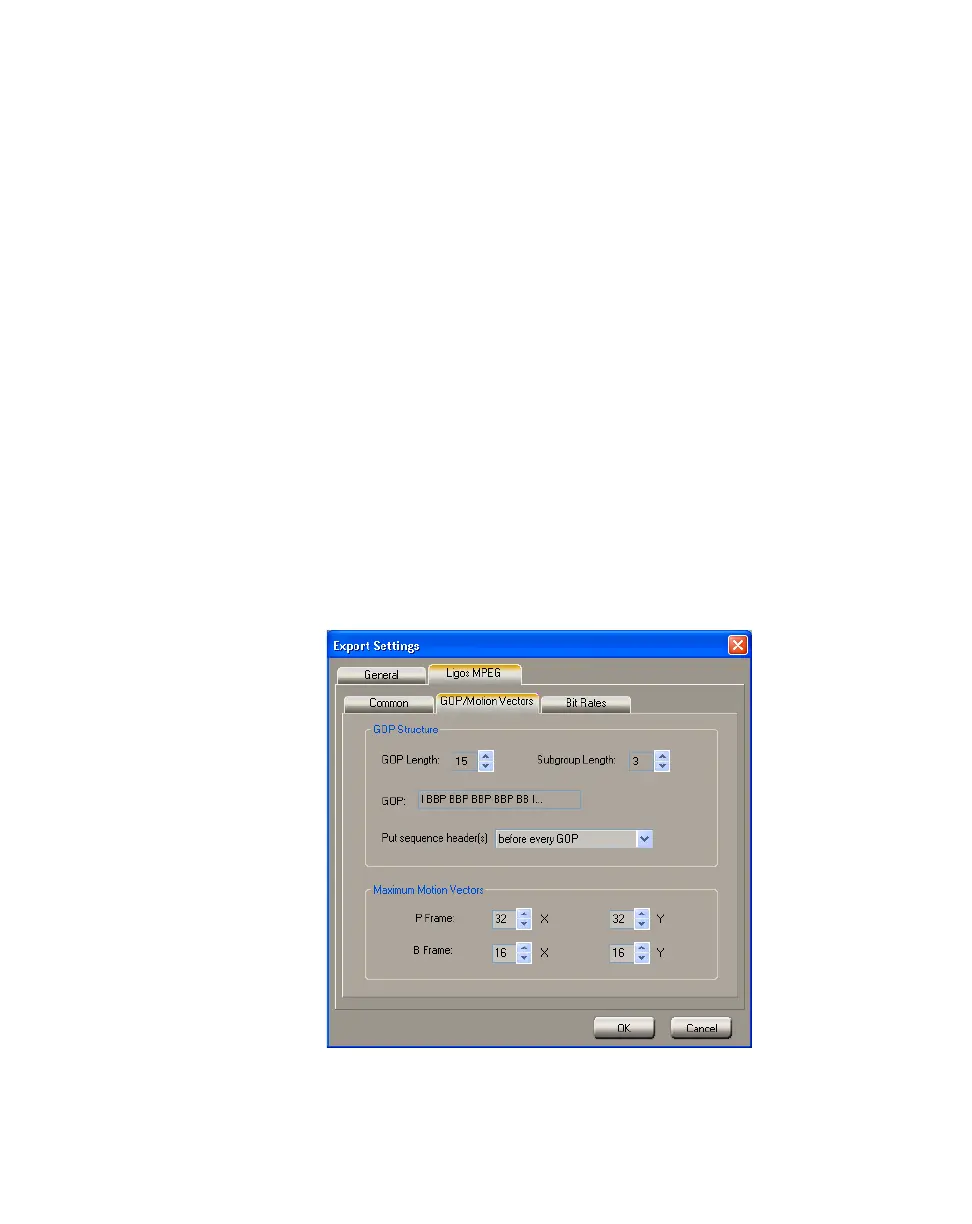
Customizing your Ligos MPEG GOP structure
and motion vector settings
You can define the properties of your video’s GOP structure, including its
subgroup length and placement of the sequence headers. You can also modify the
size of the motion vectors for your P and B frames.
°To modify your GOP and motion vectors settings:
1 Click the GOP/Motion Vectors tab.
2 Under GOP Structure, you can set the following:
$ GOP Length Determines the number of frames in the GOP.



 To Next Page