128
Chapter 6, Setting Up Realtime Effects with Adobe Premiere
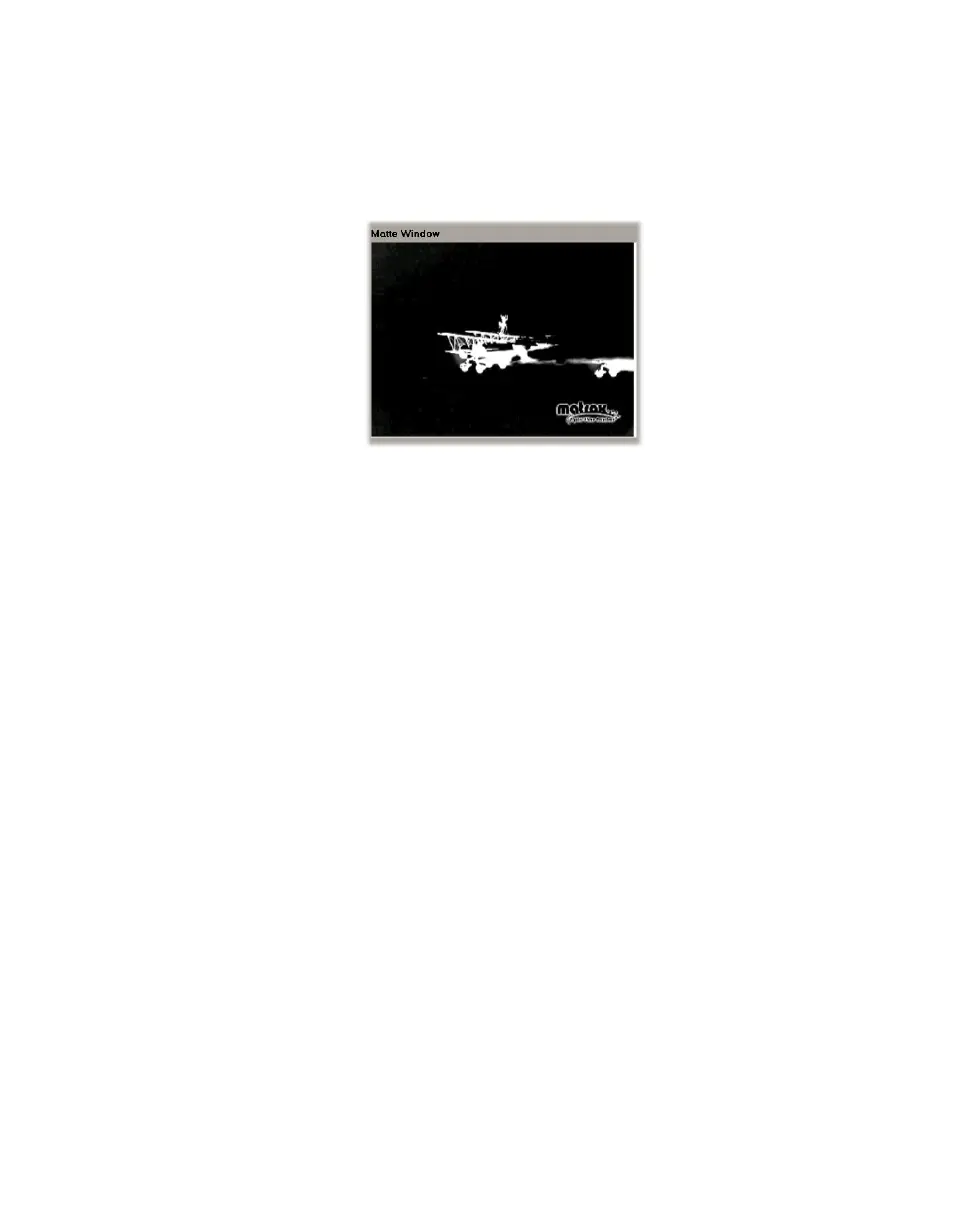
• Matte This view displays the matte used to create your key effect. In the
following example, you can see a white silhouette against black, with
semi-transparent areas seen as grays. As explained for the
Output view, you
can use the tracking rectangle in the
Matte Window to select an area
containing the luminance values on which you want to key.



 To Next Page