181
Capturing material for your production
3 From the list of available devices, select Matrox Video Capture Device.
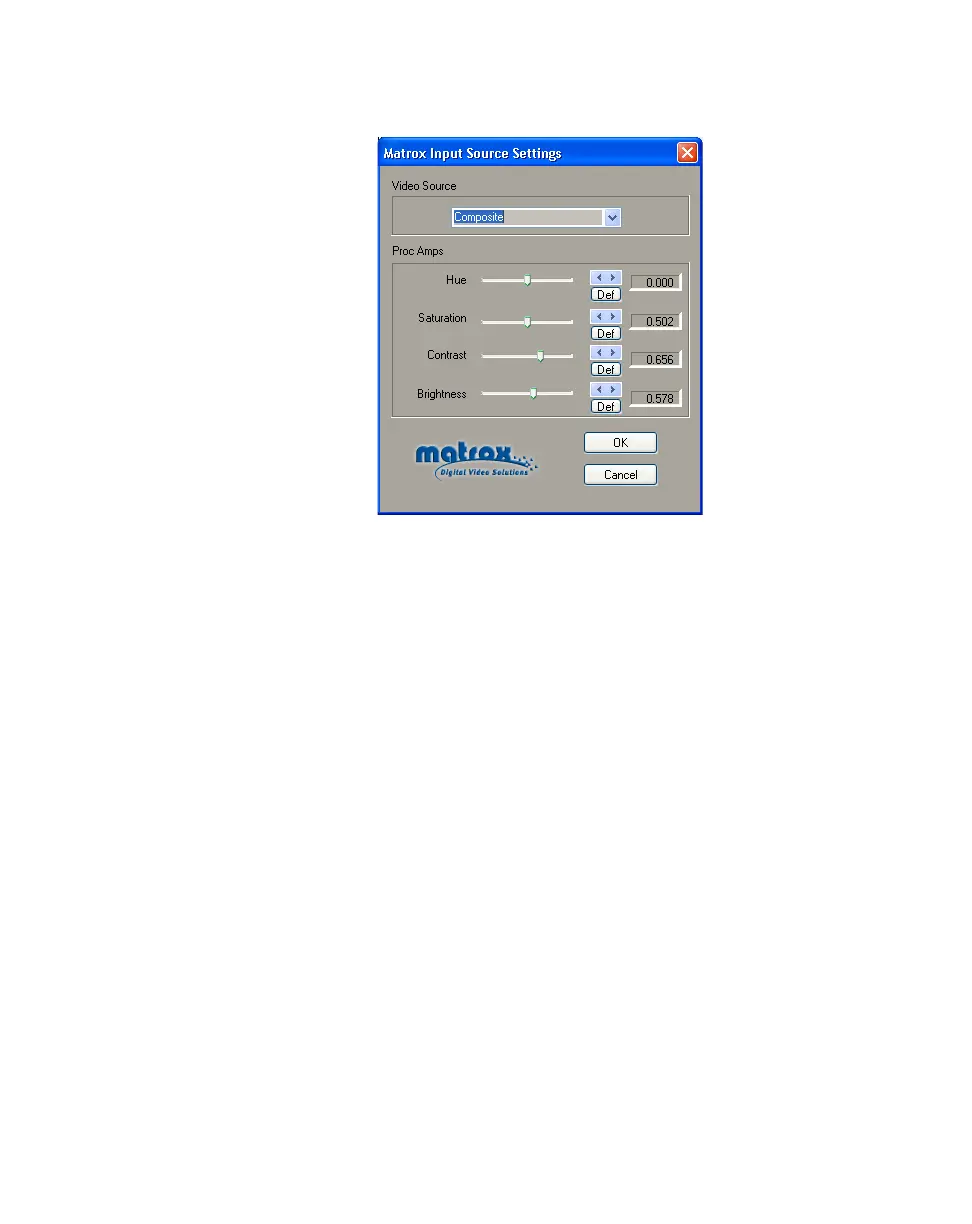
The
Matrox Input Source Settings dialog box appears:
4 From the Video Source list, select Composite or S-Video (Y/C). Make
sure this setting matches your input device.
5 Use the proc amp controls as needed to adjust the incoming analog video
signal before starting the capture. To return a control to its factory default
setting, click the
Def button.
$ Hue Adjusts the tint of the colors in the image.
$ Saturation Adjusts the saturation (vividness) of the image’s colors.
$ Contrast Adjusts the difference in luminance between the lightest and
darkest areas of the image.
$ Brightness Adjusts the level of black in the image.



 To Next Page