242
Chapter 13, Using Sonic DVDit! SE
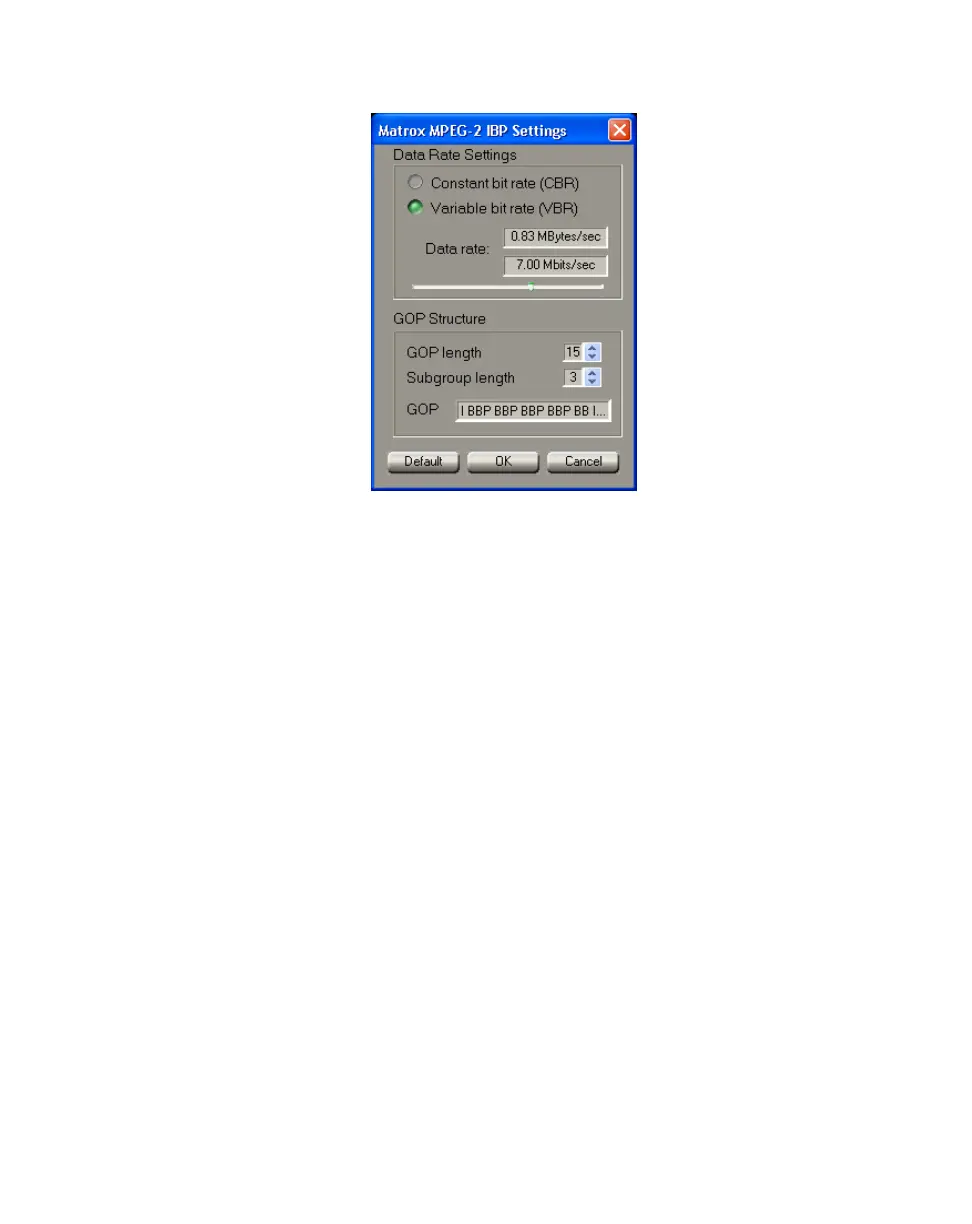
9 Click the Configure button. This displays the following dialog box:
10 Click the Default button. This sets the Data Rate Settings and GOP
Structure
to recommended DVD-compliant settings that are suitable for use
with DVDit! SE.
11 Click OK to return to the Matrox Realtime Export to Disk dialog box.
12 Click OK to begin the export and quit Adobe Premiere once the export is
complete.
For more information on performing a realtime export to disk, see “Performing a
Matrox realtime export to disk” on page 65.
¦NoteYou can also use Matrox MediaExport to create DVD-compliant
MPEG-2 files, but MediaExport can’t export your video in real time. For more
information, see Chapter 9, “Using Matrox MediaExport.”



 To Next Page