19
1. Install your Matrox RT.X100 Xtreme card
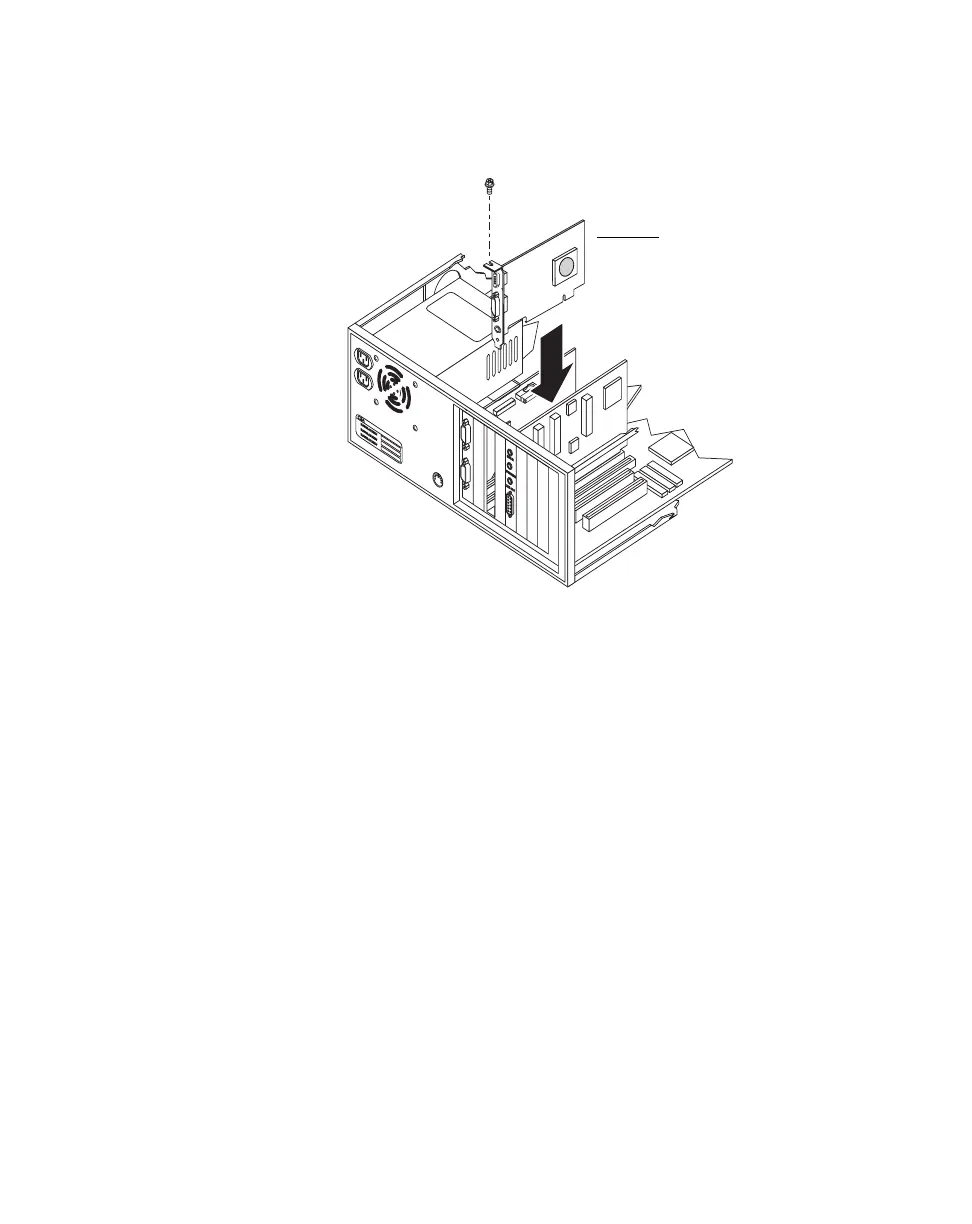
4 Insert your RT.X100 Xtreme card.
a Position your RT.X100 Xtreme card over the PCI slot you’ve chosen.
b Push the card in firmly and evenly until it’s fully seated in its slot.
c Using the fastening screw, secure your RT.X100 Xtreme card’s bracket to
the computer frame.
d Replace your computer’s cover.
¡ImportantDon’t turn on your computer yet. Proceed to the next section to
connect your RT.X100 Xtreme breakout cable and computer speakers.
RT.X100 Xtreme card



 To Next Page