63
Defining your Capture settings
• You’ve replaced your sound card with a similar model. (If you replace your
sound card with a different model, the Matrox realtime plug-in will
automatically prompt you to run the test again.)
• You’ve updated or re-installed the drivers for your sound card.
• You’ve moved your sound card to another slot in your computer.
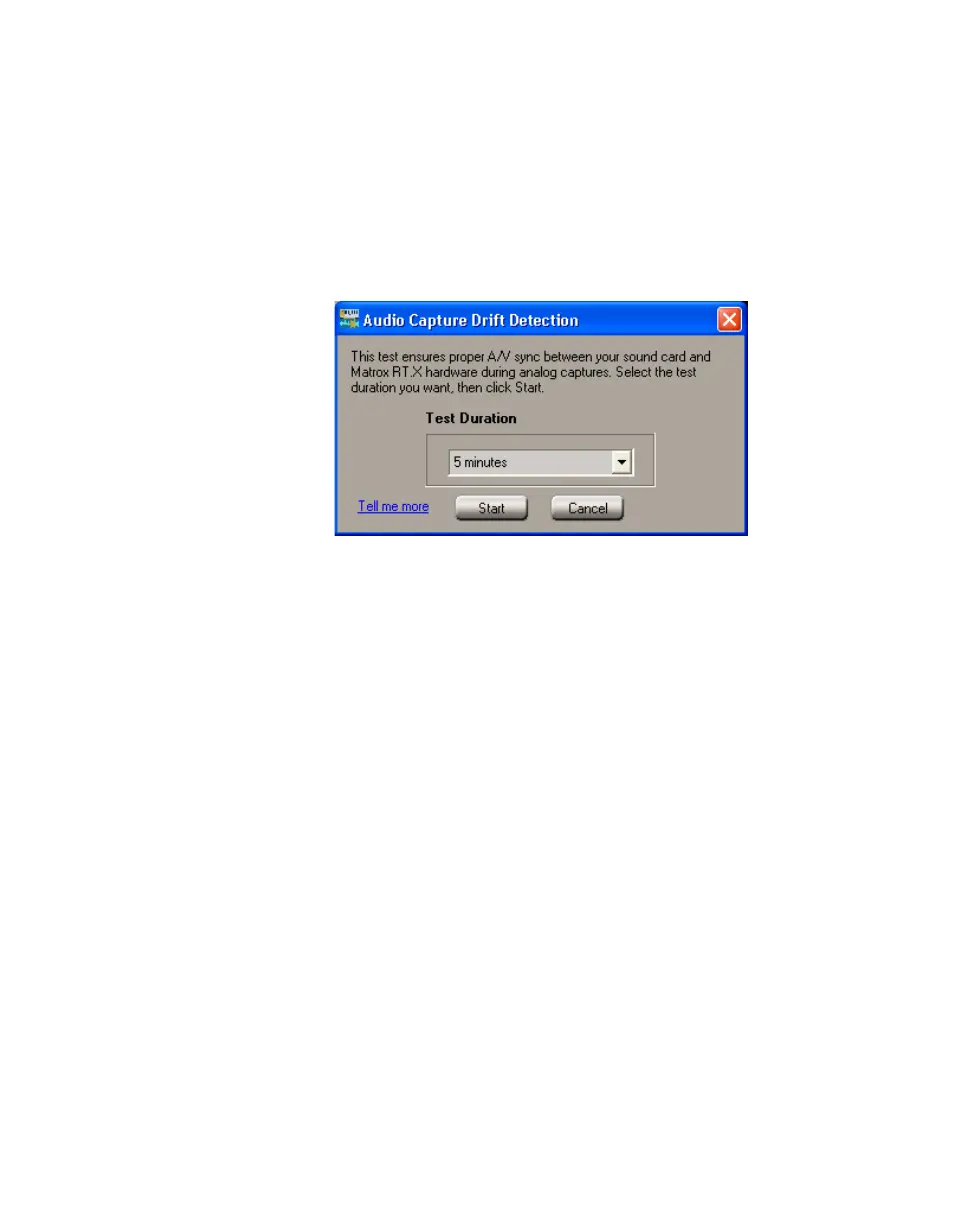
°To run the Audio Capture Drift Detection test manually:
1 Choose Start > Programs > Matrox X.tools > Audio Capture Drift
Detection
.
2 From the Test Duration list, select a duration for the test. In most cases, five
minutes will give you good results.
¦NoteIf you often perform long analog captures (longer than one hour), it’s
recommended that you select one of the longer test durations, such as
10 minutes.
3 Click Start to run the test.



 To Next Page