67
Recording your source video to disk
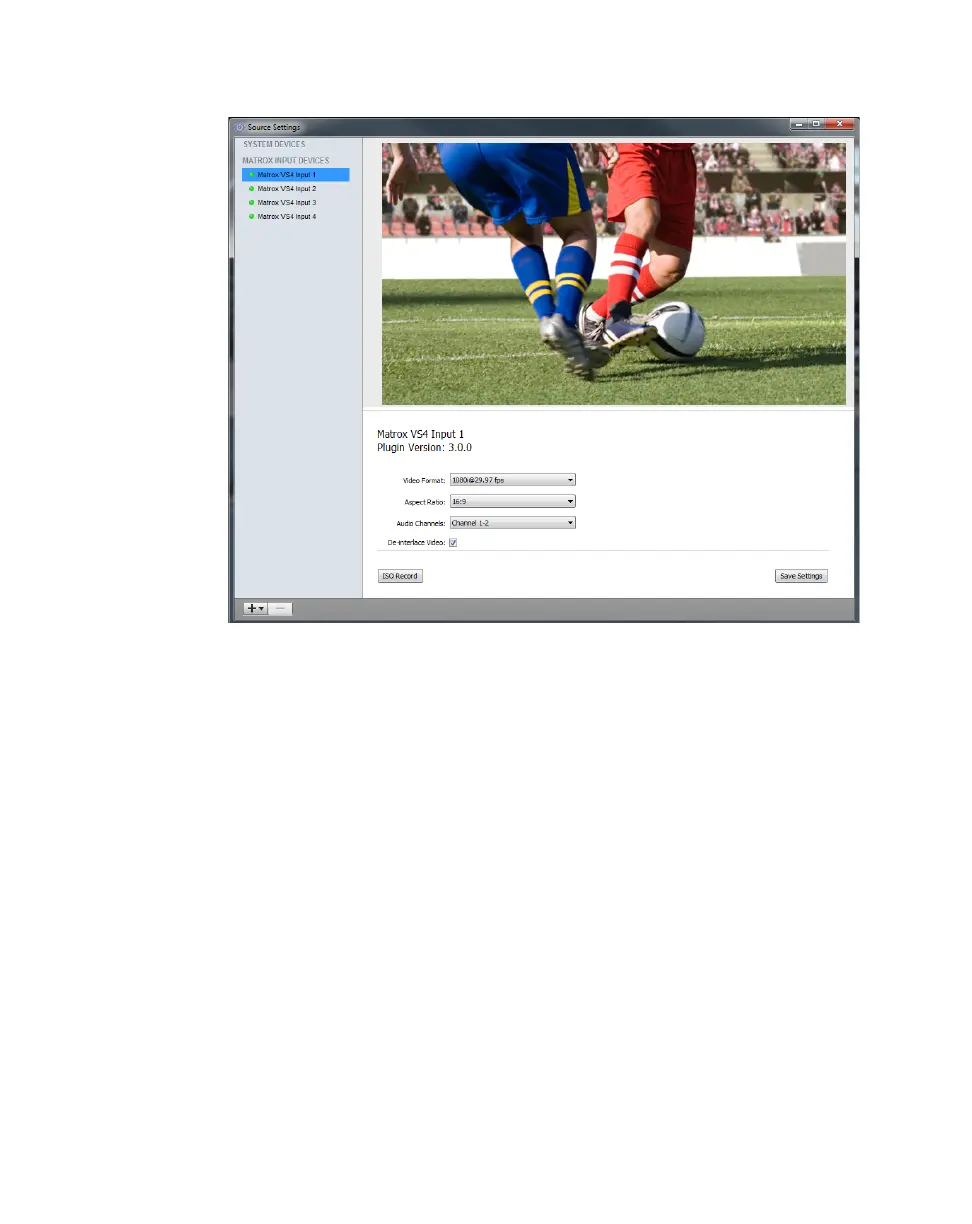
2 In Telestream Wirecast, choose Sources > Show Sources Settings.
3 Select the Matrox VS4 input that you want to record under MATROX
INPUT DEVICES
.
¦NoteIf your system includes two VS4 cards, ISO recording is supported
on the four inputs of the primary VS4.
4 For interlaced (i) and progressive segmented frame (PsF) sources, select the
video format that matches your source video from the
Video Format list.
For progressive (p) sources, Matrox VS4 automatically detects the video
format. This setting also applies when streaming your source video (see
“Using Matrox VS4 for streaming” on page 64).
5 If recording an SD source, specify the Aspect Ratio of your source video.
For HD sources, this option is automatically set to 16:9. This setting also
applies when streaming your source video (see “Using Matrox VS4 for
streaming” on page 64).
6 If you want to configure another input for recording, repeat steps 3 to 5 for
each input.



 To Next Page