Page 126 of 188
User Manual MAS-100 Regulus en.docx, Version: 4.0
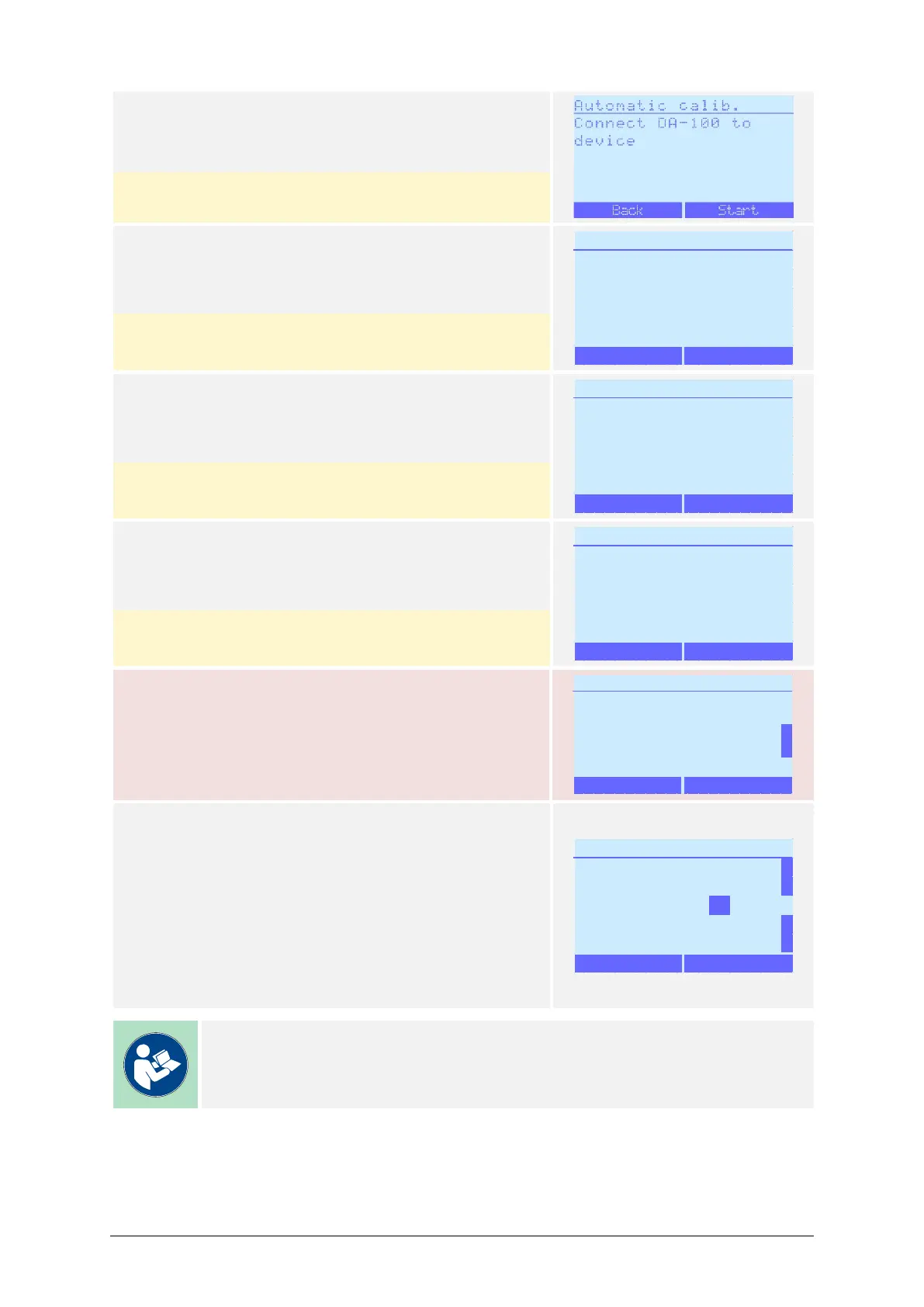
11) Press Start.
(The anemometer is already connected)
Pressing Back reverts to the Adj./Cal. Mode menu.
12) The blower will now start up.
Pressing Abort interrupts the process and reverts
to the Adj./Cal. Mode menu.
13) The process will now subsequently perform flow
measurements and display the result.
Pressing Abort interrupts the process and reverts
to the Adj./Cal. Mode menu.
14) The calibration validity can now be activated.
Press Yes to set the calibration validity
Pressing No interrupts the process and reverts to
the Adj./Cal. Mode menu.
The air sampler must be re-adjusted according to
chapter 10.3, chapter 10.4 or chapter 10.6 if the cali-
bration result is outside the specified range.
15) Enter the desired calibration validity duration with
the / buttons:
– Values from 0 to 12 months may be entered.
– After reaching the value of 12, the counter will
restart with 0.
– A value of 0 disables the calibration validity
check upon starting up the air sampler.
Once the desired value is entered, press OK to save
the value and continue.
Note
The standard factory setting for the Calibration validity is 12 months.


 To Next Page