Page 46 of 188
User Manual MAS-100 Regulus en.docx, Version: 4.0
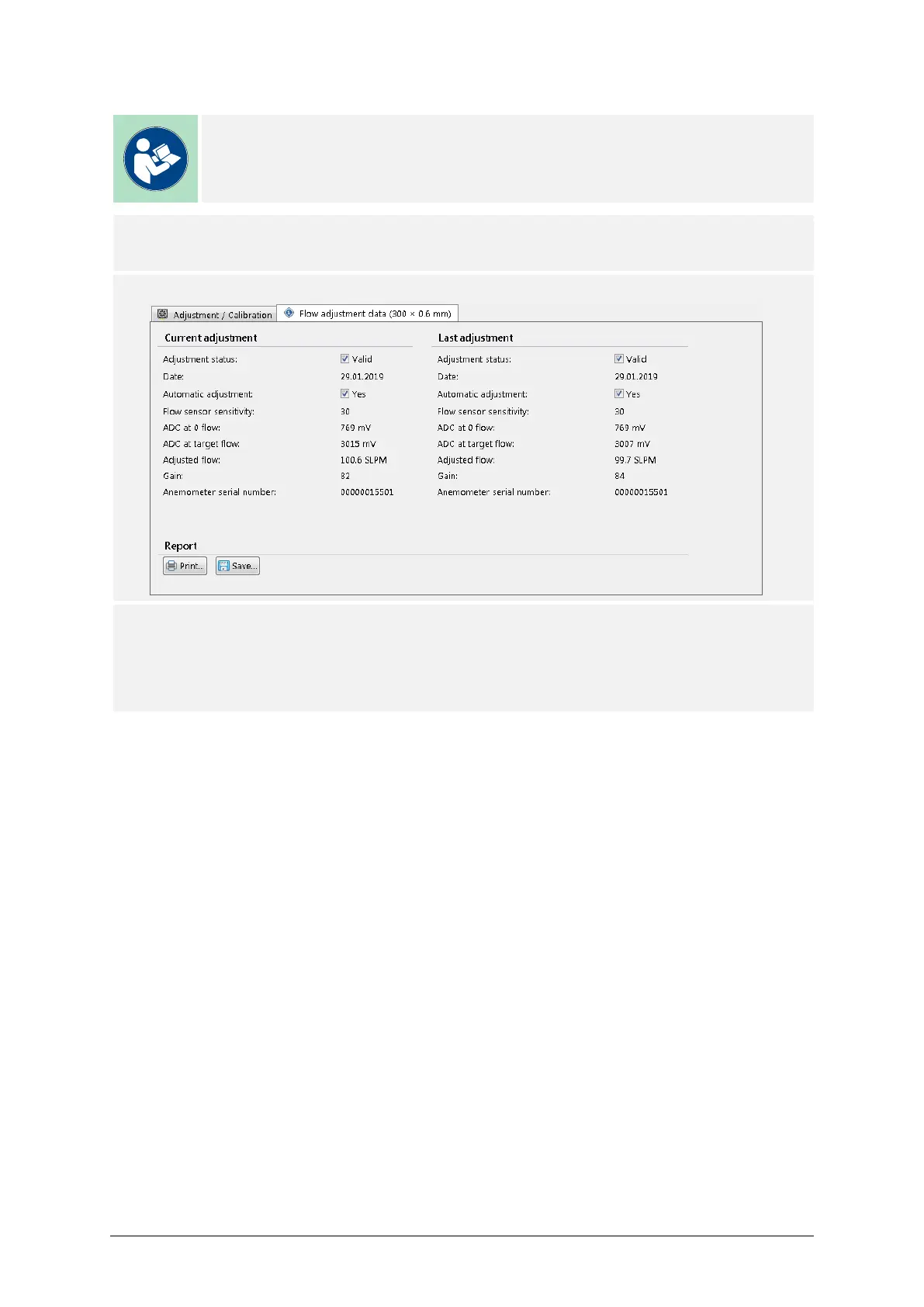
5.6. PRINT FLOW ADJUSTMENT DATA
Note
Please consult the MAS-100 NT/NT Ex Hardware Manual for detailed infor-
mation about the printer installation.
PROCEDURE
1) Connect a printer to the air sampler.
2) Select the Flow Adjustment Data tab.
3) Press the Print button to print the data on paper certificate,
and/or
Press the Save button to store the certificate as a PDF file.



 To Next Page