Page 129 of 188
User Manual MAS-100 Regulus en.docx, Version: 4.0
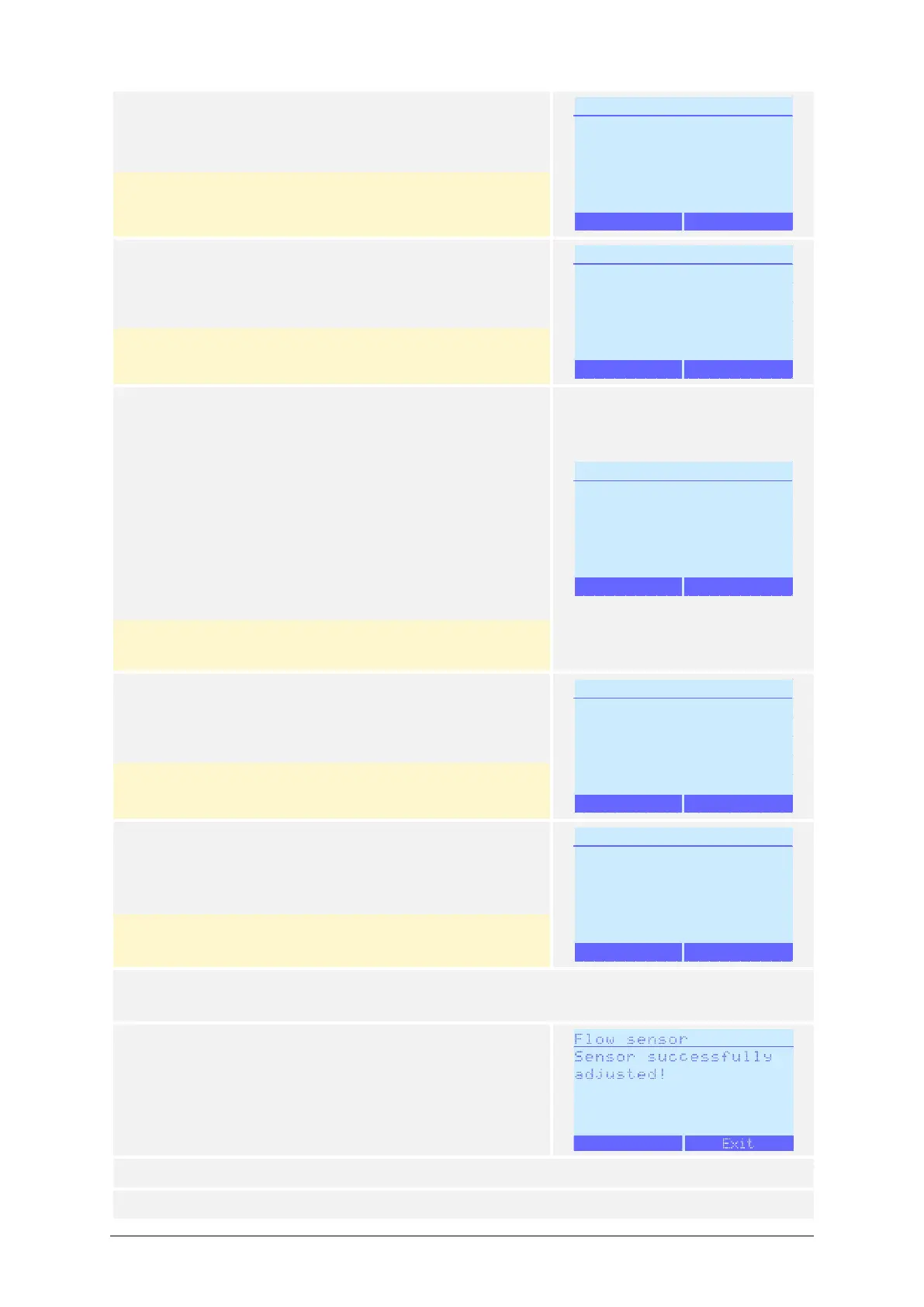
12) Press Start.
(The anemometer is already connected)
Pressing Back interrupts the process and reverts to
the Adj./Cal. Mode menu.
13) The message Waiting will briefly appear.
No action from the user is required, the process will
continue automatically.
Pressing Abort interrupts the process and reverts
to the Adj./Cal. Mode menu.
14) The air sampler is now in the Flow sensor menu.
The parameters for the current adjustment point
are shown:
– Adjustment flow (Target) SLPM
– Blower PWM %
– Flow (current) SLPM
Modify the Blower PWM with the / buttons.
Do not press Next.
Pressing Abort interrupts the process and reverts
to the Adj./Cal. Mode menu.
15) The message Waiting will briefly appear.
No action from the user is required, the process will
continue automatically.
Pressing Abort interrupts the process and reverts
to the Adj./Cal. Mode menu.
16) The message Reading mean flow will briefly ap-
pear.
No action from the user is required, the process will
continue automatically.
Pressing Abort interrupts the process and reverts
to the Adj./Cal. Mode menu.
17) The air sampler will now adjust automatically through all three adjustment points. No
action from the user is required, the process will continue automatically.
18) The automatic adjustment is finished.
Pressing Exit reverts to the Adj./Cal. Mode menu.
19) If used, remove the MAS-100 Family Calibration Disk or the Petri dish.
20) End of process.



 To Next Page