Page 55 of 188
User Manual MAS-100 Regulus en.docx, Version: 4.0
17) Iteration:
- Modify Blower PWM
- Take anemometer reading
- Is the F
m
value firmly inside the range of Adjustment flow ±0.5 SLPM?
o If No: Redo iteration.
If Yes: Press the Next button and continue.
Example
Adj. Point
❶
Adj. flow 100.0 SLPM
Tolerance ±0.5 SLPM
Adj. flow range 99.5 - 100.5 SLPM
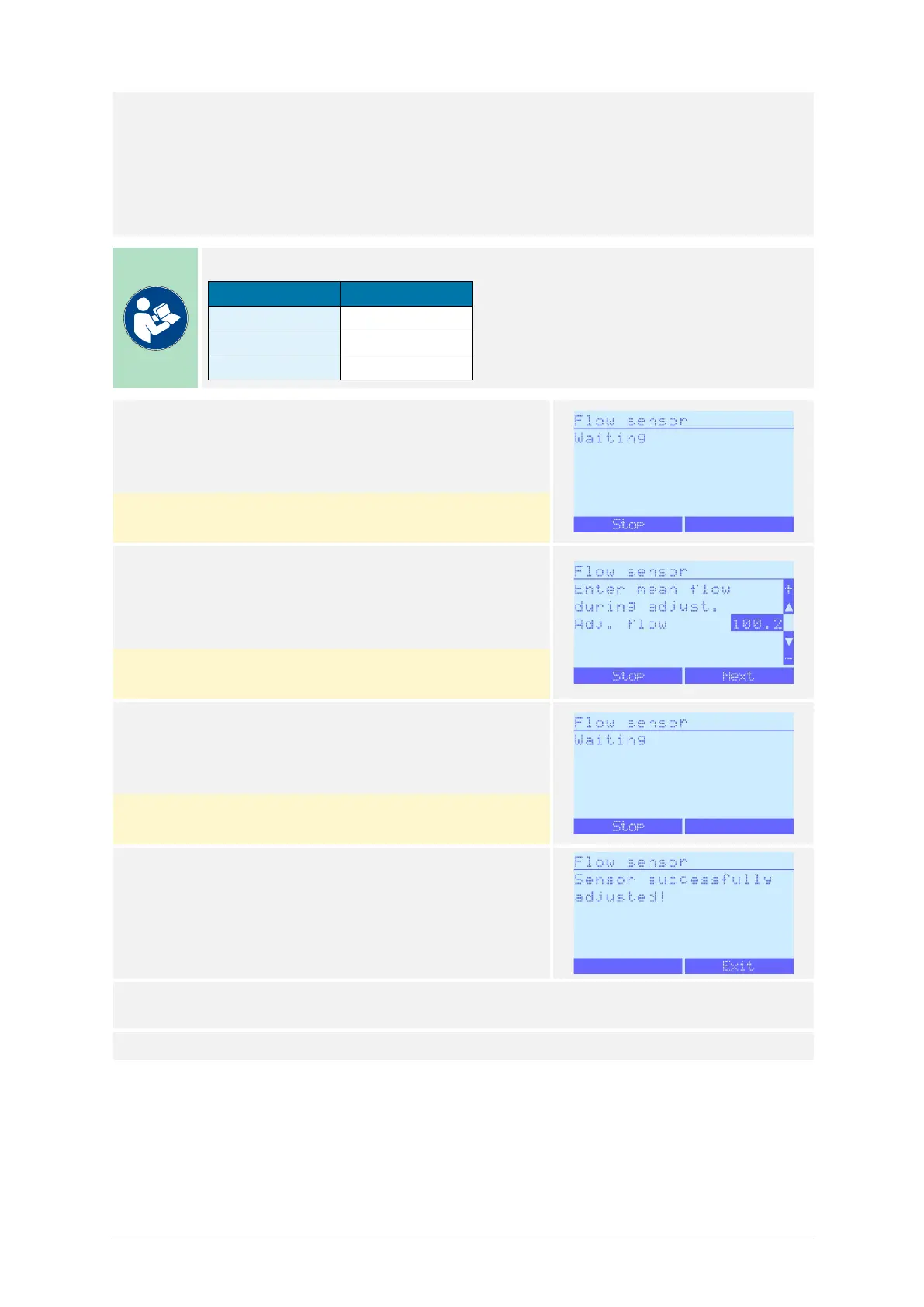
18) The message Waiting will briefly appear.
No action from the user is required, the process will
continue automatically.
Pressing Stop interrupts the process and reverts to
the Method menu.
19) Enter the last calculated mean flow value F
m
by
modifying the displayed value with the / but-
tons.
Press Next to save the value and to proceed.
Pressing Stop interrupts the process and reverts to
the Method menu.
20) The message Waiting will briefly appear.
No action from the user is required, the process will
continue automatically.
Pressing Stop interrupts the process and reverts to
the Method menu.
21) The manual 1-point adjustment is finished.
Pressing Exit reverts to the Method menu.
22) If this process must be repeated for different perforated lids, start over on step 9 and
use the other perforated lid.
23) End of process.



 To Next Page