11
oo
aa
aa
ss
ss
dd
Service manual for medifa 6000 mobile operating tables, version 2.0
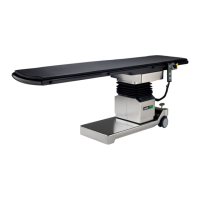
To remove the upper middle cladding, first remove the
two screws [10] at the front and back.
Finally, the cladding halves can be removed.
Proceed the same way with the middle cladding.
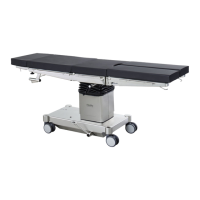
To remove the bottom cladding,
first remove the screws [11 and 12] on the bottom side,
top side, front and back side.
Finally, the cladding halves can be removed.
Figure 8
Figure 9
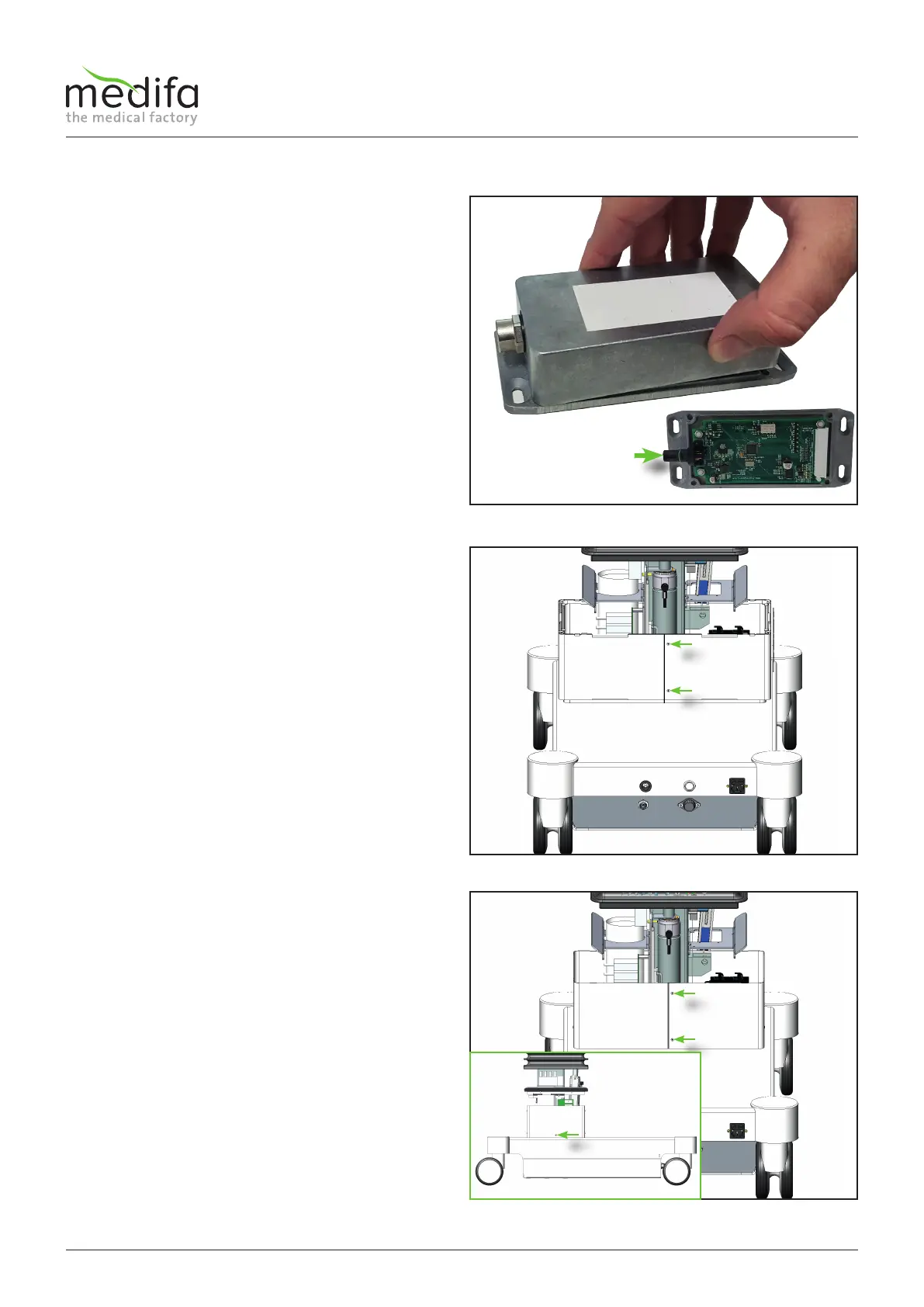
To remove the housing, you must now pull the cover
forward and lift the rear part of the cover. Be careful
since if you do not follow this order, you may damage the
power supply interface [9] of the board.
If the cover is removed, you can now remove the ribbon
cable.
Figure 7
Components column / top frame


 To Next Page