42 Service manual for medifa 6000 mobile operating tables, version 2.0
6. Calibration
The calibration of the medifa 6000 is used to record the end stops and zero positions of the various drives. If the end stops
are not determined, various mechanical components can collide and cause serious damage to the table. Calibration of the
zero positions ensures that the top frame can be moved to a position that is as horizontal as possible when the "Level" button
is pressed, on a flat surface.
To enter the calibration mode, press the Trendelenburg key on the manual switch and Reverse key on the column keypad
simultaneously, the medifa 6000 confirms this by beeping. Then all the positions to be stored are moved to in the sequence
defined below and stored one after the other. Saving is carried out by pressing the key combination Normal/Reverse position
on the manual switch and Activate on the column keypad and is confirmed by a beep.
After the height "up" has been saved, a reset is performed and the control unit is restarted. After this reset, the display
switches on and the desk is functional.
If an error occurs during the calibration process, you can go back one step to recalibrate the position. To do this, the key
combination Normal/Reverse position on the manual switch and Normal position on the column keypad must be pressed.
The 0-positions of the displacement and the angles are determined by measuring.
Use a protractor for this purpose.
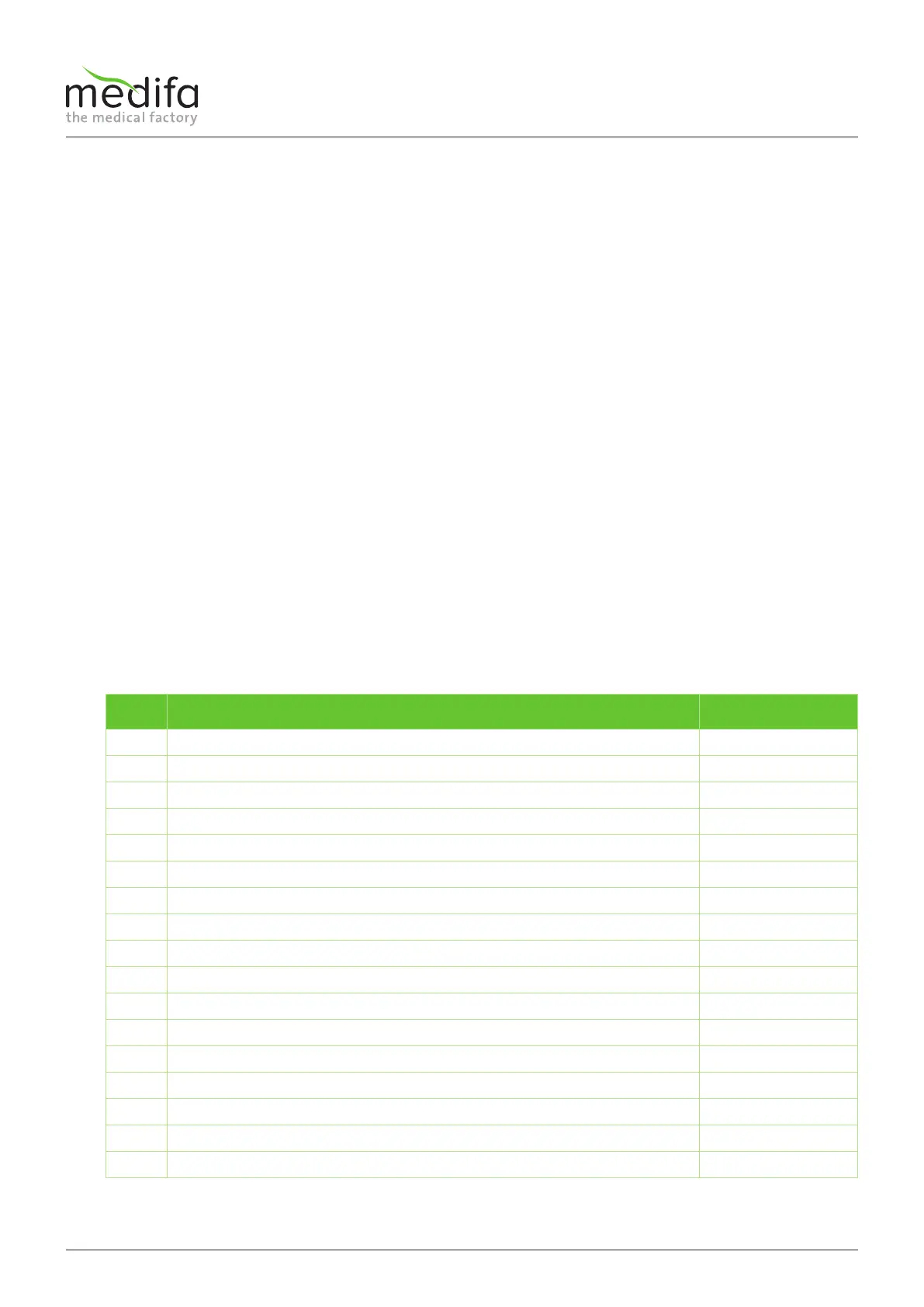
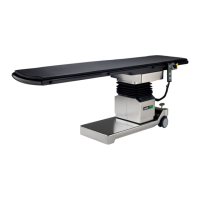
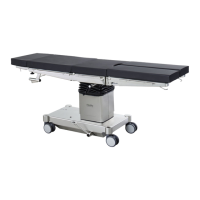
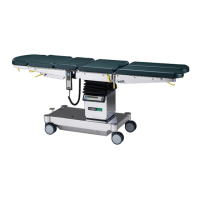
On models 601120, 601700 and 601820, the calibration of positions 10 to 12 of the leg plate adjustment can be omitted.
The calibration of the upper back adjustment on models 601700 and 601820 can only be set manually.
For instructions, refer to the chapter Replacing the displacement encoder system of the upper back adjustment for models
601700 and 601820.
Calibration sequence
No. Function Angle
1 Lateral left -20°
2 Lateral 0-position 0°
3 Lateral right +20°
4 Anti-trendelenburg +30°
5 Trendelenburg 0-position 0°
6 Trendelenburg -30°
7 Longitudinal adjustment at the bottom End position
8 Longitudinal adjustability of 0-position Middle position
9 Longitudinal adjustment at the top End position
10 Leg plate adjustment at the top (Item no.: 601920) +75°
11 Leg plate adjustment 0-position (Item no: 601920) 0°
12 Lower leg plate adjustment (Item no: 601920) -90°
13 Lower back adjustment at the top +70°
14 Lower back adjustment of 0-position 0°
15 Lower back adjustment at the bottom -40°
16 Bottom height Near end position
17 Top height Near end position
Calibration


 To Next Page