Number Item Description
6 Playback/Suspension
: Appears while playing a music file.
: Appears while playback is suspended.
7
Remaining Time/Song Time
Passed
You can switch the display option by pressing the Down button
while playback is suspended.
Remotely Operating the Digital Music Library
To remotely operate the Digital Music Library using a web browser, navigate to Support - WebRemote, then
select “On”. After setting “WebRemote” to “On”, enter either the Digital Music Library’s IP address or friendly name
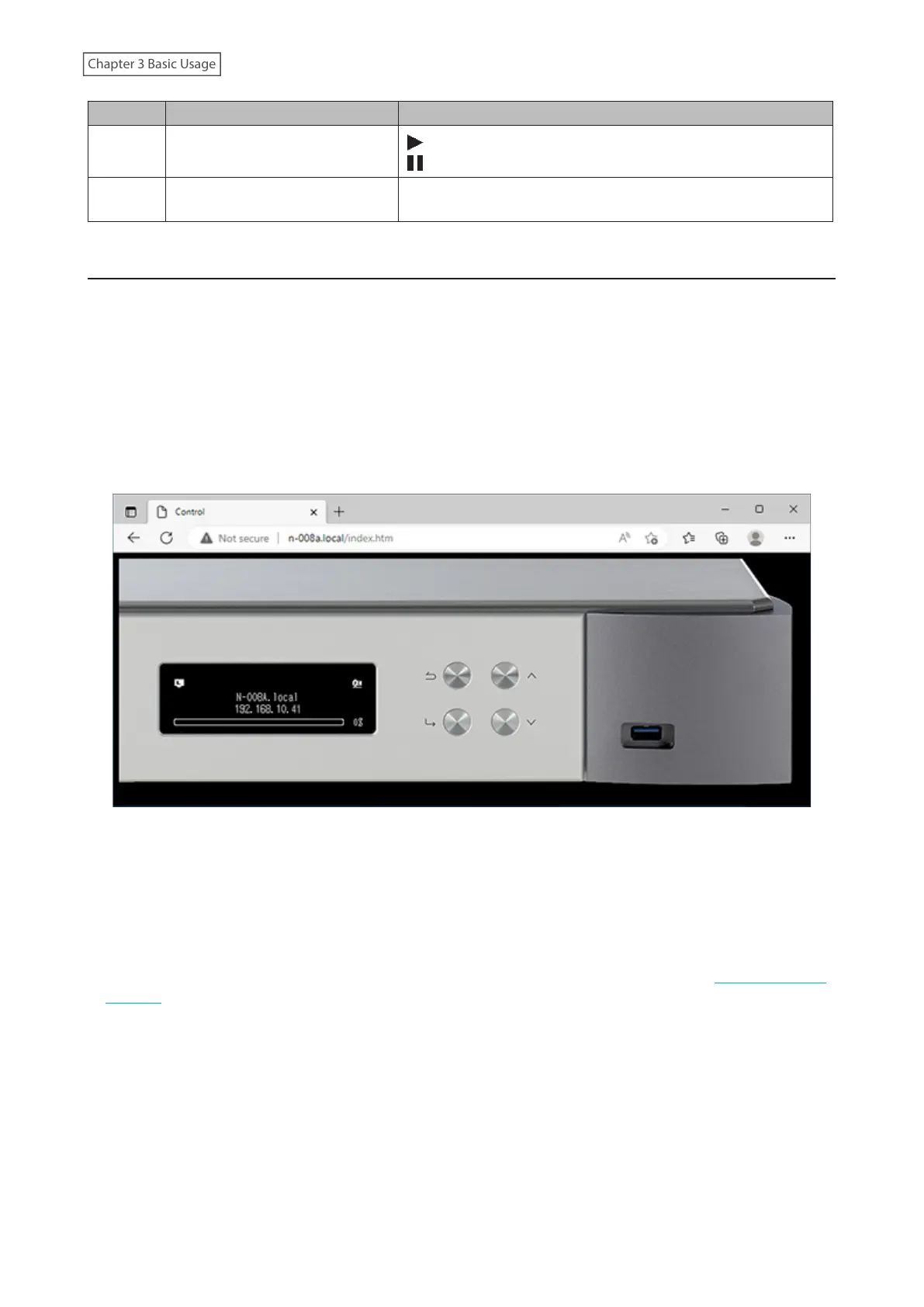
(hostname) into the browser’s address bar and press the Enter key. The page below will then open. You can now
operate the Digital Music Library remotely by clicking or tapping the buttons on the web page. As the display
changes on the web browser, the Digital Music Library’s display will change accordingly to match. You can still
manually operate the Digital Music Library using its physical buttons while WebRemote is enabled.
While “WebRemote” is enabled, the “Network”, “Drive”, and “Initialize Settings” options will not appear on the
“Settings” page to ensure that no one but you can change or utilize these settings. To display these settings, disable
“WebRemote”.
Please note that not all features of the Digital Music Library will be available from a web browser.
Notes:
• To easily access the Digital Music Library via a web browser for remote operation, we recommend creating a
browser bookmark or a shortcut on the home screen. On a mobile device, opening the shortcut allows you to
remotely operate the Digital Music Library in full screen.
• If the Digital Music Library’s IP address changes, you will not be able to remotely operate the Digital Music Library
through the bookmark or the home screen shortcut. In such a case, access the Digital Music Library through the
web browser via its new IP address and create the bookmark or shortcut again. To keep using the same bookmark
or shortcut, we recommend setting a static IP address for the Digital Music Library. Refer to the “Changing the IP
Address” section in chapter 4 for the procedure to configure a static IP address for the Digital Music Library.
• When you click or tap the Digital Music Library's display on the web browser, the display will be in full screen.
Click or tap the screen again to exit the full screen display.
14



 To Next Page