8 Press the Menu/Enter button.
Note: If you remove all accounts with periodic downloads enabled, it will be disabled automatically.
Playing Music Files on a Network Audio Player
Imported music files can be played using the Network Audio Player. The procedure to play music files is different
depending on the Network Audio Player, so refer to your Network Audio Player’s manual for more detailed
information on how to play music.
Note: You can play music files from an expansion drive on you Network Audio Player. For more information about
this setting, refer to the “Streaming Music Files from Expansion Drives” section in chapter 4.
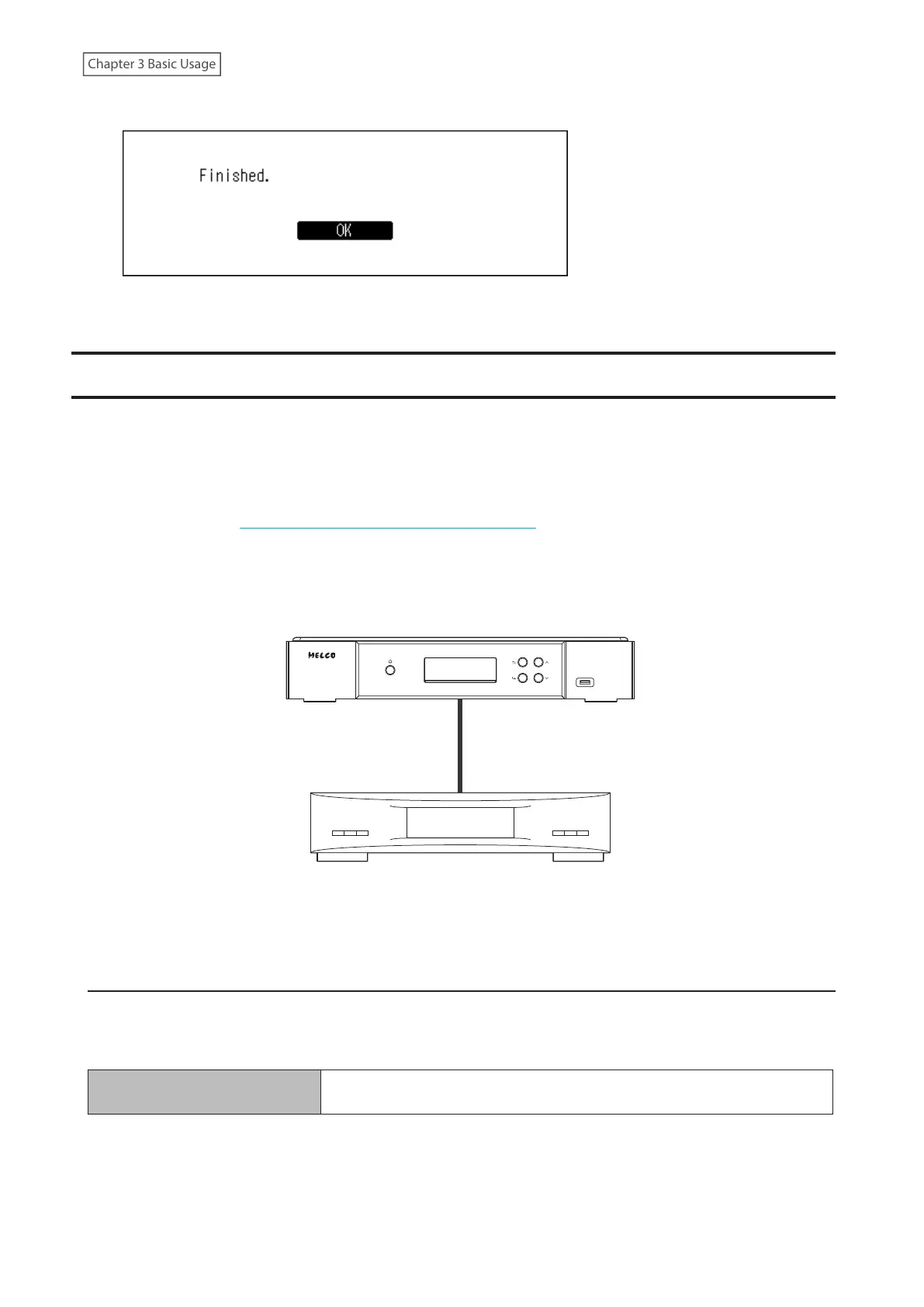
Digital Music Library
Network Audio Player
Streaming Imported Music Files
The Digital Music Library supports streaming of files with the extensions below.
Supported File Types for Streaming
Extensions
mp3, wma, wav, lpcm, pcm, ogg, m4a, mp4, 3gp, flac, m3u, mpa, aac, apl,
ac3, aif, aiff, mp2, mp1, dsf, dff
30



 To Next Page