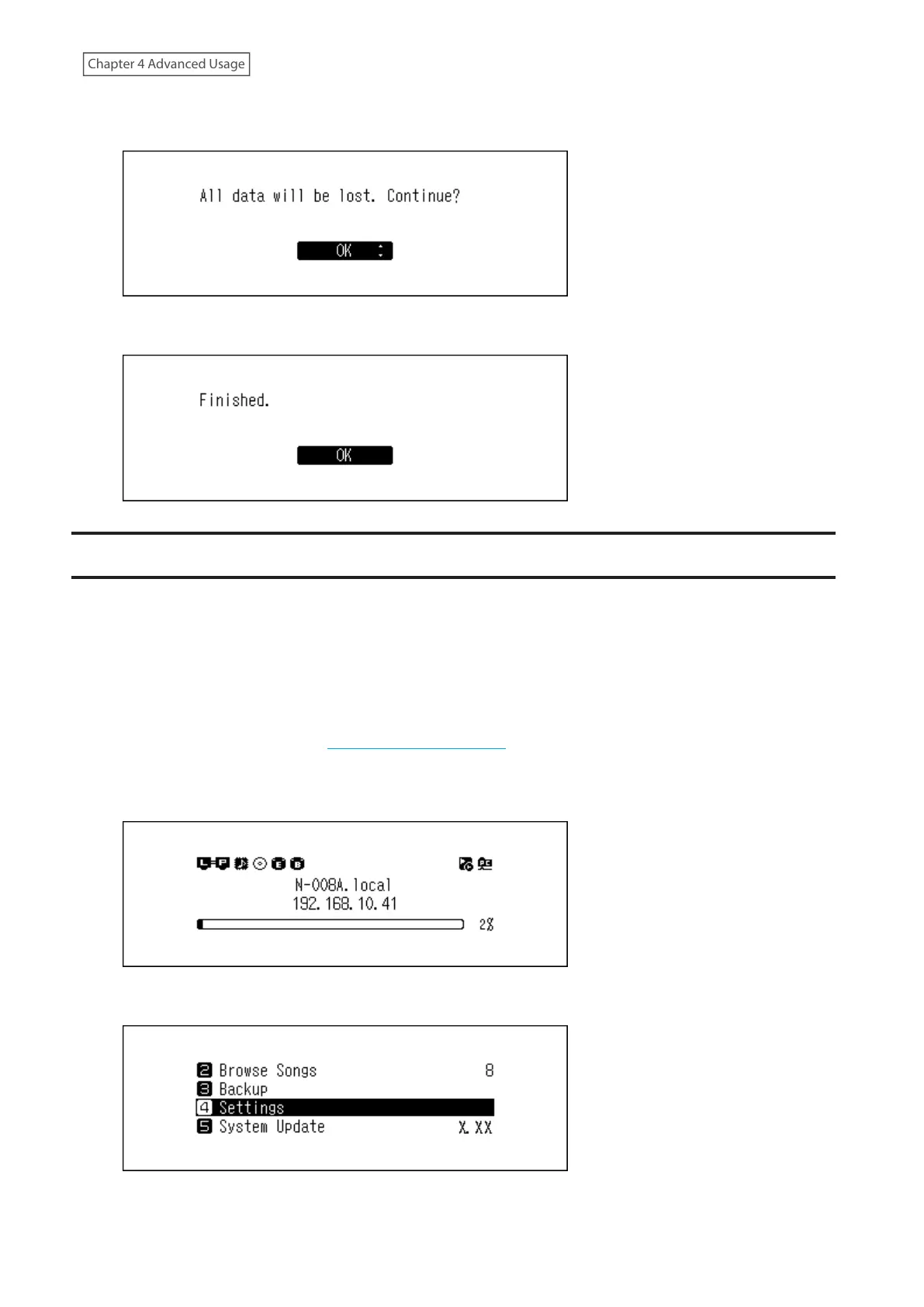
6 Make sure that all files on the drive can be erased before proceeding. To continue formatting, press the Up/
Down buttons and select “OK”, then press the Menu/Enter button.
7 Press the Menu/Enter button.
Erasing Data on the Digital Music Library Completely
Under some circumstances, data from formatted drives can be recovered. The drive erasure process mentioned in
this section does a much more thorough job of erasing data by removing all data from a drive in a way that makes
it nearly impossible to recover with current tools. After completing the procedure, all data on the drive will be
completely erased.
This section explains the procedure for erasing data on the internal drive as an example.
Note: This erasure process may take several days to complete. Make sure the Digital Music Library is powered on
during the process. Other functions will become unavailable while the erasure process is running.
Typically, follow the procedure in the “Formatting Internal Drives” section above to delete all data on a drive. This
procedure below is not recommended for typical use.
1 Press the Menu/Enter button to display the menu list at the home screen.
2 Press the Up/Down buttons and select “Settings”, then press the Menu/Enter button.
49



 To Next Page