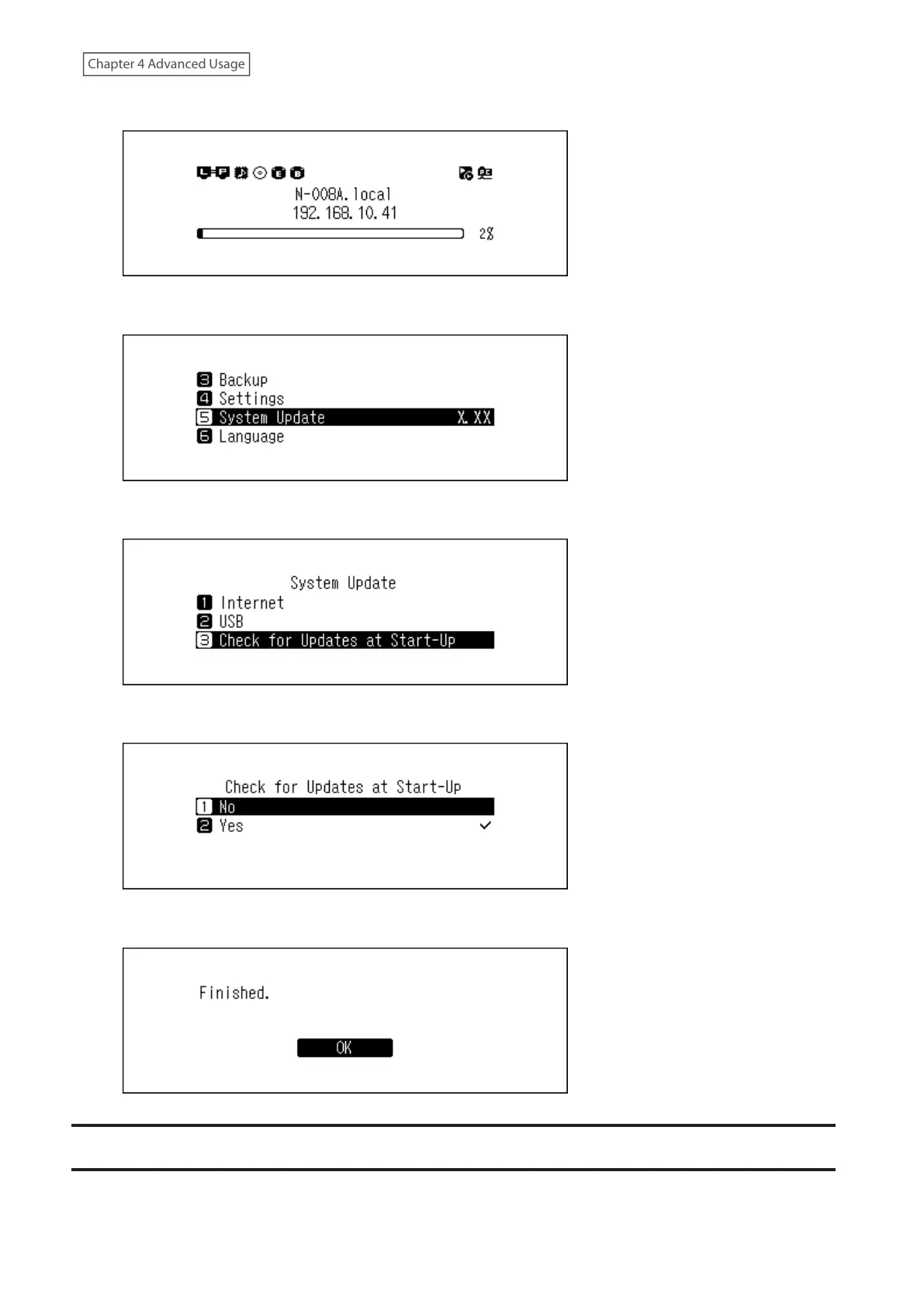
1 Press the Menu/Enter button to display the menu list at the home screen.
2 Press the Up/Down buttons and select “System Update”, then press the Menu/Enter button.
3 Press the Up/Down buttons and select “Check for Updates at Start-Up”, then press the Menu/Enter button.
4 Press the Up/Down buttons and select “No”, then press the Menu/Enter button.
5 Press the Menu/Enter button.
Restoring Factory Defaults
To initialize the Digital Music Library to its factory default settings, follow the procedure below. The operation above
only initializes the settings. Data will not be affected.
63



 To Next Page