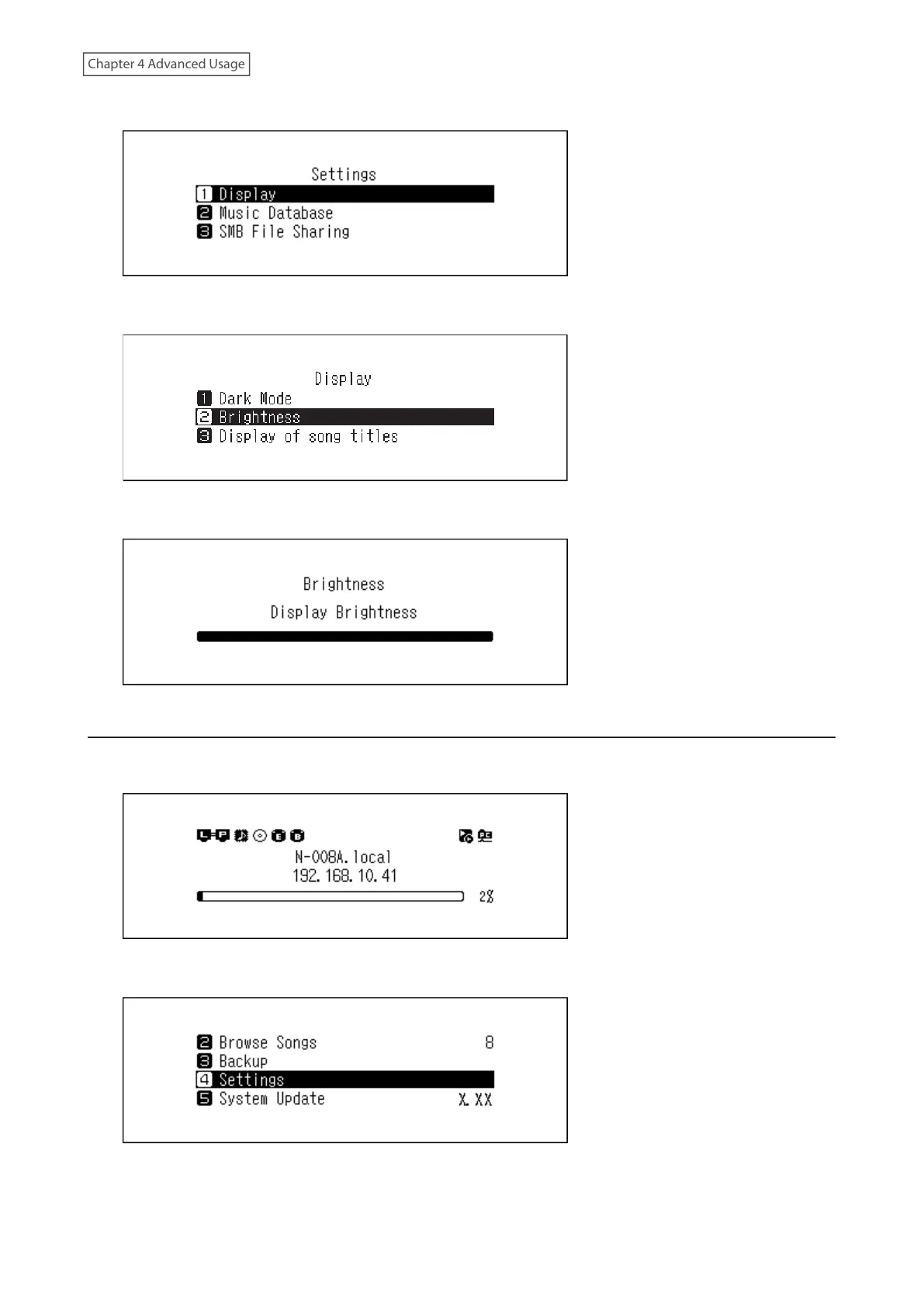
3 Press the Up/Down buttons and select “Display”, then press the Menu/Enter button.
4 Press the Up/Down buttons and select “Brightness”, then press the Menu/Enter button.
5 Press the Up/Down buttons and change the brightness, then press the Menu/Enter button.
Changing the Power LED Brightness
1 Press the Menu/Enter button to display the menu list at the home screen.
2 Press the Up/Down buttons and select “Settings”, then press the Menu/Enter button.
57



 To Next Page