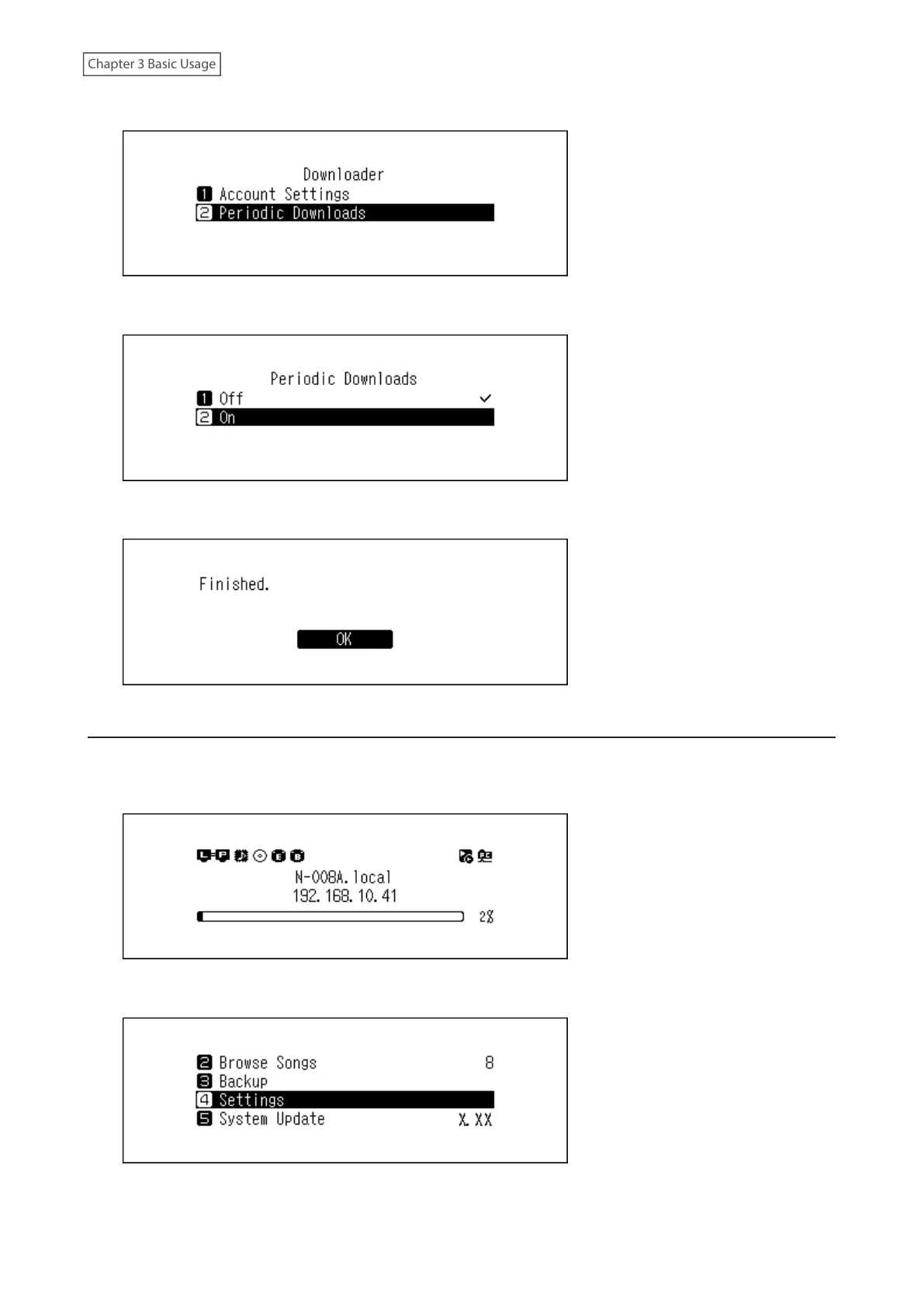
4 Press the Up/Down buttons and select “Periodic Downloads”, then press the Menu/Enter button.
5 Press the Up/Down buttons and select either “Off” or “On”, then press the Menu/Enter button.
6 Press the Menu/Enter button.
Deleting Accounts
To delete an existing account from the Digital Music Library, follow the procedure below.
1 Press the Menu/Enter button to display the menu list at the home screen.
2 Press the Up/Down buttons and select “Settings”, then press the Menu/Enter button.
28



 To Next Page