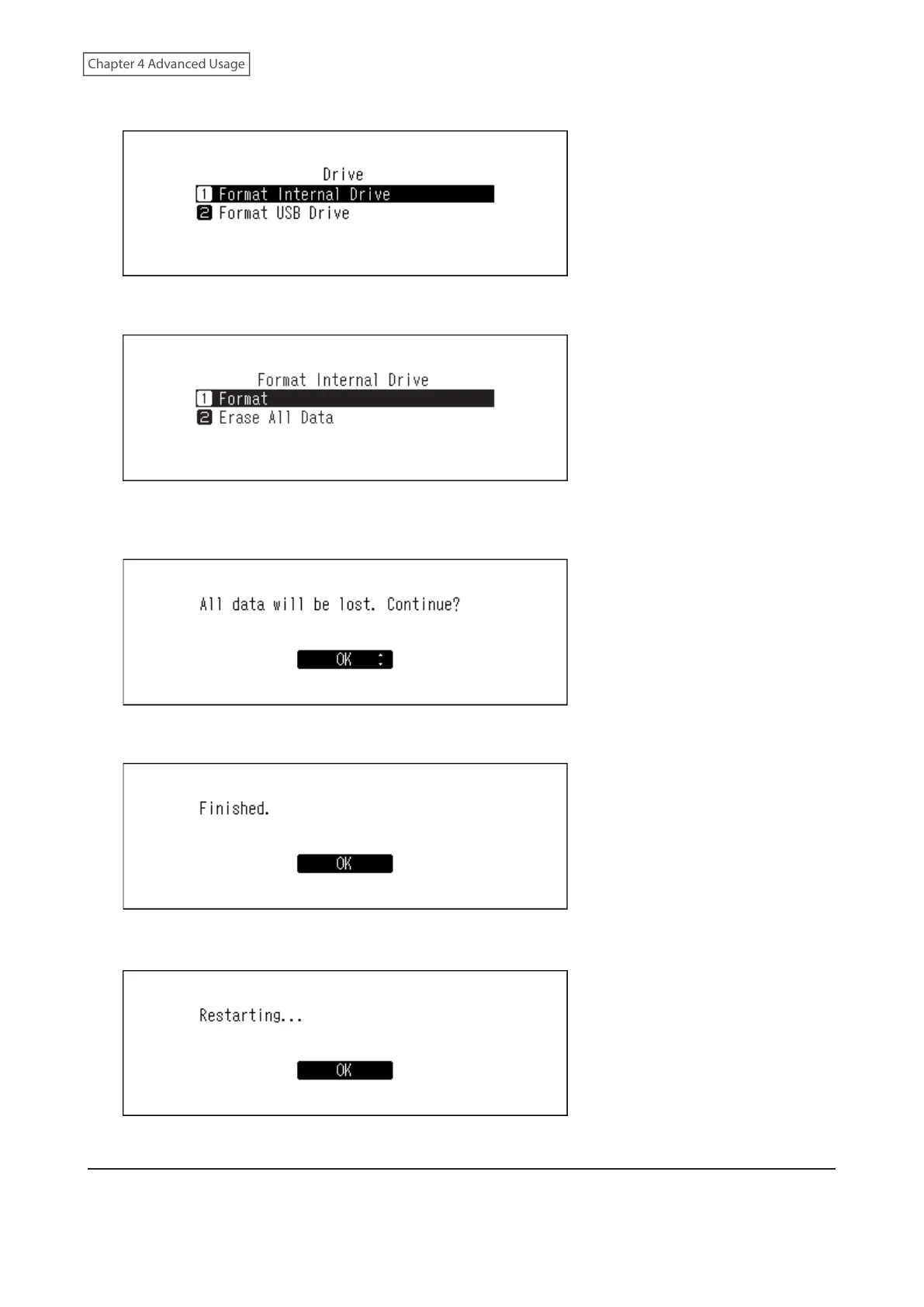
4 Press the Up/Down buttons and select “Format Internal Drive”, then press the Menu/Enter button.
5 Press the Up/Down buttons and select “Format”, then press the Menu/Enter button.
6 Make sure that all files on the drive can be erased before proceeding. To continue formatting, press the Up/
Down buttons and select “OK”, then press the Menu/Enter button.
7 Press the Menu/Enter button.
Note: If the screen below is displayed, press the Menu/Enter button.
The Digital Music Library will restart. Wait until the home screen is displayed.
Formatting Connected USB Drives
This will format the USB drive to NTFS. Be aware that a USB drive formatted to NTFS will become read-only when
connected to a macOS device.
47



 To Next Page