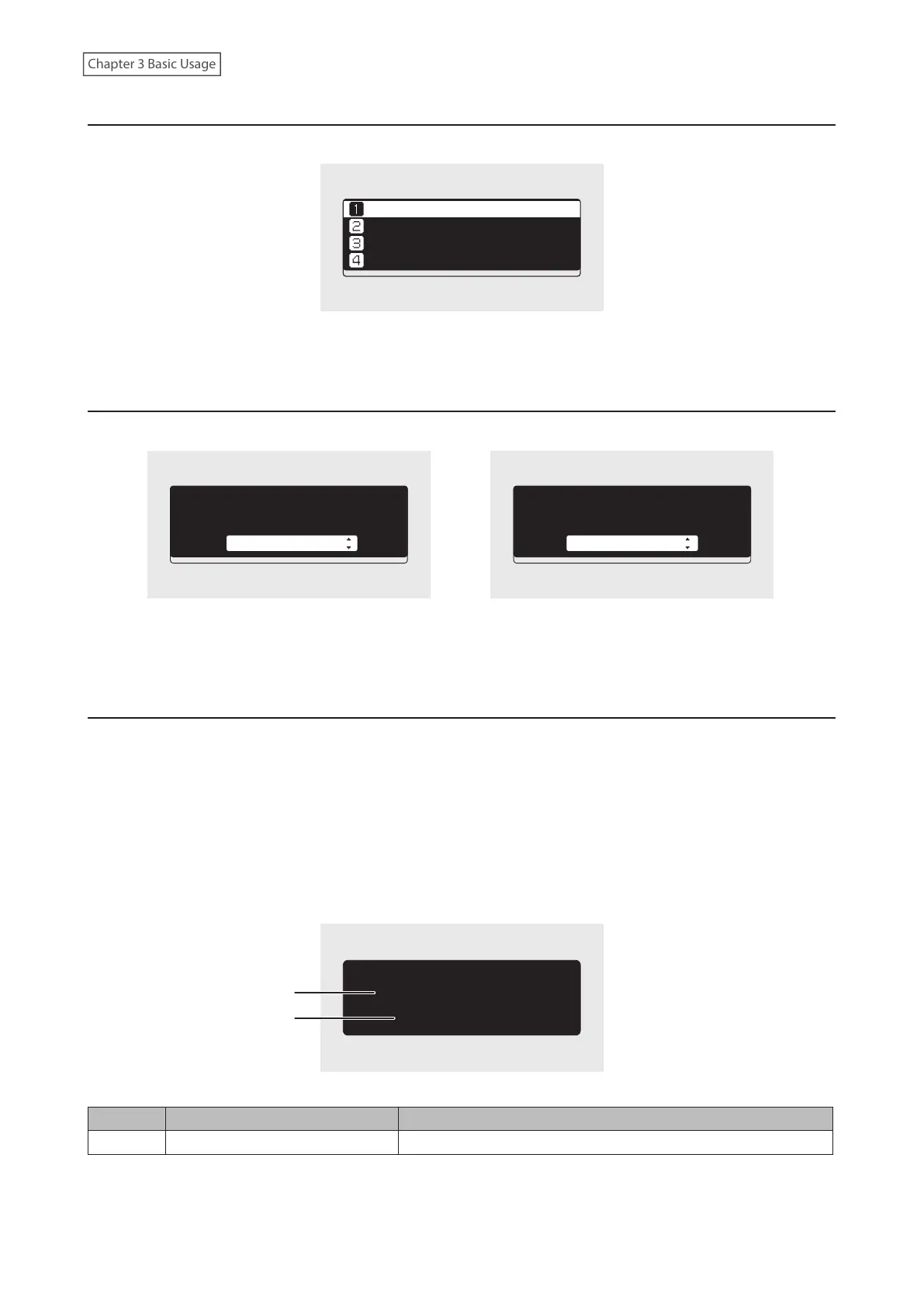
Menu
Press the Menu/Enter button while the home screen is displayed.
ùęĆęĚĘ
èėĔĜĘĊÆùĔēČĘÆ Ö
èĆĈĐĚĕ
ùĊęęĎēČĘ
Move the cursor by pressing the Up button or the Down button, then press the Menu/Enter button to make a
selection.
Dialog
When confirming an operation, the dialog screen will be displayed.
ùĊđĊĈęÆęčĊÆĆĈęĎĔēÆęĔÆęĆĐĊÆċĔėÆęčĊ
ûùèÆĉėĎěĊÆĈĔēēĊĈęĊĉÆęĔÆęčĊÆċėĔēę
ûùèÆĕĔėęÔ
ïĒĕĔėę
ùĊđĊĈęÆęčĊÆĆĈęĎĔēÆęĔÆęĆĐĊÆċĔėÆęčĊ
ûùèÆĉėĎěĊÆĈĔēēĊĈęĊĉÆęĔÆęčĊÆċėĔēę
ûùèÆĕĔėęÔ
óĔĚēęÆĆēĉÆùĈĆē
Move the cursor by pressing the Up button or the Down button, then press the Menu/Enter button to make a
selection.
Streaming Screen
When the Digital Music Library starts streaming music files, the display panel will show music information for the
streaming files.
Notes:
• If the music file is playing from a computer, the music information will not be displayed on the display panel.
• Depending on the streaming player, file format, or file tag information, music information may not always be
displayed properly on the display panel.
Streaming to a Network Audio Player
1
2
óëòéõÆóçô
ßÜÔÖñîğÆìòçéÆĔēÆôĊęĜĔėĐÆöđĆĞĊė
The display panel displays the following information:
Number Item Description
1 Title Display the title of the music file.
12



 To Next Page