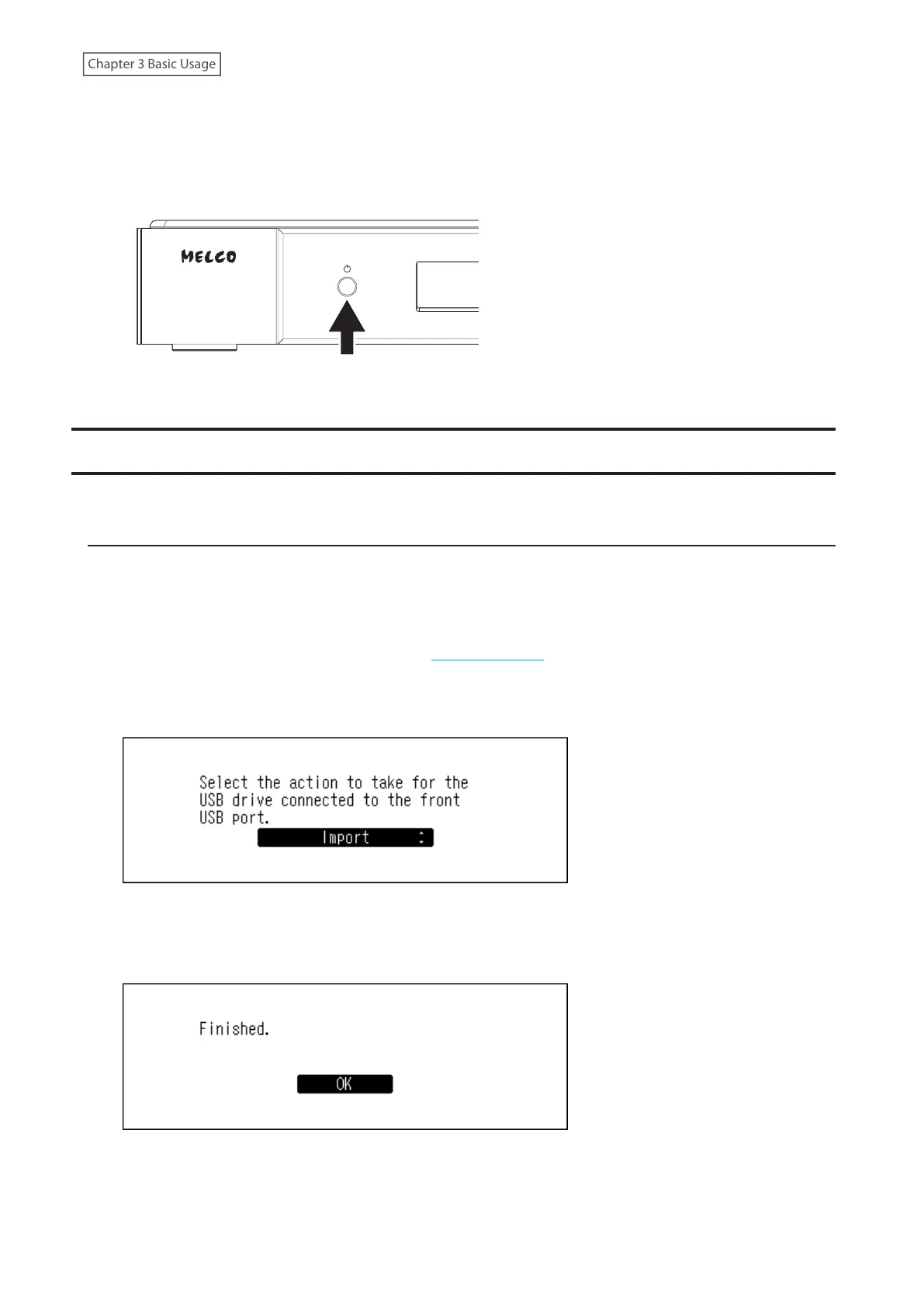
4 Power the Digital Music Library On.
To power the Digital Music Library on, press the power button.
Note: The power LED will blink red if the clock generator has not been connected when the Clock Generator
Select Button is in the unpressed position. If this occurs, power off the Digital Music Library and connect the
clock generator, then try again.
Importing Music Files
Music files can be imported from a USB drive or a CD to the Digital Music Library.
Importing from USB Drives
To import music files from a connected USB drive, follow the procedure below.
1 Connect the USB drive that contains music files to the front USB port.
Notes:
• Use only the compatible USB drives listed on melco-audio.com.
• Connect only USB drives formatted using NTFS, FAT32, or exFAT.
2 Press the Up/Down buttons and select “Import”, then press the Menu/Enter button.
3 Wait until music importing is finished.
4 Press the Menu/Enter button.
5 Disconnect the USB drive.
16



 To Next Page