Changing the IP Address
To change the IP address of the Digital Music Library, follow the procedure below. After the procedure is finished,
the Digital Music Library will automatically restart and stop any importing or playback operations. We recommend
finishing any file importing or playback before changing the Digital Music Library’s IP address.
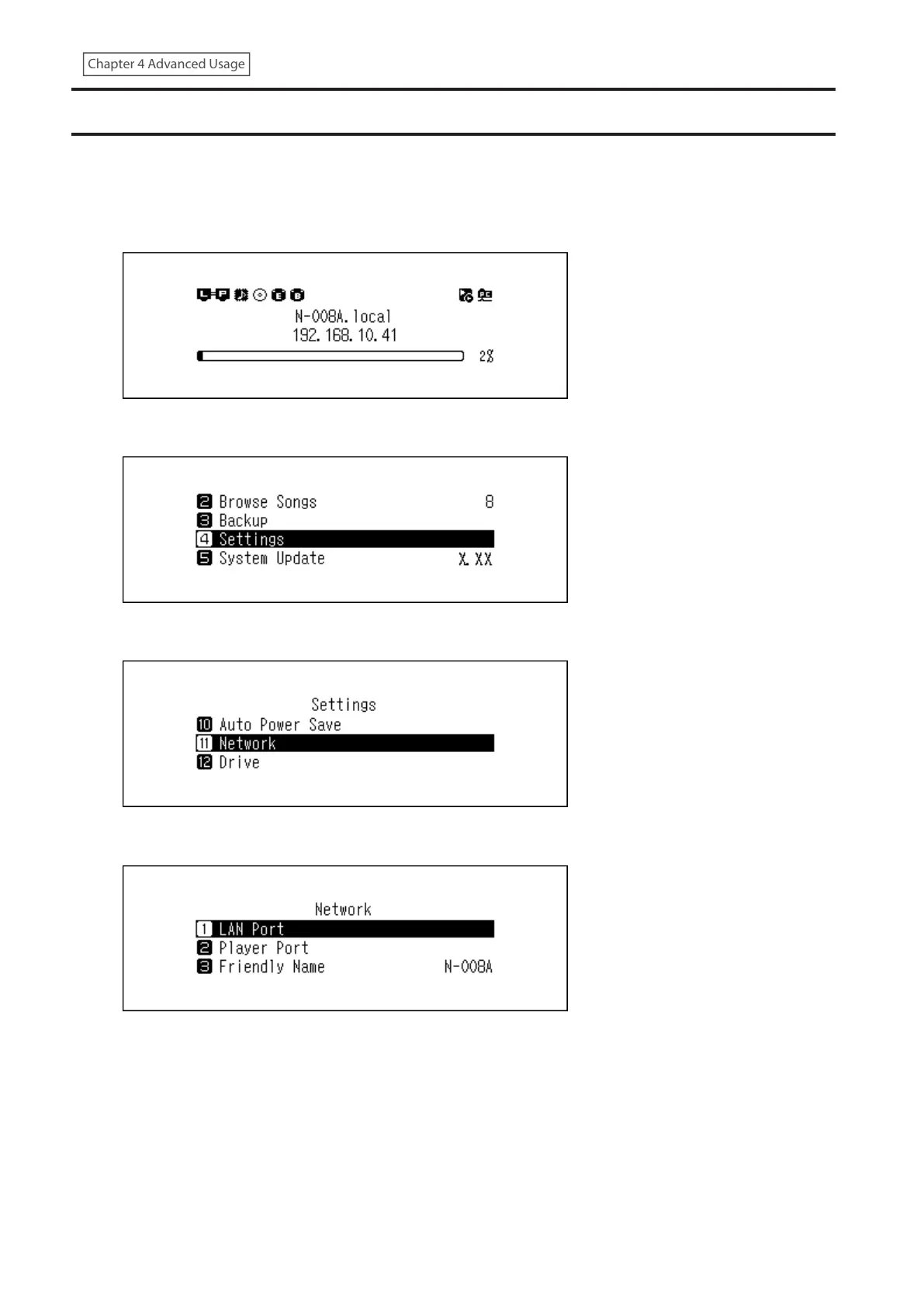
1 Press the Menu/Enter button to display the menu list at the home screen.
2 Press the Up/Down buttons and select “Settings”, then press the Menu/Enter button.
3 Press the Up/Down buttons and select “Network”, then press the Menu/Enter button.
4 Press the Up/Down buttons and select “LAN Port”, then press the Menu/Enter button.
51



 To Next Page