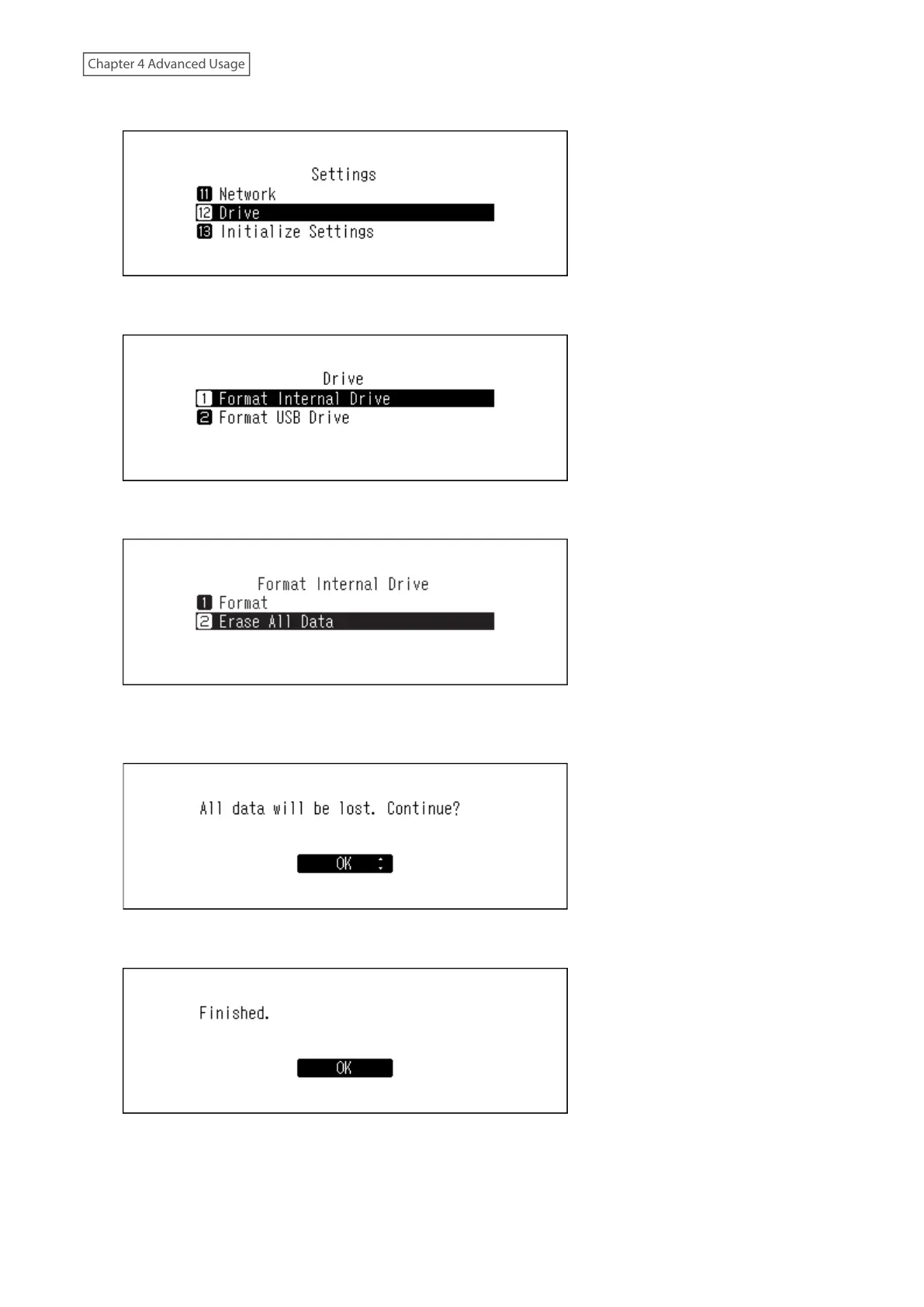
3 Press the Up/Down buttons and select “Drive”, then press the Menu/Enter button.
4 Press the Up/Down buttons and select “Format Internal Drive”, then press the Menu/Enter button.
5 Press the Up/Down buttons and select “Erase All Data”, then press the Menu/Enter button.
6 Make sure that all files on the drive can be erased before proceeding. To continue formatting, press the Up/
Down buttons and select “OK”, then press the Menu/Enter button.
7 Press the Menu/Enter button.
50



 To Next Page