Playing Music Files on USB-DAC Devices
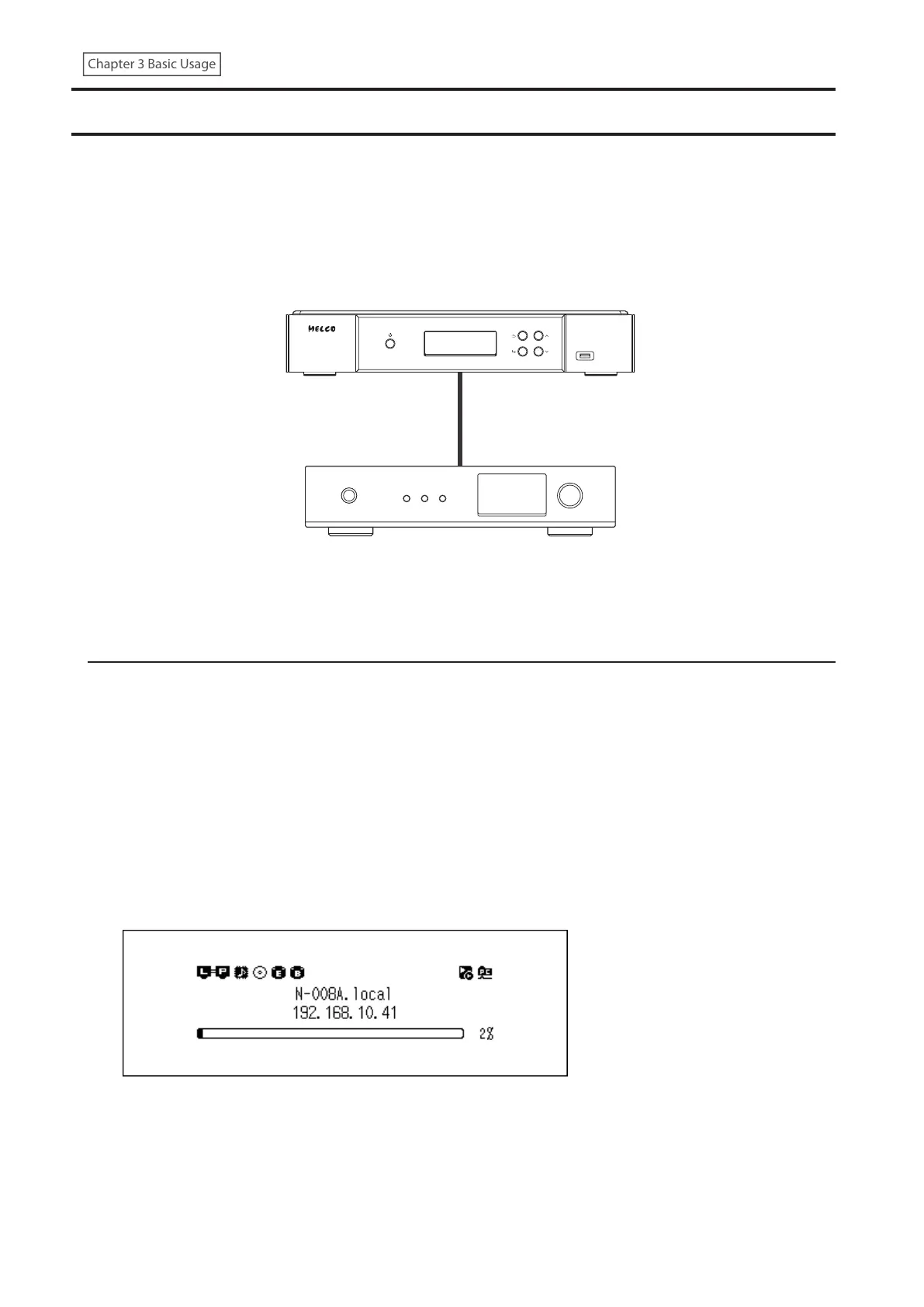
The Digital Music Library supports USB-DAC, short for “USB digital-to-analog converter”. If using buttons on the unit
or a mobile device with a controller app installed, you can directly connect a USB-DAC device to the Digital Music
Library to stream music and enjoy high-quality sound without using a computer.
Digital Music Library
USB-DAC Device
Playing Music Files on the Digital Music Library or a USB Drive
To stream music files on the Digital Music Library or a USB drive to a USB-DAC device, use buttons on the unit or a
controller app on the mobile device. For more detailed information about how to use controller apps, refer to the
apps’ user guides.
If the media server app is set to “TwonkyServer”, you can play music files using buttons on the Digital Music Library
using the procedure below.
Note: To check the setting of the media server app, navigate to Settings > Music Database > Media Server App.
1 Connect a USB-DAC device to the USB-DAC port.
Note: We recommend using the USB-DAC ports to connect USB-DAC devices, but any port can be used for a
USB-DAC device.
2 Press the Menu/Enter button to display the menu list at the home screen.
31



 To Next Page