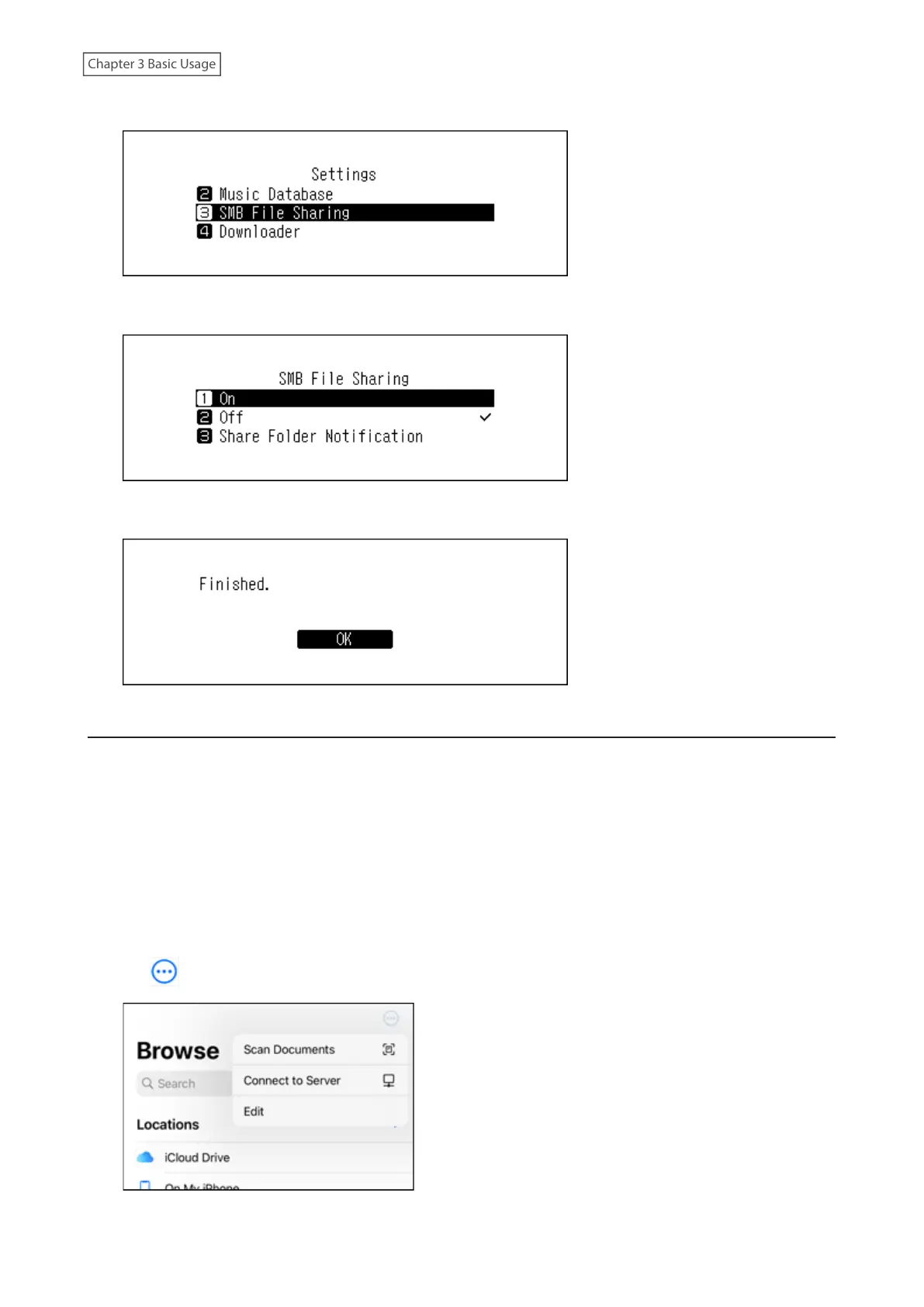
3 Press the Up/Down buttons and select “SMB File Sharing”, then press the Menu/Enter button.
4 Press the Up/Down buttons and select “On”, then press the Menu/Enter button.
5 Press the Menu/Enter button.
Confirming Imported Files
Imported files can be accessed from mobile devices or computers that are connected to the same router as the
Digital Music Library. Follow the appropriate procedure below.
Using Mobile Devices
You can confirm the imported files using a UPnP/DLNA-compatible app.
If using an iPad or iPhone, you can also confirm the imported files by opening the shared folder from the “Files” app
by following the procedure below.
1 Open the “Files” app.
2 Tap > Connect to Server.
23



 To Next Page