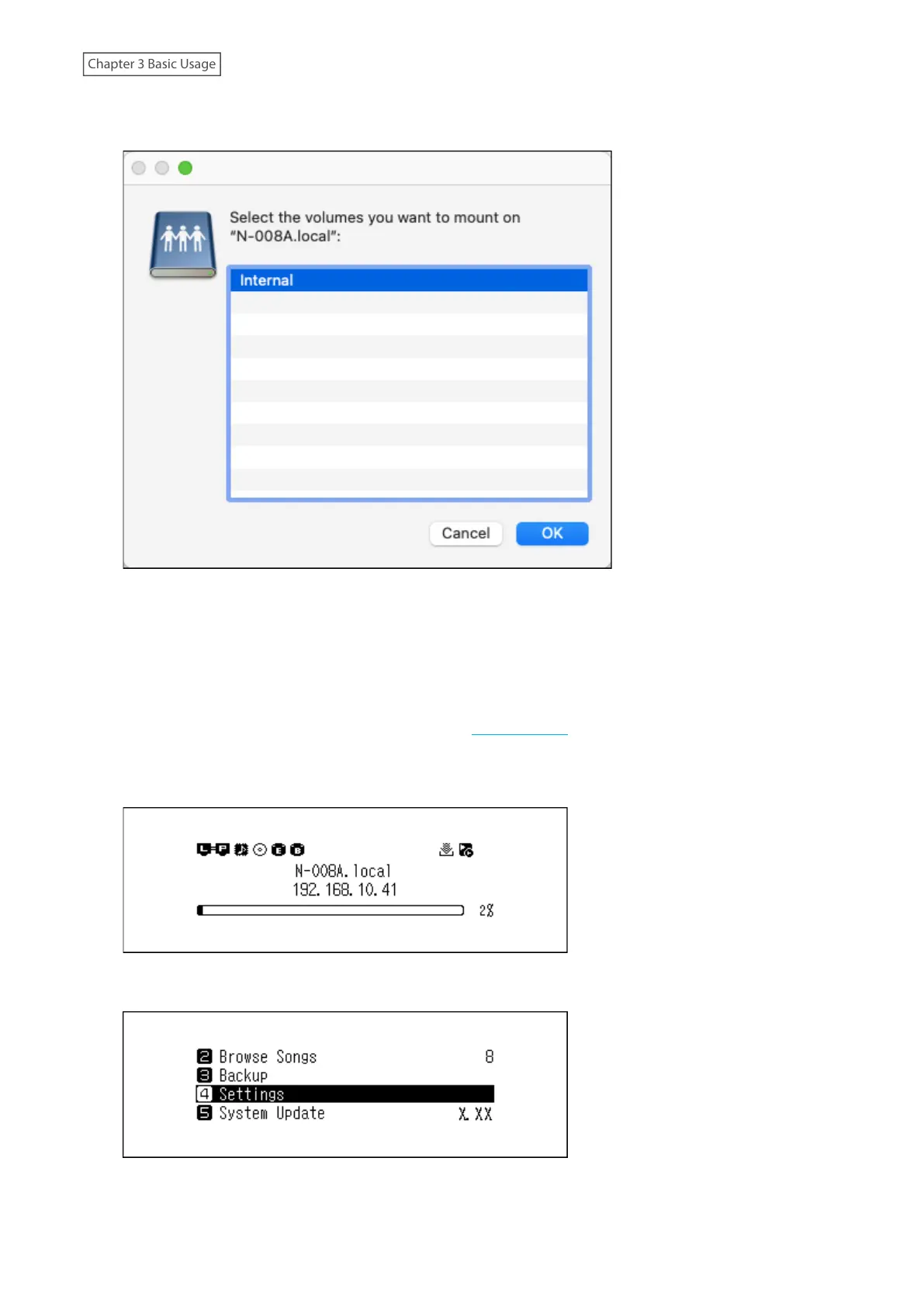
5 The shared folders on the Digital Music Library will be displayed. Select the “Internal” folder, and click OK. If no
folders are displayed, wait for about 30 seconds and try it from step 1 again.
6 Copy music files into the displayed folder.
Note: Even when you close the shared folder, from the next time on you can open it from the sidebar of Finder.
If Unable to Access from a Computer
If the file sharing status icon (refer to item number 11 in the “Home Screen” section) is not displayed on the home
screen, enable the file sharing service. To enable the file sharing service, follow the procedure below.
1 Press the Menu/Enter button to display the menu list at the home screen.
2 Press the Up/Down buttons and select “Settings”, then press the Menu/Enter button.
22



 To Next Page