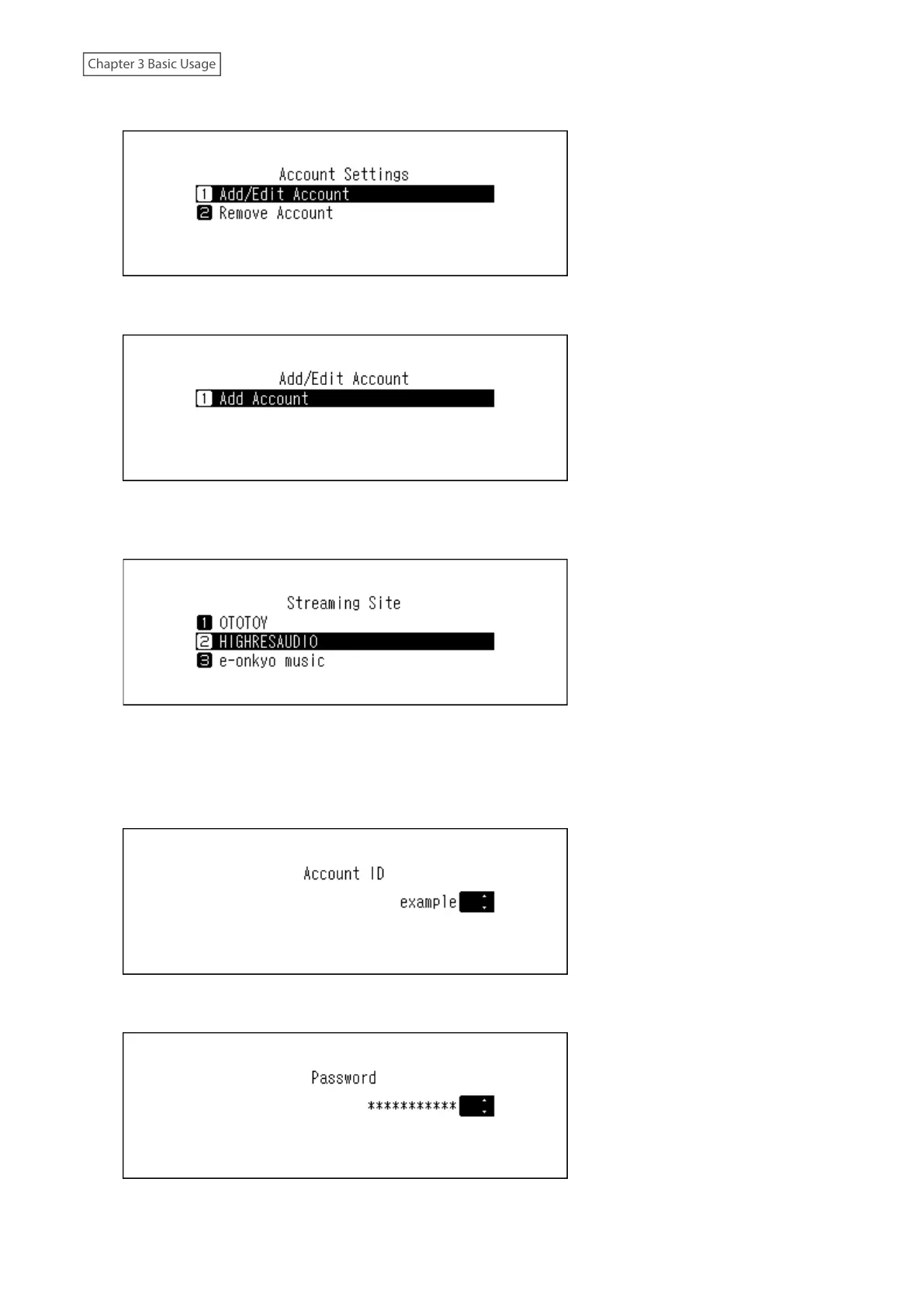
6 Press the Up/Down buttons and select “Add/Edit Account”, then press the Menu/Enter button.
7 Press the Up/Down buttons and select “Add Account”, then press the Menu/Enter button.
8 Press the Up/Down buttons and select the streaming site to add an account, then press the Menu/Enter
button.
9 Press the Up/Down buttons and enter the account ID, then press the Menu/Enter button.
Note: When you add your Qobuz account to the Digital Music Library, the account ID and password may not
be required if you have previously used the same account ID and password for another Digital Music Library
function.
10 Press the Up/Down buttons and enter the account password, then press the Menu/Enter button.
26



 To Next Page