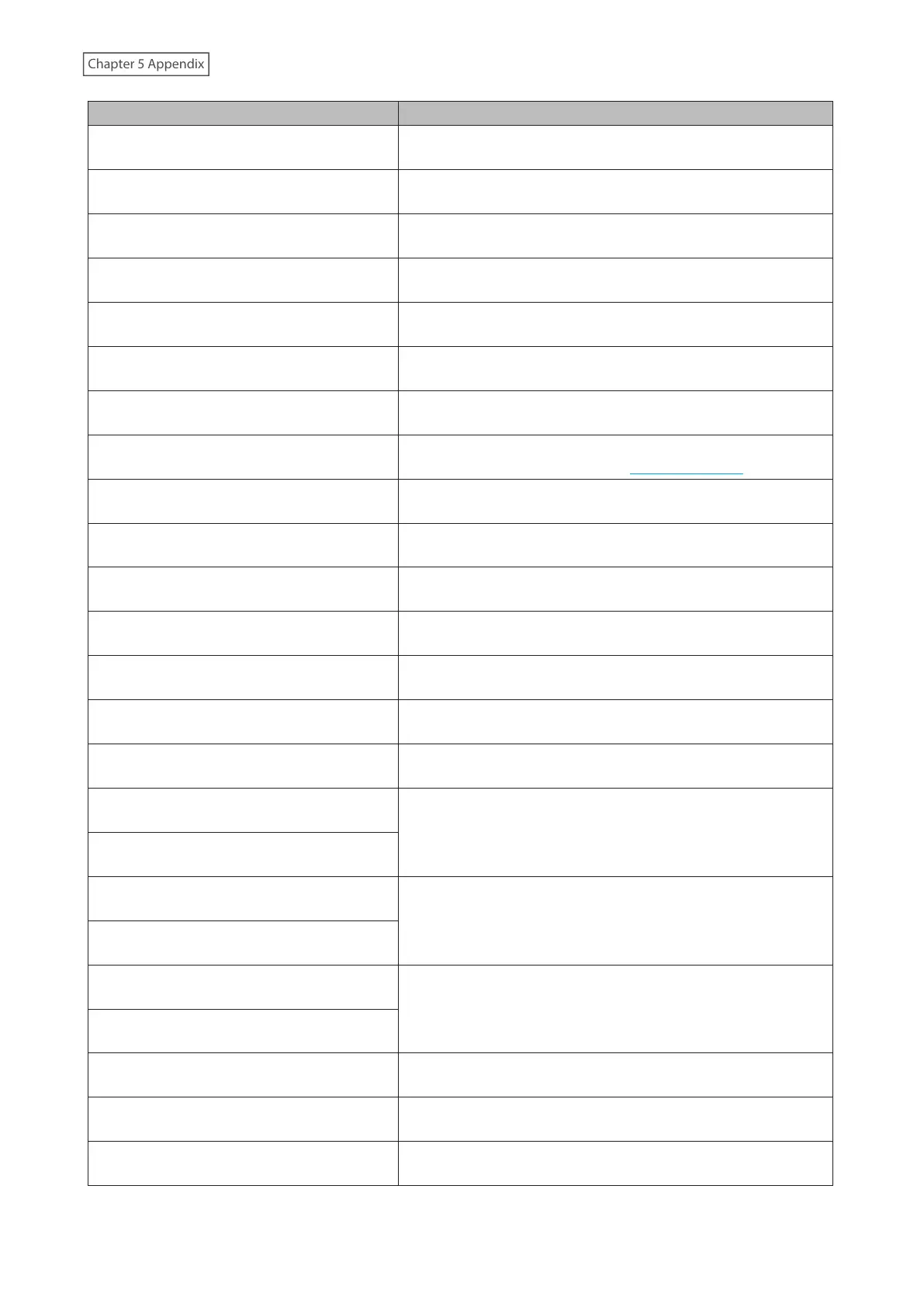
Error Corrective Actions
020
Friendly name is too short.
The friendly name has not been configured. Enter the friendly
name. The friendly name should be between 1–15 characters.
021
Friendly name is too long.
The entered friendly name must not exceed 15 characters.
030
Not enough space on drive.
Delete extra files on the copy target drive.
031
Some files not copied.
Files on the copy source drive may be corrupted.
033
I/O error.
The connected USB drive may be malfunctioning. Connect it to a
computer and run a drive check.
034
Could not erase data.
The drive to be formatted may be malfunctioning.
040, 041
Updater not found.
Make sure the Digital Music Library is connected to the Internet
or the updater is saved on the connected USB drive.
042–044
Update error.
The updater file may be corrupted. Try the update again, or
download a new updater file from melco-audio.com.
094
No response from NTP server.
Put the Digital Music Library on a network that can access the
Internet.
101
Could not mount drive.
The USB drive may be malfunctioning or the drive format is not
supported.
102
Could not dismount drive.
The USB drive is possibly being accessed at this time.
103
Could not format drive.
The formatted USB drive may be malfunctioning.
104
Could not form partition.
The drive may be malfunctioning or is not supported.
110
Internal drive not found.
Try restarting the Digital Music Library. If the message is still
displayed, contact our technical support for assistance.
111
Usable internal drive not found.
Run “Try to repair” that will be displayed with this error message.
112
Internal drive not found.
Try restarting the Digital Music Library. If the message is still
displayed, contact our technical support for assistance.
113
Internal drive 1 not found.
120
USB drive not found.
The connected USB drive may be malfunctioning. Try another
USB drive.
121
USB drive not mounted.
140
No backup drive found.
Make sure the backup drive that contains backup data is
connected to either the Backup or the front USB port.
141
Backup drive not mounted.
200
No accounts found.
Add an account.
203
Could not connect to the site.
Put the Digital Music Library on a network that can access the
Internet.
204
Authentication error.
Make sure that the username and password are correct.
73



 To Next Page