SECTION 6
DISASSEMBLY AND ASSEMBLY
125
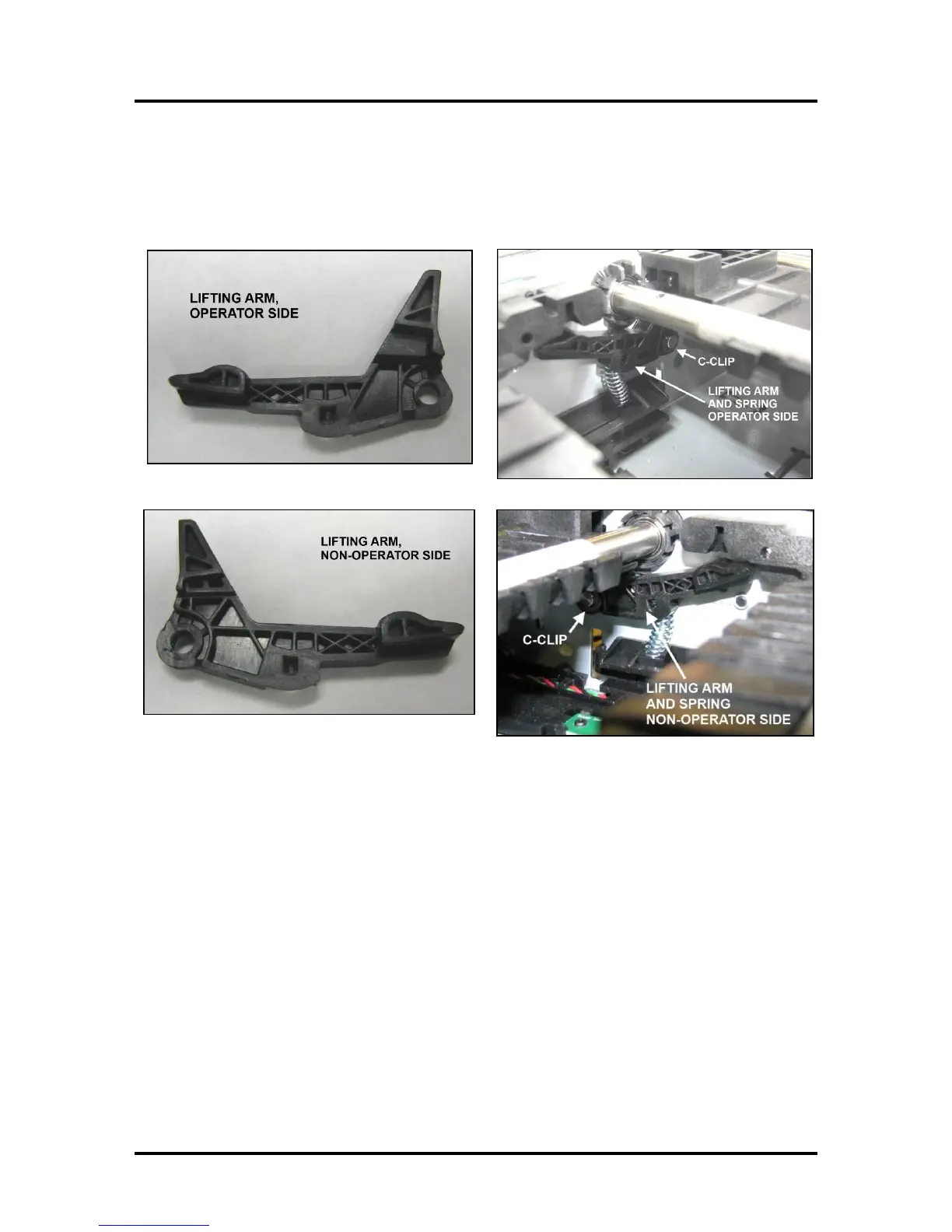
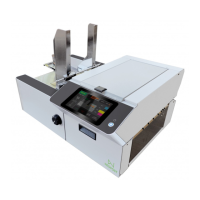
Replacing Service Station Lifting Arms
Replacement Kit (42-900-05) includes two Lifting Arms and two C-Clips (one each for Operator and
Non-Operator Side installation.)
Before you begin:
• Prepare the printer ready for service.
Tip: Depriming is not possible if lift arms are broken. In this case leave the printhead and tanks
installed, to reduce the chance of ink leakage.
• Service Station must be removed prior to servicing the Lifting Arms. See "Removing the Service
Station".
• Check the Index, Home and Lift Arm sensors for proper function. See “Scan Sensors” feature.
If sensor problem is found you can clean /replace the sensors, during this procedure.
• Remove the Print Engine from the printer. See “Removing the Print Engine”


 To Next Page