SECTION 6
DISASSEMBLY AND ASSEMBLY
65
Replacing the Main PC Board (MPCA)
Valid for Z3 and higher Print Engines.
WARNING
THE FOLLOWING PROCEDURE SHOULD ONLY BE DONE BY A
QUALIFIED, TRAINED SERVICE REPRESENTATIVE.
Before you Begin:
• Verify that you have ordered and received the proper version board for the Print
Engine that is installed, in your printer. See chart below.
Part #
For Print Engine Serial
Description
42-110-02
SG09CZ1#####
Main Boards are no longer available for the Z2i engine. In
this case, you must replace the Print Engine. In addition,
please see Appendix H “Side Frame Modification”.
42-500-200
SG10KZ1##### to
SG10UZ1#####
&
SG11FZ3##### to
Main PCB for Z3 Print Engine
Main PCB for Z4 Print Engine
Main PCB for MR Print Engine
NOTE: Part # 42-500-300 was dropped; since it was identical to 42-500-200.
• When ordering a new board; please be sure to provide the serial number of the
printer and the print-engine with your order. This info is needed in order for the
print-engine serial number to be programmed into the new board.
• Follow proper static handling precautions.
• Do not pull on the wires to disconnect cables. Damage will result. Print Engine
wiring harnesses are NOT available as spare parts.
• To disconnect the cables; pull on the connector, NOT the wires.
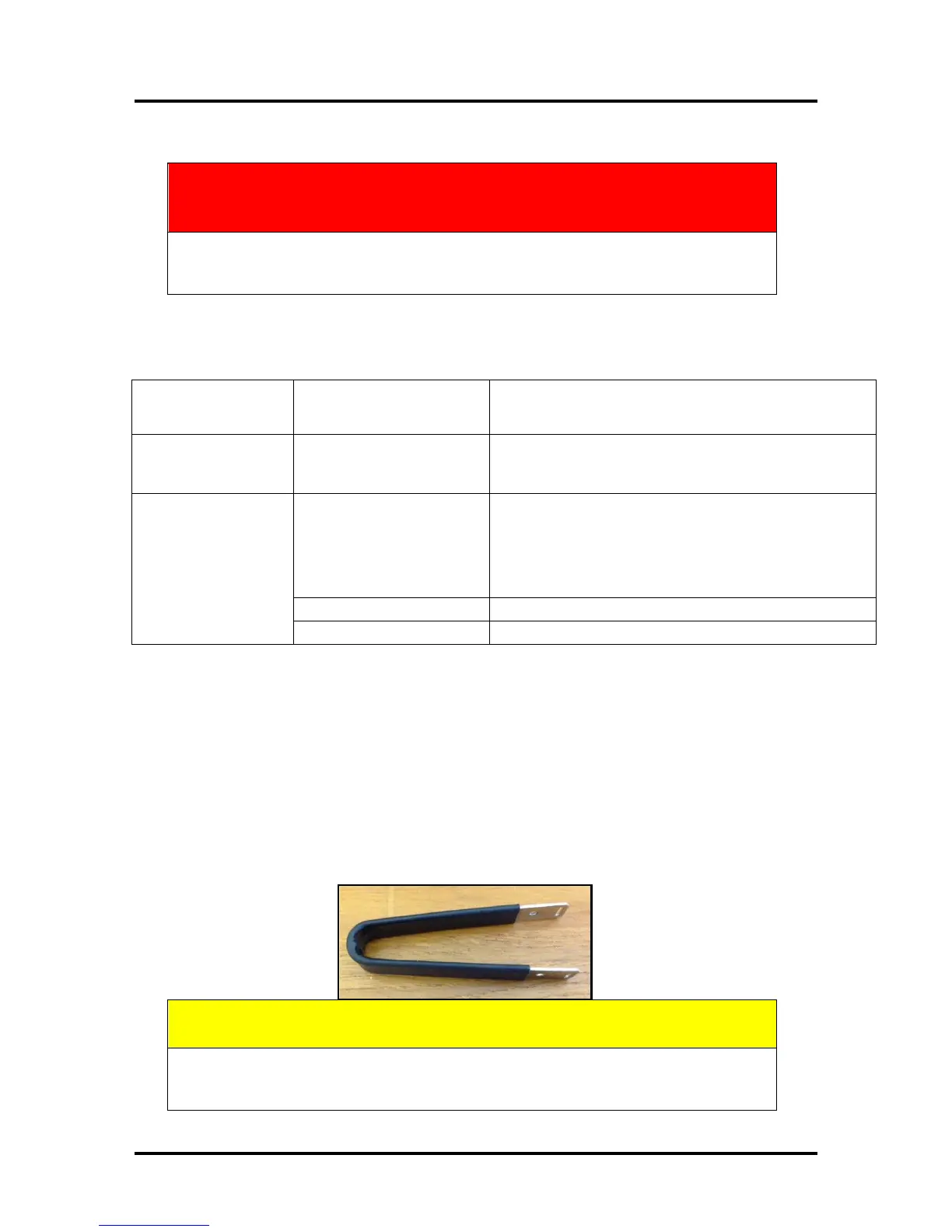
The use of a “connector puller tool”, like the one shown below, is suggested.
SAP# 9101827U, JST TOOL
CAUTION
ALWAYS WEAR A WRIST STRAP THAT IS GROUNDED WHEN
TOUCHING ELECTRONIC DEVICES.



 To Next Page