SECTION 4
TOOLBOX SERVICE FEATURES
38
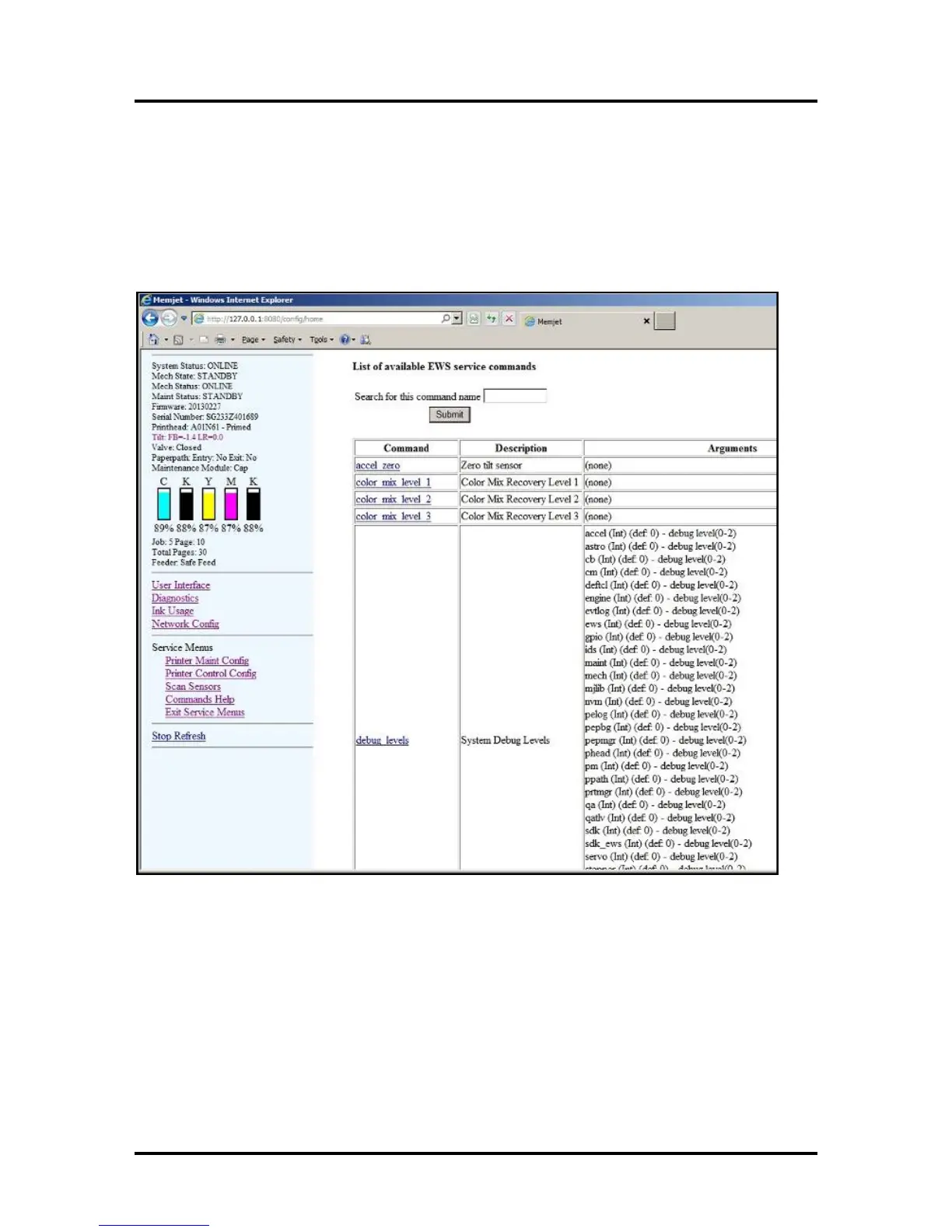
Commands Help Screen:
Printer Commands Help Screen:
Provides a list and descriptions of available EWS service commands.
CAUTION!
To help avoid issues that may be caused by using these commands improperly; commands should not be
used unless you are following the instruction of a Tier 2 Support Agent or are following a written
procedure from this manual.
Exit Service Menus:
Clicking “Exit Service Menus” closes the Service Menu options and takes you back to the User Interface
screen.
Tip: If you don’t Exit the Service Menus, the customer will have access to these features until the printer is
powered off/on.



 To Next Page