SECTION 6
DISASSEMBLY AND ASSEMBLY
127
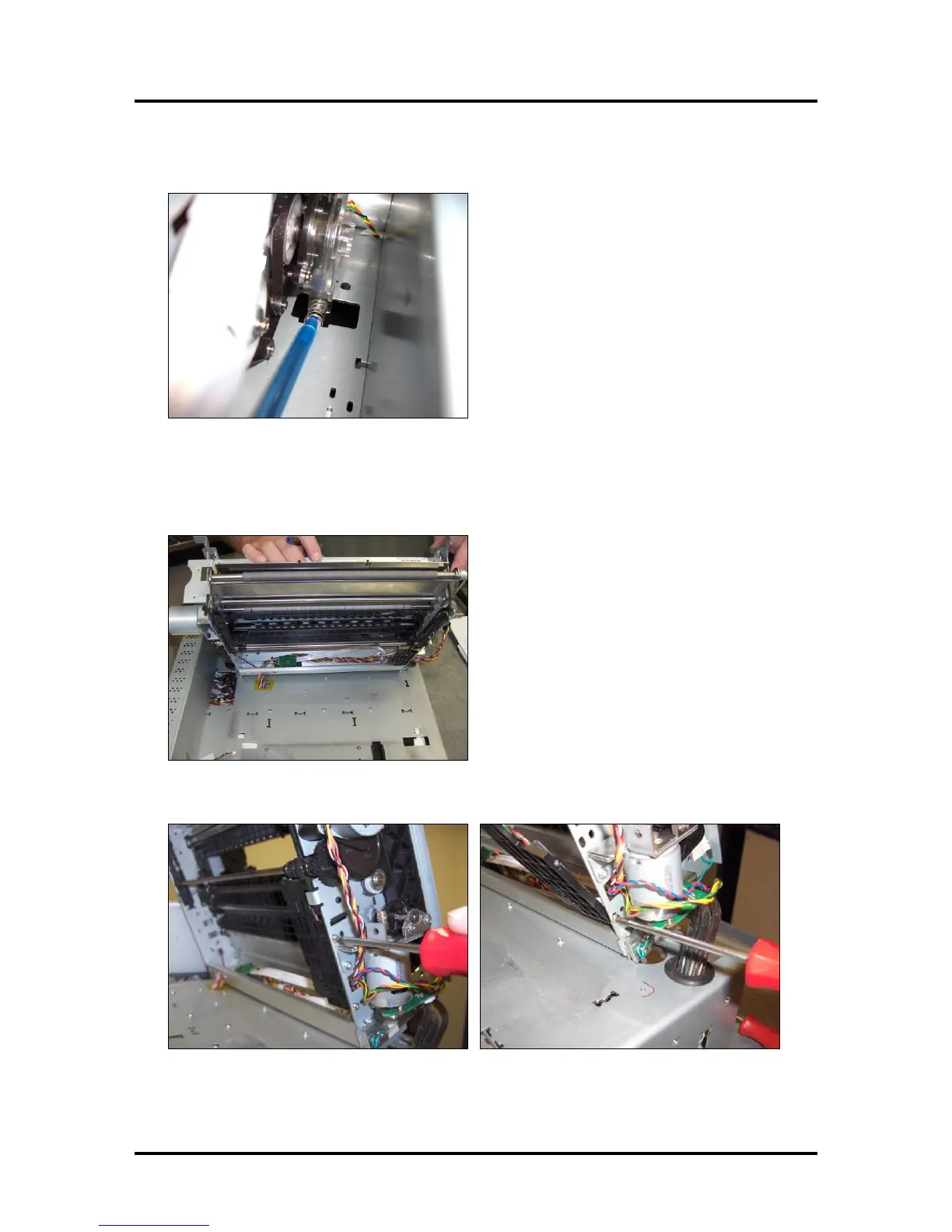
4. Remove Spring, located at the bottom of the encoder assembly (Z3/Z4/MR Print Engines Only)
5. Carefully maneuver the top section of the print engine so the motor clears the board housing. Tilt the
top section of the print-engine back to expose the underside. Be careful not to damage wires or
kink/pinch ink tubes.
6. Remove the two screws that secure the Service Station Sensor bracket to the frame.
Tip: This is a good point at which to clean/replace sensors; if needed.



 To Next Page