SECTION 6
DISASSEMBLY AND ASSEMBLY
131
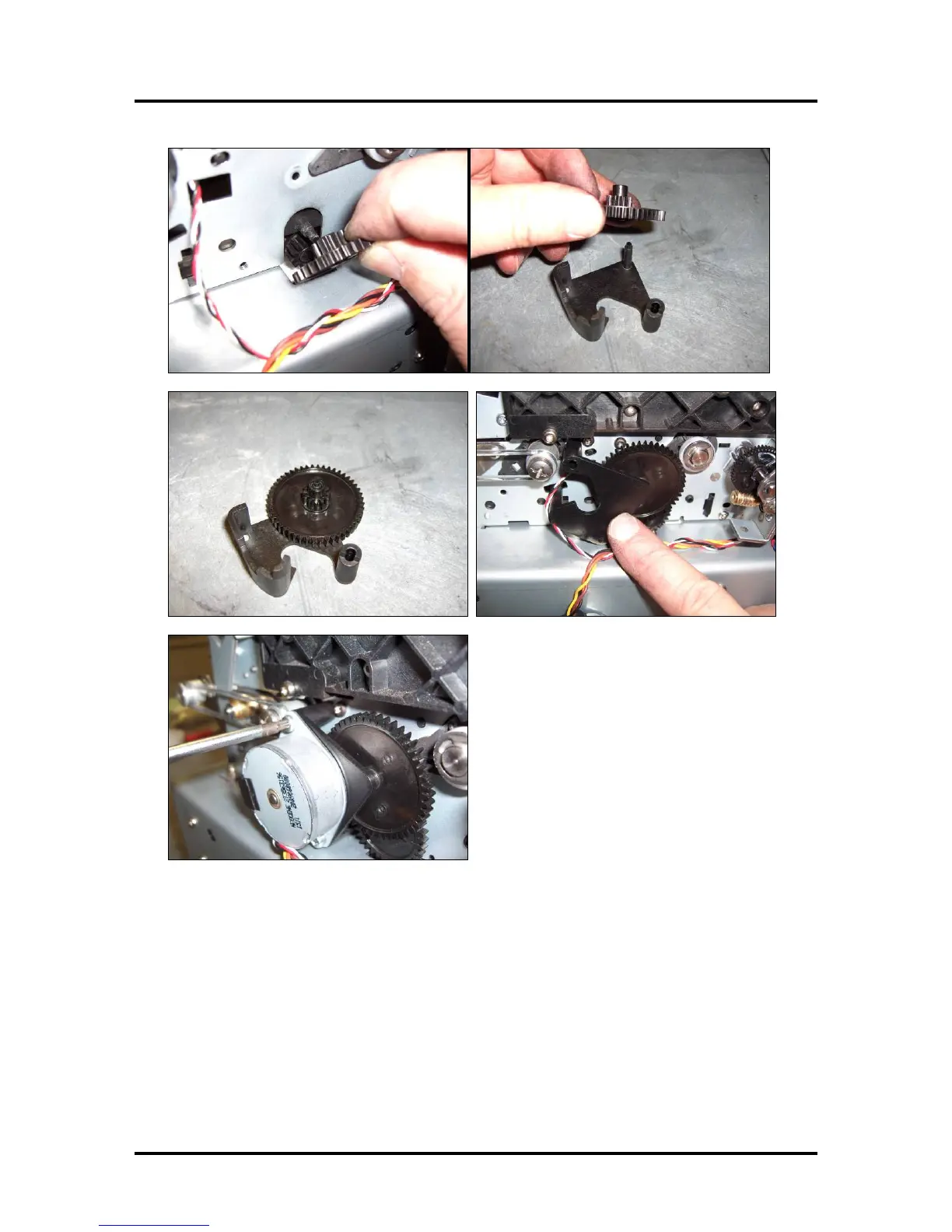
15. Reinstall the Service Station Servo Motor, Bracket and Gears.
16. Lower the Lifting Arms. If the Lift Arms are not lowered, turn the lifting arm motor (worm gear) to
lower the lifting arms to their lowest position.
17. Temporarily install the Service Station to test for proper movement. Verify that it moves freely
(without resistance), as you drive it all the way into the back of the opening and then out again; using
the large drive gear. If you feel any resistance you need to correct this issue before proceeding.
Resistance may be caused by installing the Service Station crooked, by Side Rail Tracks that are not
properly attached, by a poorly adjusted Service Station Guide, or by lack of lubrication. See Appendix
C “Service Station Guide Installation Instructions” for aligning the Service Station guide.
CAUTION! Before you re-install the service station, you must be sure the Lifting Arms are lowered.
If not, the arms can be captured above the Service Station and the new arms may be broken when you
power-on the printer.



 To Next Page