SECTION 6
MAINTENANCE
170
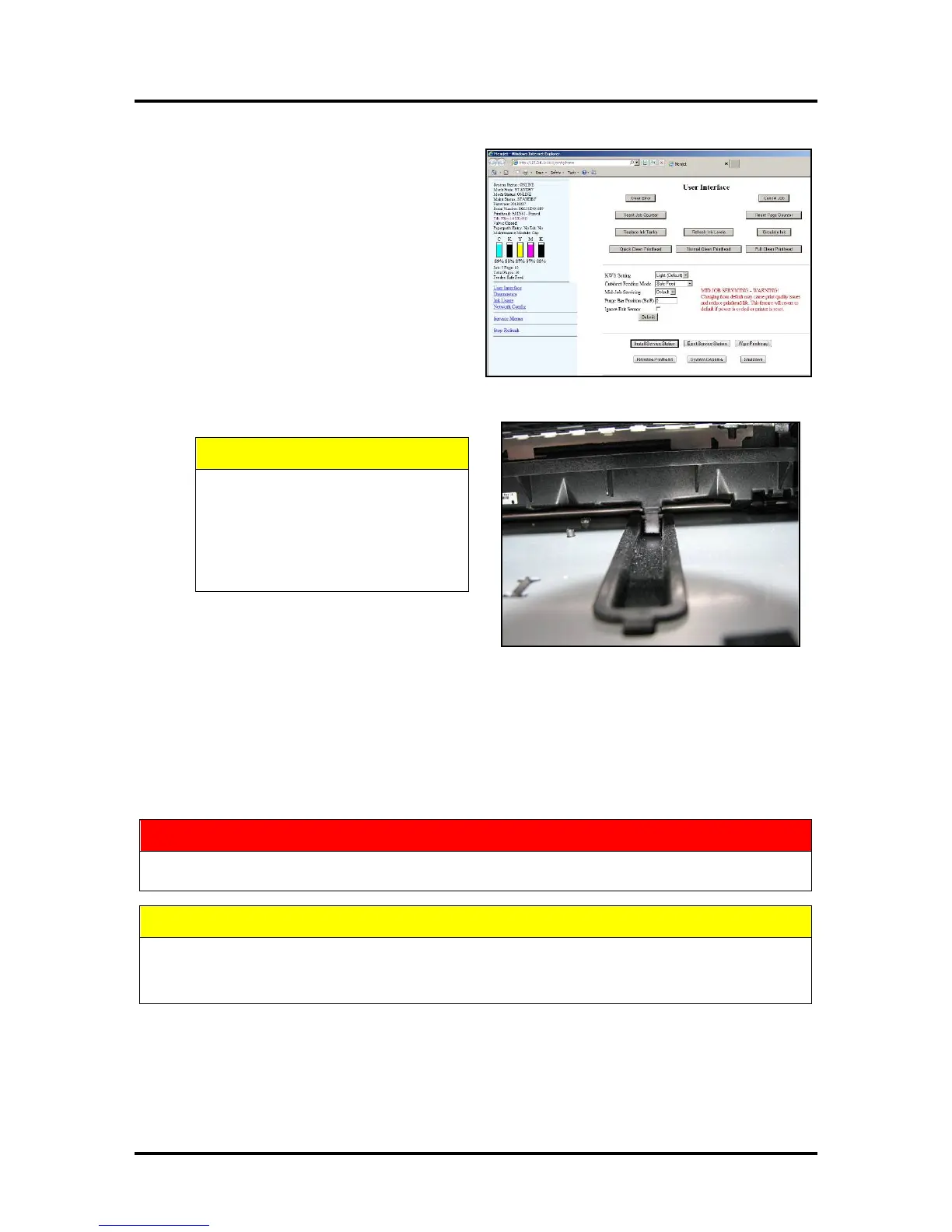
6. Power up the unit, then press “Install
Service Station” in the Printer Toolbox to
pull the Service Station in.
NOTE: Make sure the wick hanging below
the Service Station is inside the plastic
trough inside the Ink Tank Station to
prevent ink seepage.
NOTE: Service Station should operate
smoothly. If it binds, chatters or grinds,
reinstall the Service Station. Lubricate Side
Tracks and Guide if necessary.
7. Close the Clamshell Cover. Close the Ink
Tank Door.
HOLD ONTO BOTH LATCHES
WHEN OPENING AND CLOSING
THE PRINT ENGINE CLAMSHELL
TO PREVENT DAMAGE.
DO NOT ALLOW THE CLAMSHELL
TO DROP OR SLAM CLOSED.
ALWAYS POWER DOWN THE PRINTER BEFORE CONNECTING OR DISCONNECTING ANY
WIRING HARNESSES OR CABLE CONNECTIONS TO AVOID SERIOUS SHOCK OR INJURY.
• ALWAYS USE APPROPRIATE PERSONAL PROTECTION EQUIPMENT (PPE).
• USE ELECTROSTATIC DISCHARGE (ESD) PROTECTION WHEN MAINTAINING EQUIPMENT.
• DISPOSE OF ALL MAINTENANCE WASTE IN ACCORDANCE WITH LOCAL REGULATIONS.



 To Next Page