SECTION 5
DISASSEMBLY AND ASSEMBLY
58
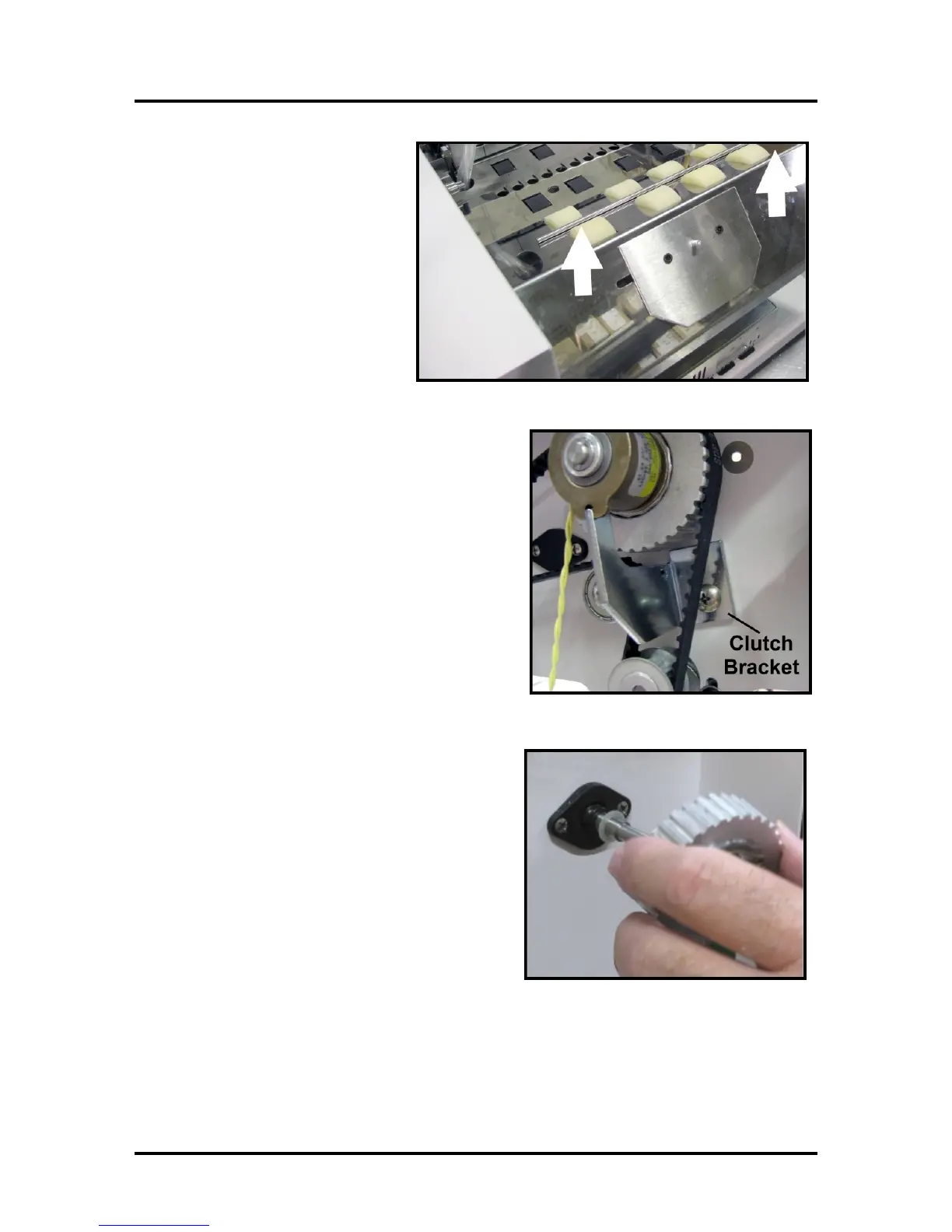
8. Lift the Center Plate Assembly from
the machine and set aside.
9. Remove the screw holding the Clutch Support Bracket
and remove the bracket.
10. Remove the Rear Feed Roller Drive Pulley.
NOTE: The spring and washer keep tension on the
clutch so that the pin holding the clutch remains in
place. Reassemble these parts as shown.



 To Next Page