Putting into Operation
24 D53182 02/2024
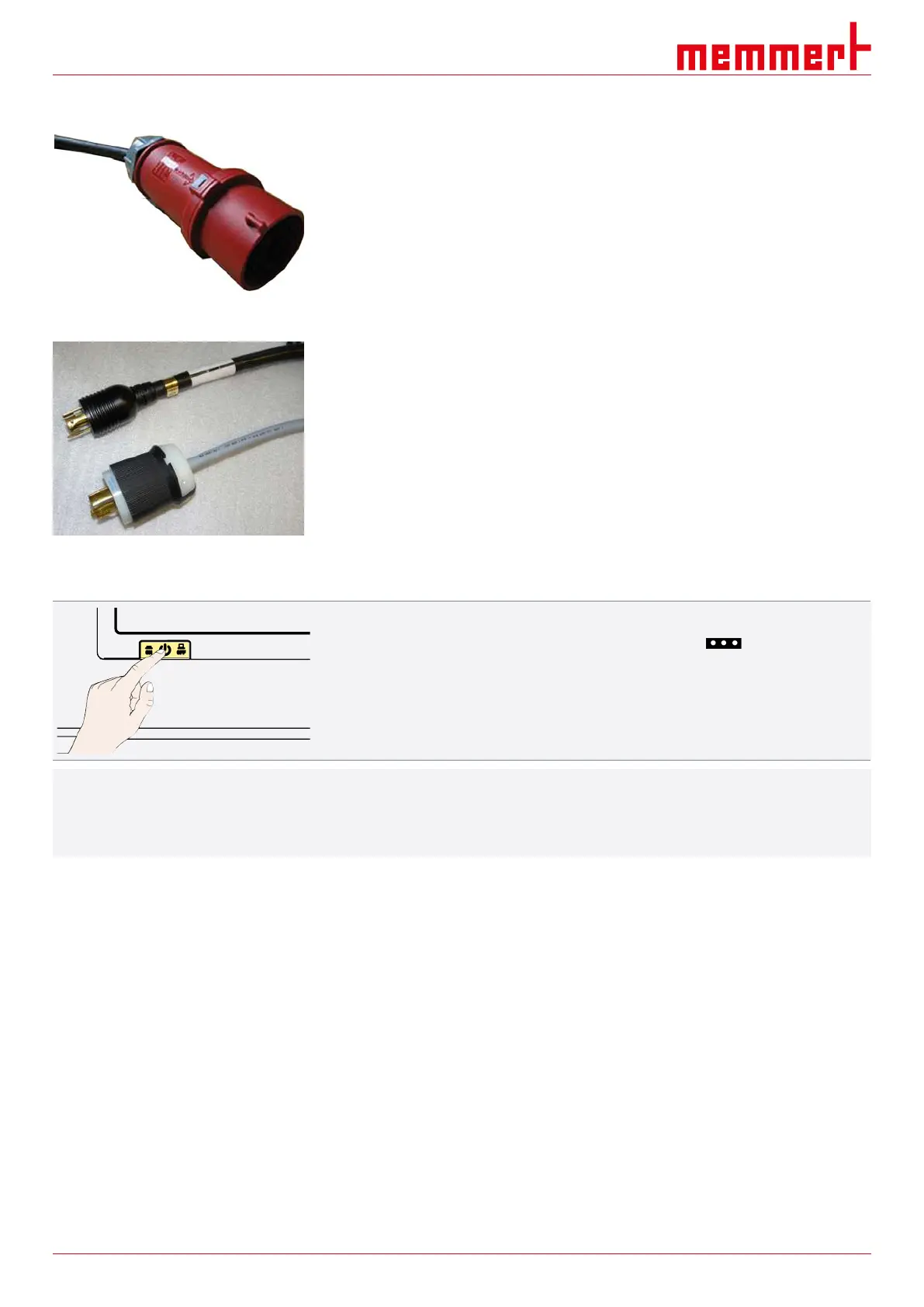
400V appliances:
The power cable is permanently installed.
– Connect the plug to a 400V CEE coupling.
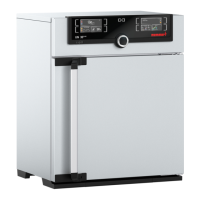
3 x 208V appliances:
The power cable is permanently installed.
– Connect the plug to a 3 x 208V / 20A coupling (NEMA L15-20R).
See also
2 Nameplate [}13]
2 Technical Data [}14]
5.3 Switching on Unit
1. Switch on the appliance by pressing the main switch on the front of the appliance.
ð The starting process is shown by three animated white dots (see
}7.1Warning Message of the Monitoring Function).
i
After the first start-up, the appliance display is set to English by default. You can change
the language as described in chapter }8.2 Basic Operation in Menu Mode Using the
Example of Language Selection. However, to get a basic overview of operating the
appliance, you should read the following chapter first.
See also
2 Basic Operation in Menu Mode Using the Example of Language Selection [}42]
2 Warning Message of the Monitoring Function [}39]



 To Next Page