Malfunctions, Warning and Error Messages
41 D53182 02/2024
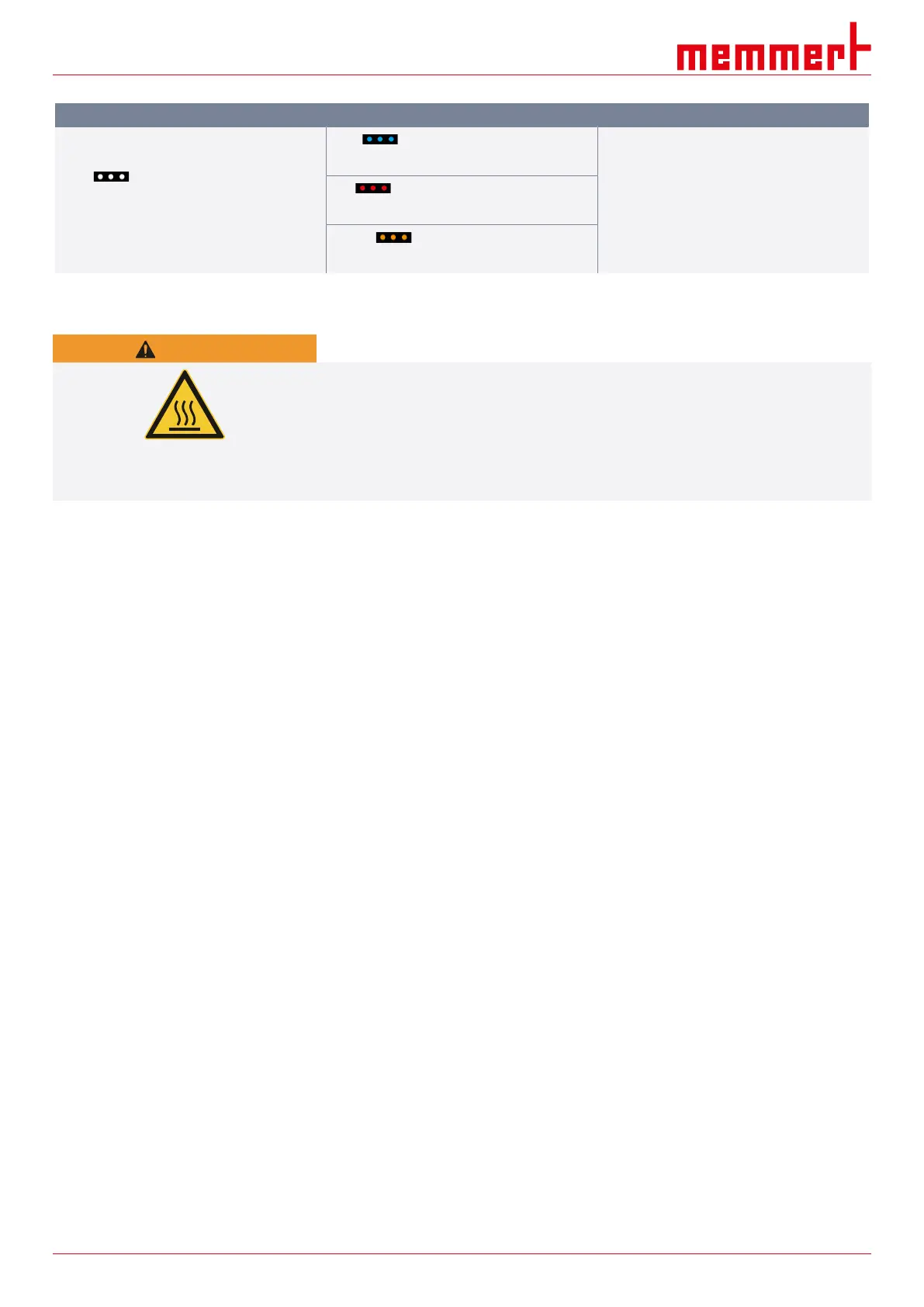
Error description Cause of errors Rectifying errors
Start animation after switching on appears
in a colour other than
white .
Cyan :
not enough storage space on the SD card.
■ Notify customer service
Red :
System files could not be loaded.
Orange :
The fonts and images could not be loaded.
7.2.1 Power Failure
WARNING
Hot surfaces
Depending on the operation performed, the surfaces in the chamber and the chamber load
may still be very hot after a power failure. Additionally, depending on the duration of the
power failure, the appliance might heat up again after the power supply has been
restored. Touching these surfaces can cause burns.
– Wear heat-resistant protective gloves or wait until the appliance cools down first.
In case of a power failure, the unit operates as follows:
In manual mode
After the power supply has been restored, operation is continued with the parameters set.
The time and duration of the power failure are documented in the log memory.
In timer or programme mode
In case of an interruption of the power supply of less than 60 minutes, the current
programme is continued from the point at which it was interrupted. For longer
interruptions of the power supply, all appliance functions are switched off.
After the power supply has been restored, the timer always starts again.
In remote control mode
The previous values are restored. If a programme has been initiated via remote control, it
is continued.



 To Next Page