Operation and Control
31 D53182 02/2024
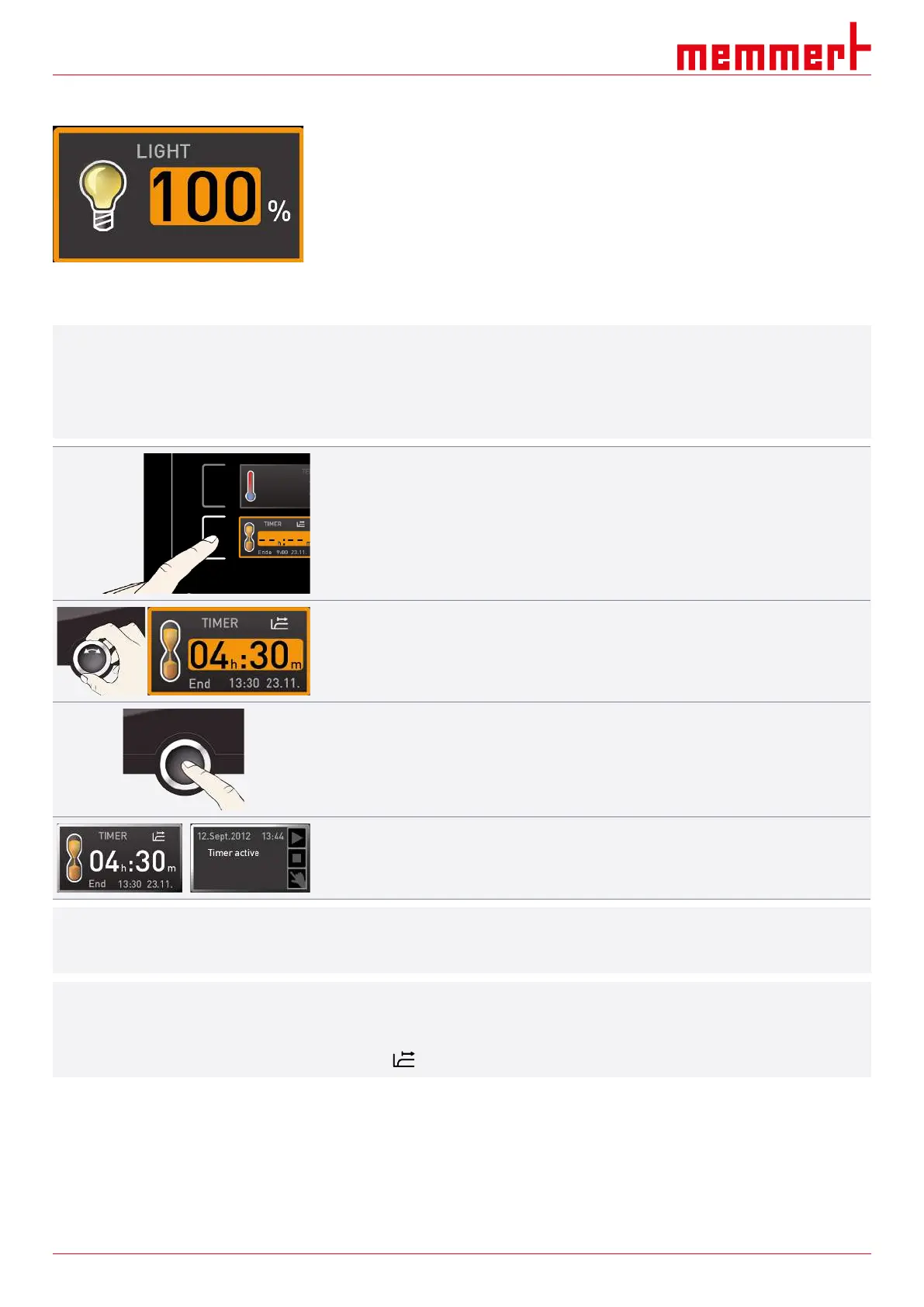
Interior lighting (additional option)
Adjustment options: on (100%) or off (0%)
See also
2 Basic Operation [}28]
2 Nameplate [}13]
2 Technical Data [}14]
6.5.2 Digital Backwards Counter
i
In timer mode, you can adjust the time the appliance runs at the set value. The appliance
has to be in manual operating mode for this.
Up to a duration of 23 hours 59 minutes, the time is displayed in hh:mm (hours:minutes)
format. For 24 hours and more, the format dd:hh (days:hours) is used. The maximum
duration is 99 days and 00 hours.
1. Press the activation key to the left of the timer display.
ð The timer display is activated.
2. Turn the turn control until the desired duration is displayed.
ð The anticipated end time is shown beneath, in smaller digits.
3. Press the confirmation key to confirm.
ð The display now shows the remaining time in large digits and the anticipated end
time in smaller digits beneath.
ð The status display shows “Timer active”.
4. Now, as described in }6.4.2Basic Operation, set the individual reference values to be
used by the appliance during operation.
ð The change takes effect immediately.
i
The set values can be changed at any time while the timer runs down.
i
In Setup, you can choose if the timer should run setpoint-dependent or not, in other words,
whether the timer should not start until a tolerance band around the setpoint temperature
is reached or if it should start right after activation.
The symbol on the timer display indicates that the timer is setpoint-dependent.



 To Next Page