Operation and Control
32 D53182 02/2024
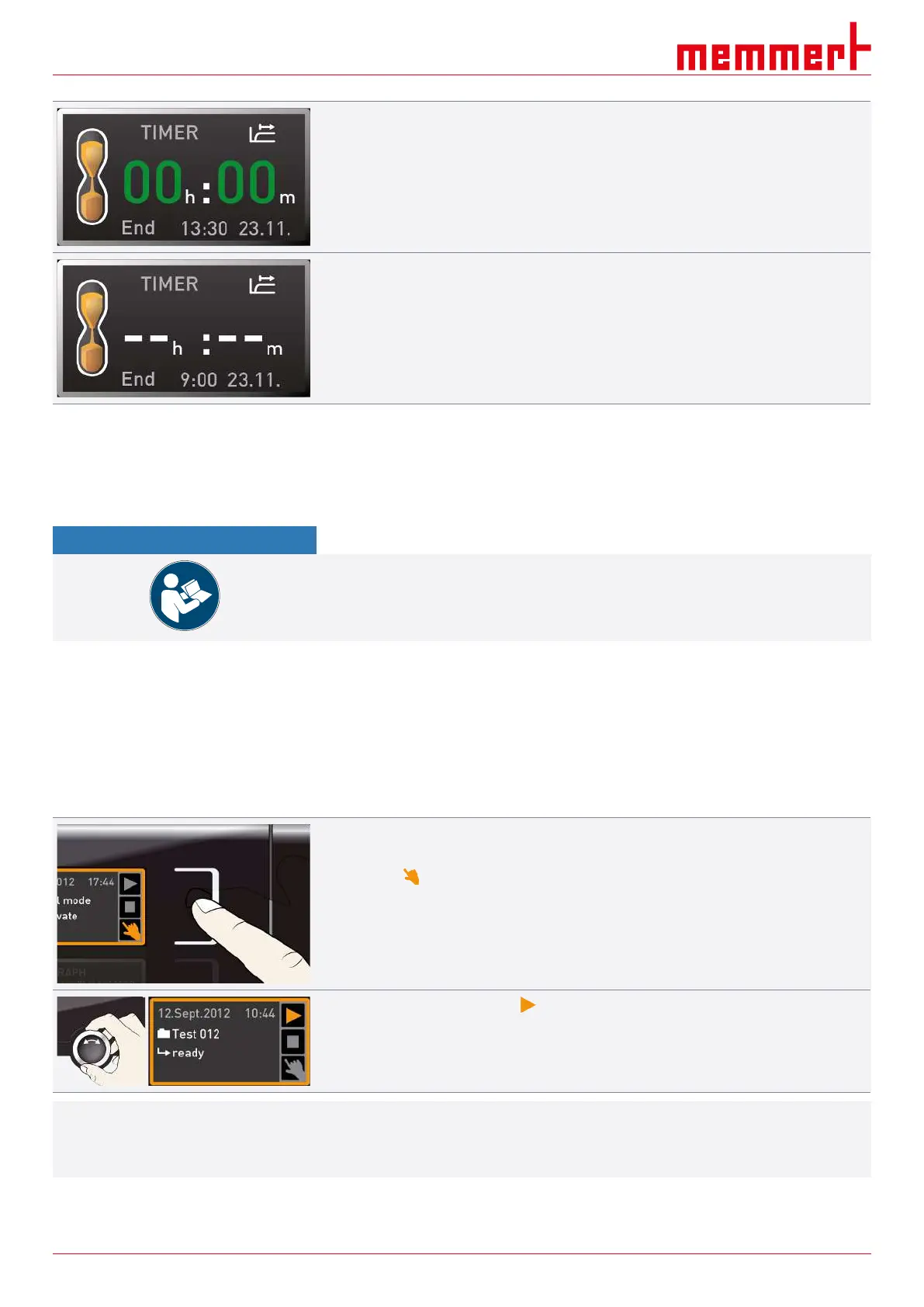
Once the timer has elapsed, the display shows 00h:00m.
■ All functions are switched off.
■ In addition, an alarm sounds, and can be turned off by pressing the confirmation key.
5. To switch off the timer, press the activation key again to display the timer.
6. Turn the turn control to reduce the runtime until --:-- is displayed.
7. Press the confirmation key to apply the setting.
See also
2 Basic Operation [}28]
6.5.3 Programme Mode
NOTICE
A description of how to create and save programmes can be found in the separate
AtmoCONTROL software manual.
In this operating mode, programmes saved in the appliance can be started with different
combinations of individual parameters with offset timings which the appliance then
automatically processes in sequence.
These programmes are not created directly at the appliance but externally at a computer /
laptop using the AtmoCONTROL software then transferred to the appliance using the
provided USB storage medium or via Ethernet.
Starting a programme
1. Press the activation key to the right of the status display.
ð The current operating state is highlighted automatically, in this example manual
mode ( ).
2. Turn the turn control until the start symbol is highlighted.
ð The currently available programme is displayed.
i
Only the programme currently selected in the menu and shown in the display can be used.
If you want to run another programme, you need to activate it in the menu first
(description in }8Menu Mode).



 To Next Page