Operation and Control
33 D53182 02/2024
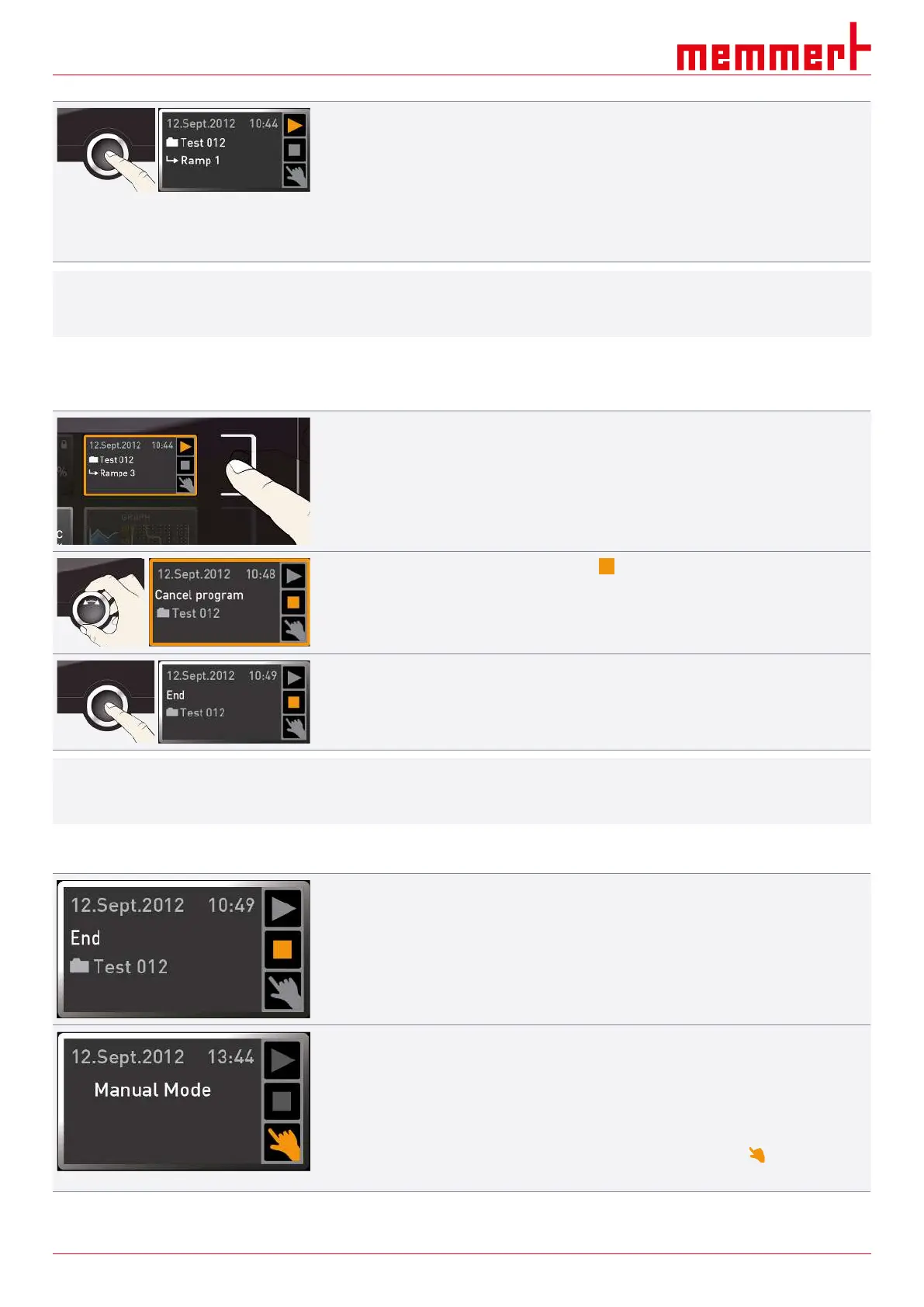
3. To start the programme, press the confirmation key.
ð The programme is executed.
The display shows:
■ the programme name
■ the name of the first programme segment
■ the current cycle (in case of loops)
i
You cannot change any parameters at the appliance while a programme is running.
However, you can still use the displays ALARM and GRAPH.
Cancelling a programme
You can cancel an active programme at any time:
1. Press the activation key to the right of the status display.
ð The status display is automatically highlighted.
2. Turn the turn control until the stop symbol is highlighted.
3. Press the confirmation key to confirm.
ð The programme is cancelled.
i
A cancelled programme cannot be resumed at the point it was cancelled. It must be
restarted from the beginning.
End of programme
The End display appears once the programme has finished normally.
You can now
■ restart the programme as described,
■ select another programme to run in menu mode (see }8.6Programme) and run it as
described,
■ return to manual mode. To do so, reactivate it by pressing the activation key next to
the status display, then turn the turn control until the hand symbol is highlighted in
colour and press the confirmation key.
See also



 To Next Page