100
Tablets Remote Access - Using the Anubis IP Address
Connect your Anubis to your network while making sure that this one has a direct connection to
a Wi-Fi Access Point.
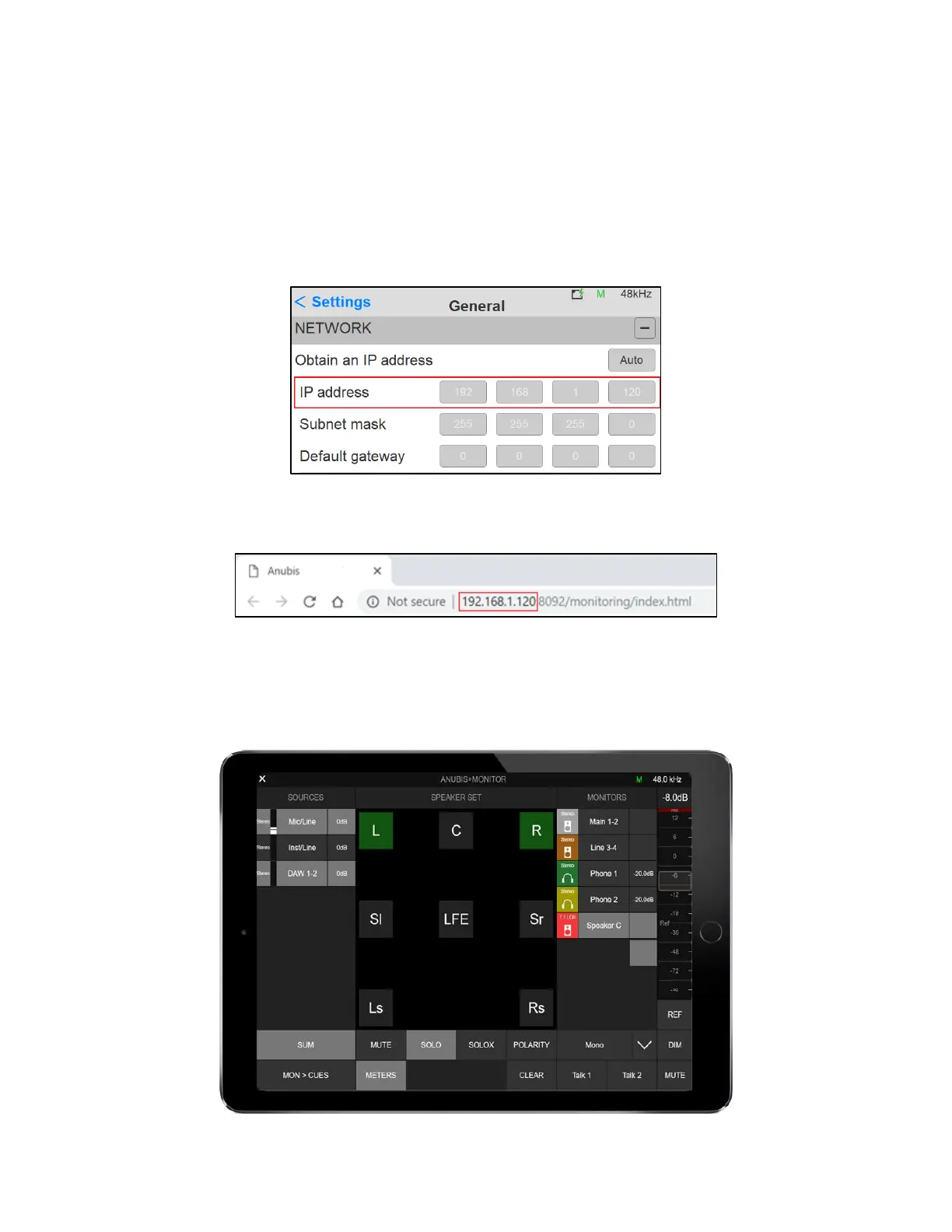
Find the Anubis IP address under Settings > General into the Network IP address entry
Type your Anubis IP address in the web browser and press enter to open the Remote Web User
Interface
This method works with Chrome, FireFox, Opera and Safari, but does not work with Microsoft
Edge.
Note: Merging certifies and recommends the use of Google Chrome.



 To Next Page