99
How to Open the Remote Web User Interface
PC Users:
Once Anubis is properly connected to your PC launch ANEMAN and double mouse click on the
Anubis icon. This will open the Monitoring Web Access page into your default web browser.
Users can also open the Web User interface page from MT Discovery by simply clicking on the
Anubis entry.
Mac Users:
Once Anubis is properly connected to your Mac, open the VAD Panel and click on the Anubis
Icon. This will open the Anubis Monitoring Web Access page in your default browser. Users can
also open the Web User interface page from ANEMAN or MT Discovery by clicking on the Anubis.
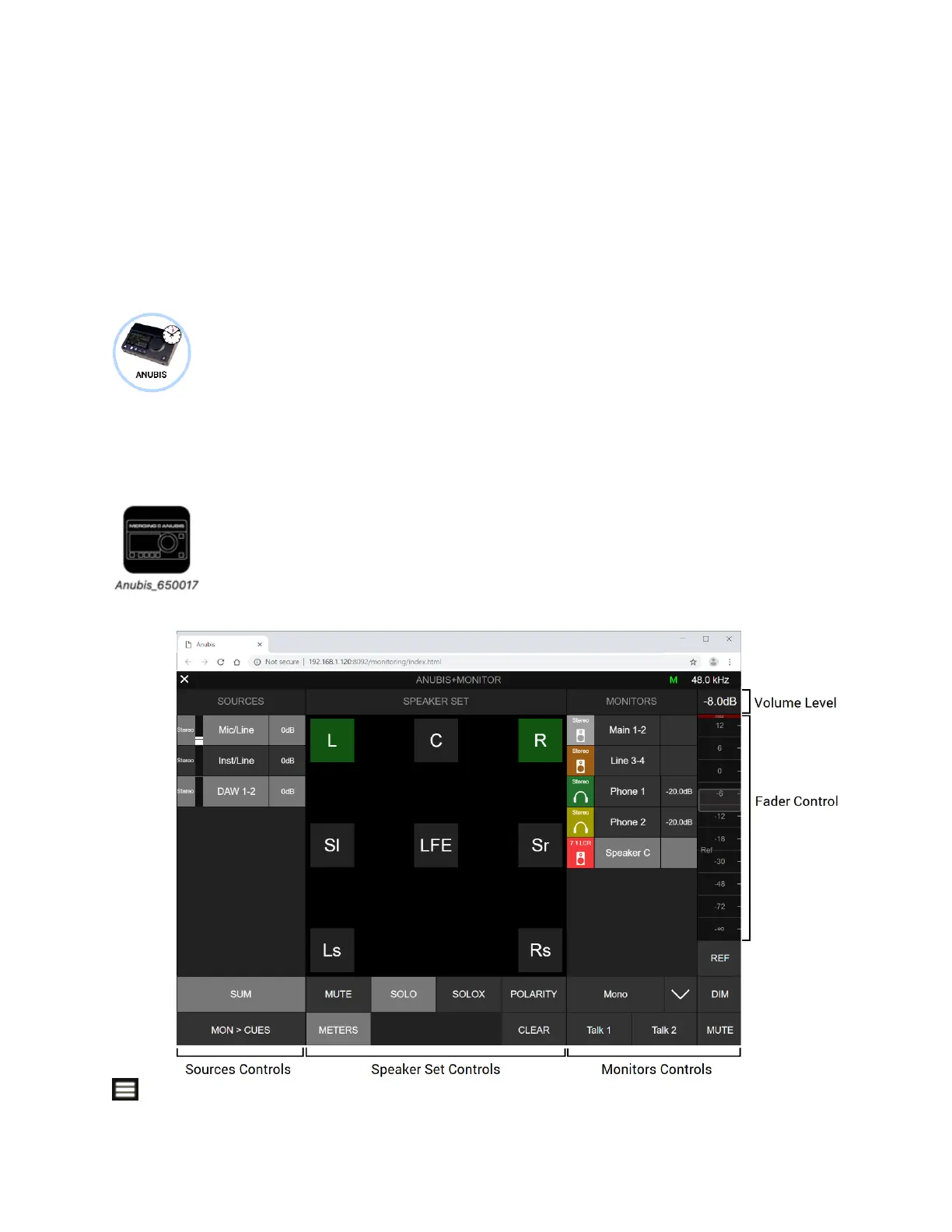
Web User Interface Page
Click on at the top left corner to display the Sources & Monitors Control.



 To Next Page