34
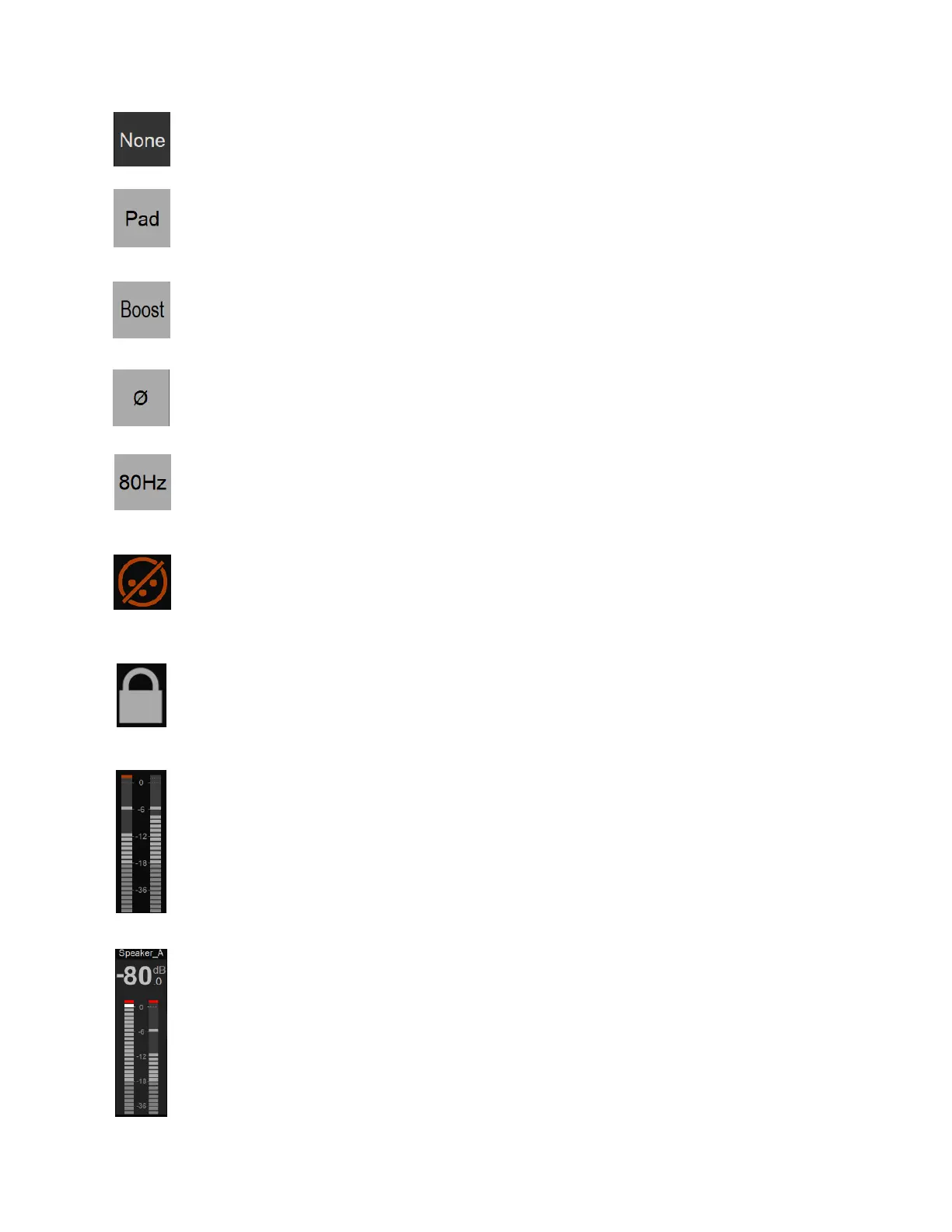
None: Max Mic input level +12dBu for 0dbFS (when Gain set to 0)
Pad: Attenuates (lowers) the mic input signal level by 12 dB > Max Mic input level
+24dBu
Boost: Increases (boosts) the mic input signal level by 12 dB > Max input level
0dBu Note: Recommended for Ribbon Microphones that have low output.
Polarity: Polarity invert option. When lit, it inverts the polarity of the selected input
signal.
80 Hz: Low cut filter 80 Hz. Second order, 12 dB/octave.
Cut: This option allows the operator to Cut a channel input. By example to Cough
Cut a microphone input. It can also be used to avoid potential noise when
connecting or disconnecting an XLR or Jack input.
Lock: Enabling the lock option will prevent the input parameters being changed.
This could be useful for safety or in order to maintain a calibration for an external
analog processing chain.
Meters: The Meters default display scaling range goes from -90 dBFS to 0 dBFS.
Note: Refer to the General Settings in order to configure and adjust the Level meter
color range (Peak, Alignment and Decay time).
Peaks: The top Red led of the Preamp metering will indicate that a Peak has
occurred. In order to clear the Peak display, simply tap on the meters VU to clear
the Peak.
Output: The Output meters located on the far right of the UI display the Output
level and metering of the selected Monitor whether it is a local Monitor (Main, Line,
Headphones 1, Headphones 2) or an over the network Monitor set.
The name of the selected Output is displayed at the top of the meters.
Note: Despite the display being two channels, the peak of all channels, split in left and
right channels is indicated.



 To Next Page