35
Inputs 3-4 Instruments/Line:
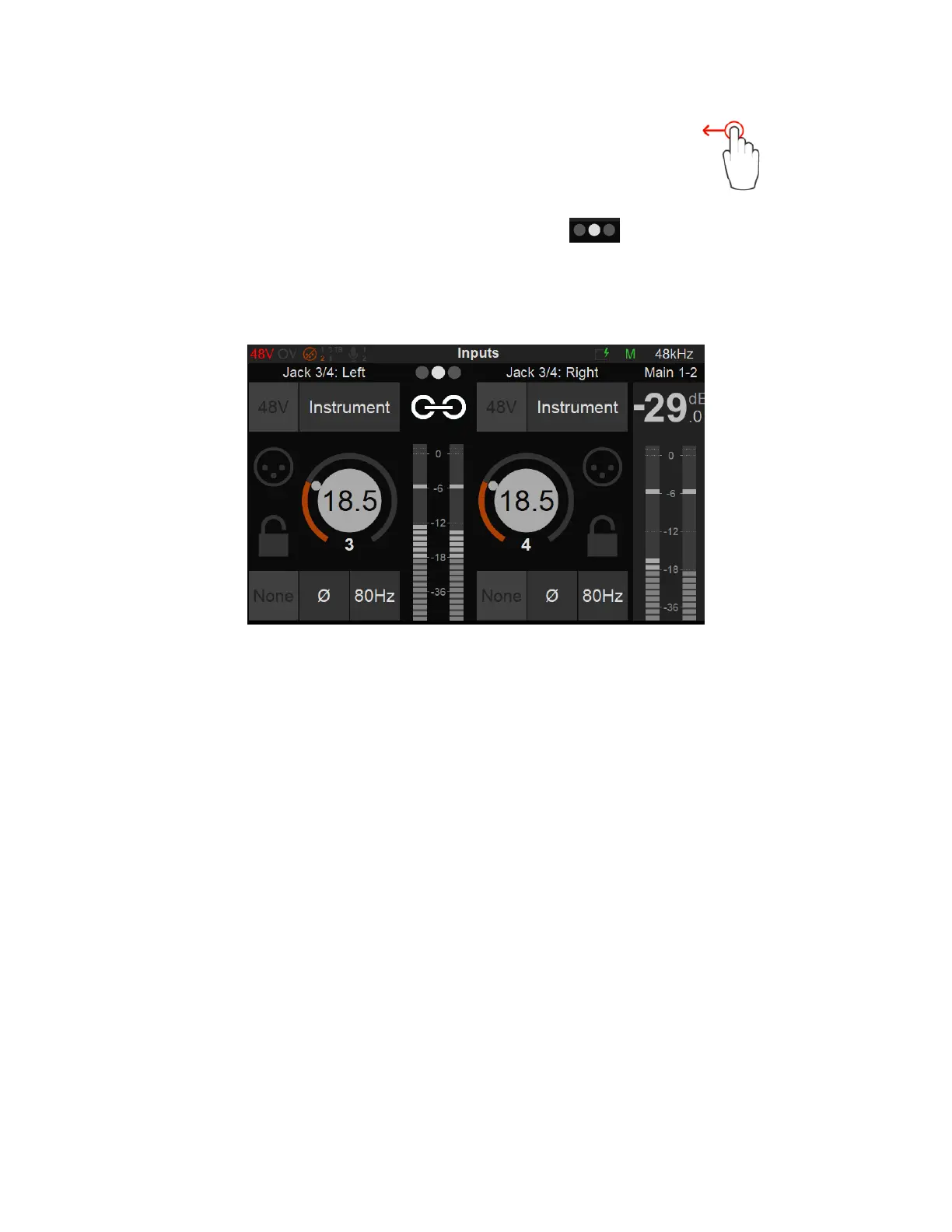
Swipe from Right to Left on the TFT screen to access the Anubis Inputs 3-4
The location indicator will show second Preamps page.
The Instruments (Hi-Z)/Line inputs 3-4 are the ones located on the front panel of the ANUBIS on
1/4" connectors (6.3 mm). This second Preamps page will give you control over those Preamps.
The Preamps controls for those inputs 3-4 are similar to inputs 1-2 but will apply to Hi-Z,
Instruments or Line inputs types only. Thus, the 48V Phantom power and Pad/Boost options are
not available for the Anubis inputs 3-4.
Note: Input 4 is shared with the Built-in Talkback. Connecting an Instrument or Line input jack into this
input will deactivate the built-in Talkback (Channel 5).
It is recommended when you pull out a Jack out of the input 4 to either Mute your Monitors or Cut the
Input 4 preamp signal prior to pulling out the Jack to avoid an accidental short feedback situation
between the built-in talkback Mic and the Monitor set.



 To Next Page