41
Brightness Display
Adjust brightness of the TFT display using the Anubis rotary encoder to increase or decrease it.
Buttons Intensity
Adjust brightness of the Anubis physical buttons by using the Anubis Rotary Knob to increase or
decrease the intensity.
Fan
Cooling Mode: Settings are available for either Low, Mid or High Cooling. This affects the
threshold at which the fan will start to operate, with reference to the temperature measured
internally. While there is no universal preferred setting, we recommend that unless noise levels
are a concern, you leave the setting on Mid for adequate cool operation and protection.
- Low: Fan starts above 50°C
- Mid: Fan starts above 45°C
- High: Fan starts above 40°C
When above these thresholds, Fan always starts at the lowest speed (minimum noise), and
gradually increases proportionally to the measured temperature.
Note: The Anubis will shutdown automatically as a precaution when reaching a temperature of 66°C.
Stop on Talk
Enabling the Stop on Talk option will stop the Fan when engaging the Anubis Talkback button.
Once released, the fan will start back if it has to (depending of the measured temperature).
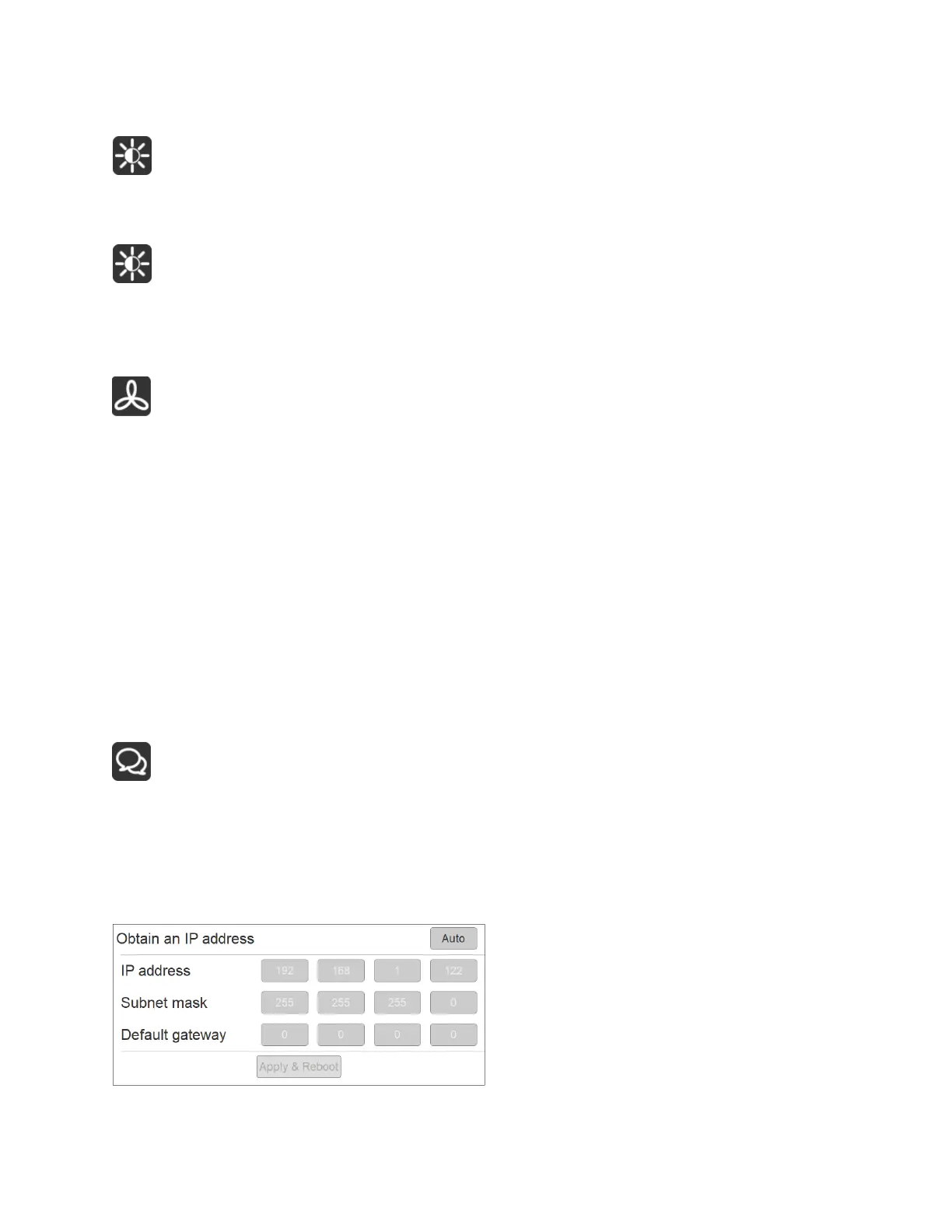
Network Settings



 To Next Page