42
Obtain an IP Address
Manual: Tap the address field you wish to edit and select the value using Anubis Rotary Knob
Auto: The IP address will be automatically attributed using ZeroConf/Auto-IP mechanism
(address range 169.254.x.x if no DHCP server is present)
Note: By default the Anubis IP setting is set to “Auto” configuration mode
IP address
Set the IP Address for the Anubis unit by using box selection and changing the value using the
Anubis rotary knob. Available only with IP Settings = Manual
Default: 169.254.x.x
Subnet mask
Set the Subnet Mask (subdivision of an IP network) for the Anubis unit by using box selection and
changing the value using the Anubis rotary knob. Available only with IP Settings = Manual
Default: 255.255.0.0
Default gateway
Computer network node using the Internet Protocol Suite that serves as the forwarding host to
other networks when no other route specification matches the destination IP address of a packet
Default: 0.0.0.0
Apply & Reboot
Once changes have been made to this section, you must press this button to save the settings
and power cycle the Anubis unit, shutdown and reboot.
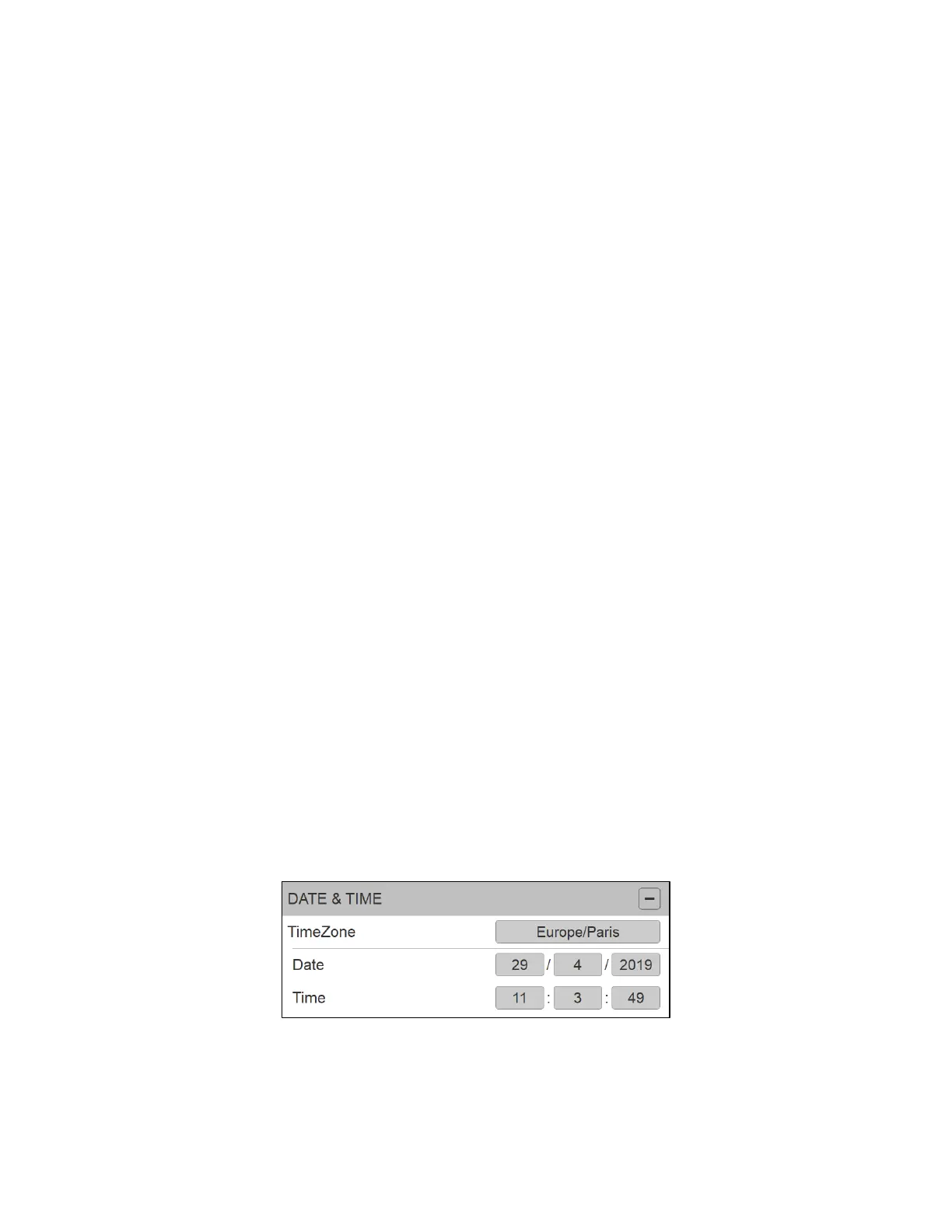
Date & Time
Anubis includes a real-time clock that is battery powered even in the absence of external power.
TimeZone
Select your local timezone from the dropdown menu



 To Next Page