45
Two different types of Sources can be created
Create New Source
Standard Sources: for example, for a DAW playback, External Multichannel device, Physical
Inputs
Create New Stream Listener
To Monitor the streams available over a RAVENNA/AES67 network, streams have to be
compliant with RAVENNA or AES67, once available Anubis will see those and allow the users to
select them for monitoring purpose.
> Enter a Source configuration by tapping the Source line
Select to delete a Source upon confirmation in message dialog
Enable or disable a source
Disabling a source will hide it from the Main Anubis menu pages. Doing so will not delete the
Source but simply hide it with a gray icon it can be re-enabled at any time.
Name
Name the Source choosing a predefined name from the drop-down dialog and enumerate it
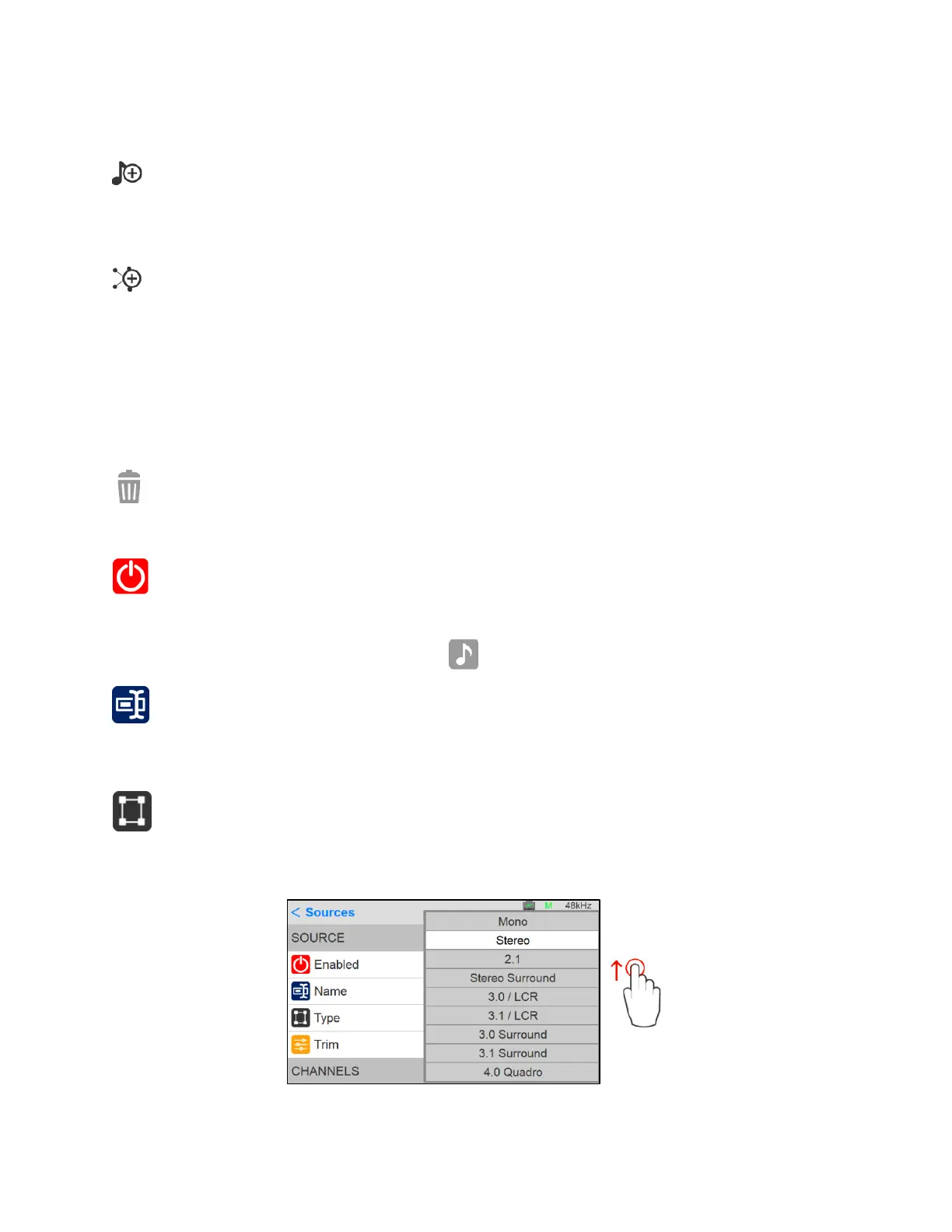
Type
Select the source channel type. Predefined sources are available from mono to 22.2 Channel
mappings. Scroll to see all available entries.



 To Next Page